Professional Image To Image AI Generator
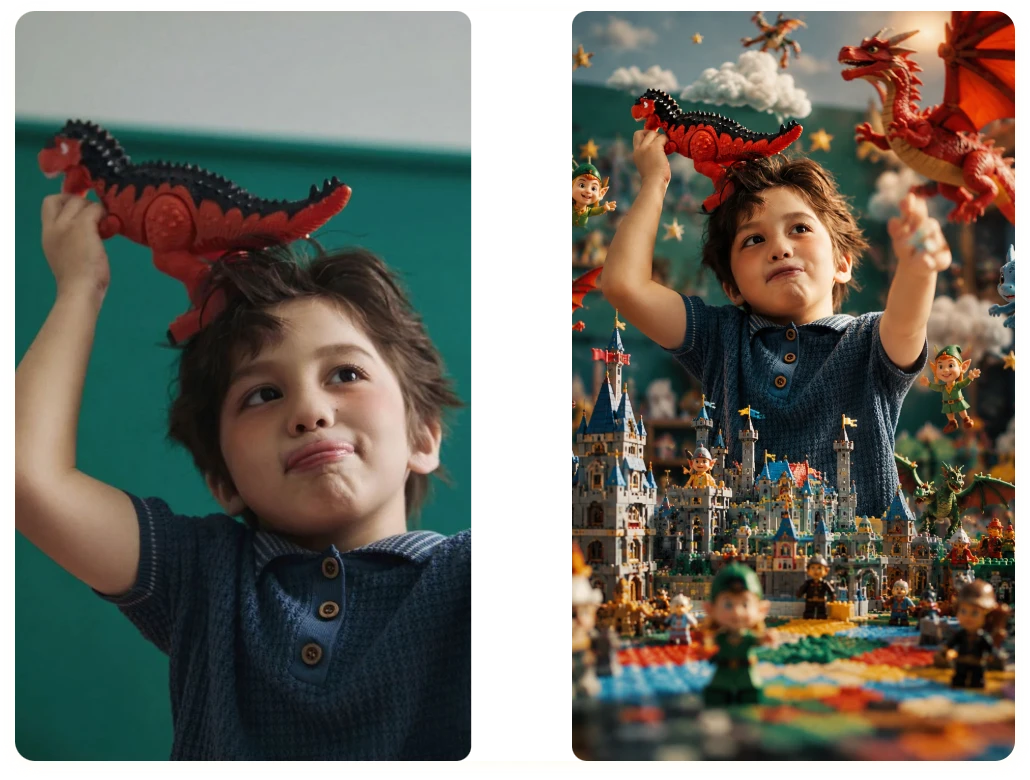
Image To Image AI transforms, restyles, and enhances images using simple text prompts. Built for creators, designers, marketers, and game developers.
Model
Image
0/5
Upload Image
We accept .jpeg, .jpg, .png, .webp formats up to 24MB.
Prompt
Sample:
Ratio
Output Num
Here's Why Our Image To Image AI Stands Out
Outstanding AI-Generated Results
Get crystal-clear images ready for personal, commercial, and professional use.
HD, Watermark-Free Images
Your uploads stay protected with secure processing and strict privacy safeguards.
Safe and Private AI Creations
Create stunning, realistic, and highly detailed image transformations every time.
Fast Output Speed
Generate high-quality image transformations in seconds, without sacrificing detail or accuracy.
Transform in Three: Your Image To Image AI Journey
AI does the complex stuff; you take the credit. That's Image To Image AI Generator.
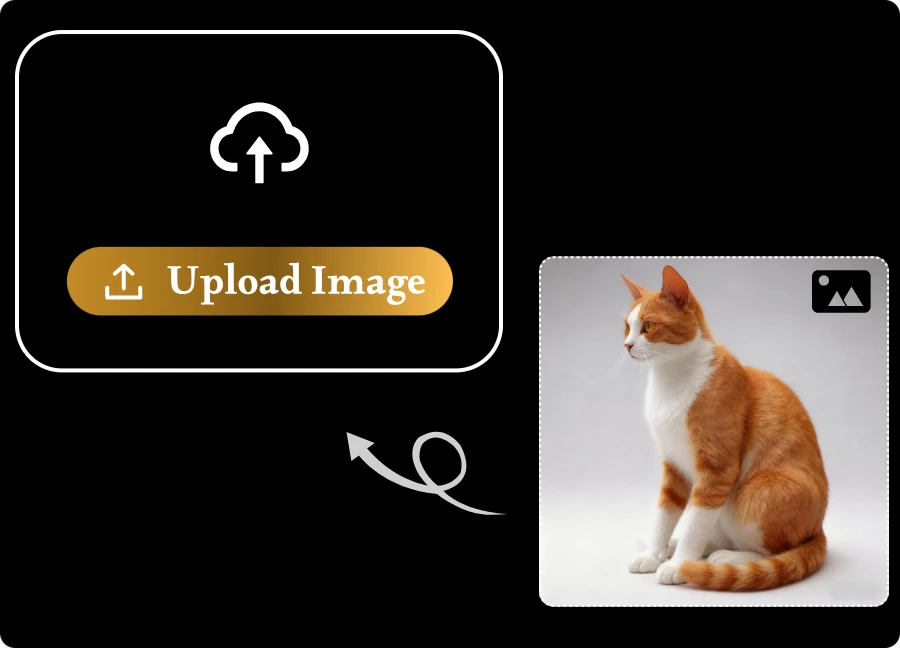
Step 1: Upload Your Image
Drag and drop your image to get started. Supported formats: JPG, JPEG, PNG, and WEBP (up to 24MB per file, max 5 images).
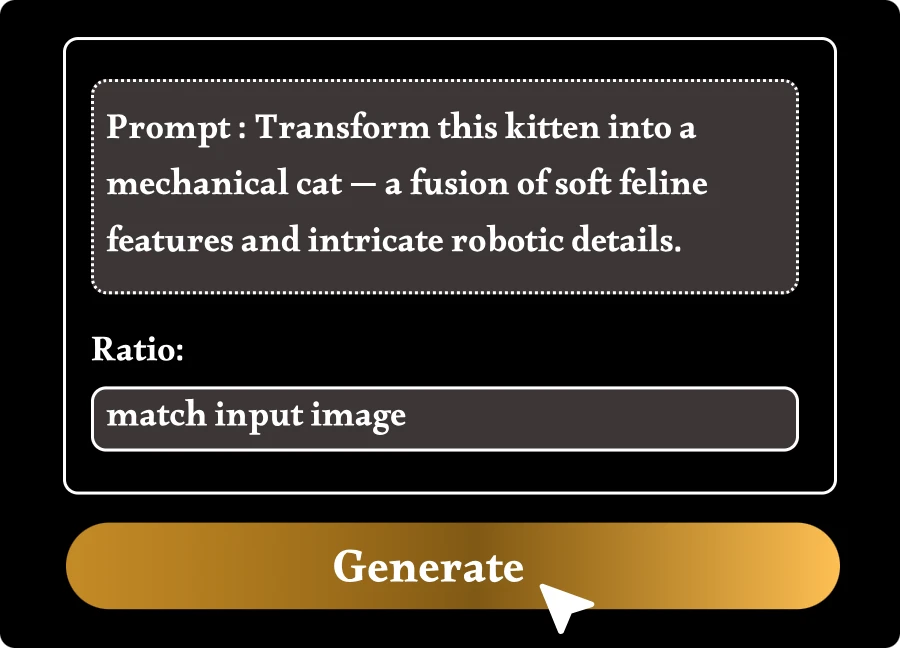
Step 2: Customize Your Image Transformation
Enter a prompt and choose an aspect ratio. You can change styles, enhance details, or completely transform the image.
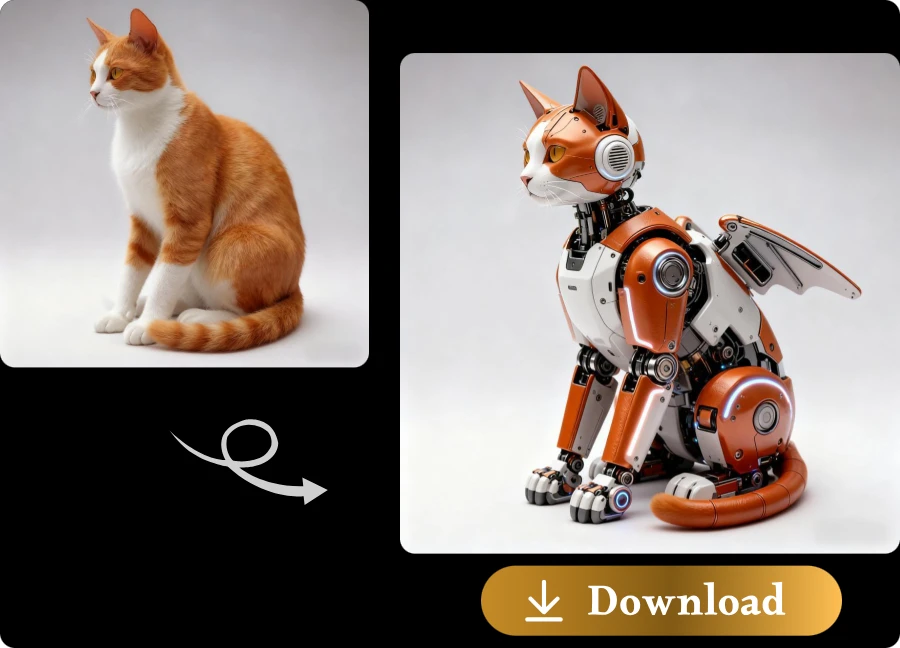
Step 3: Download High-Quality Images
AI generate your image in seconds, review the result, and download it in high resolution for personal or professional use.
Where Creativity Meets Intelligence: Image To Image AI Generator
Creative Freedom Powered by Multiple AI Models
Unlock limitless creativity with AI photo editor and a diverse selection of advanced AI models. Whether you're transforming photos, exploring artistic styles, or generating professional visuals, you can choose the model that best fits your vision and achieve unique results tailored to every creative project.
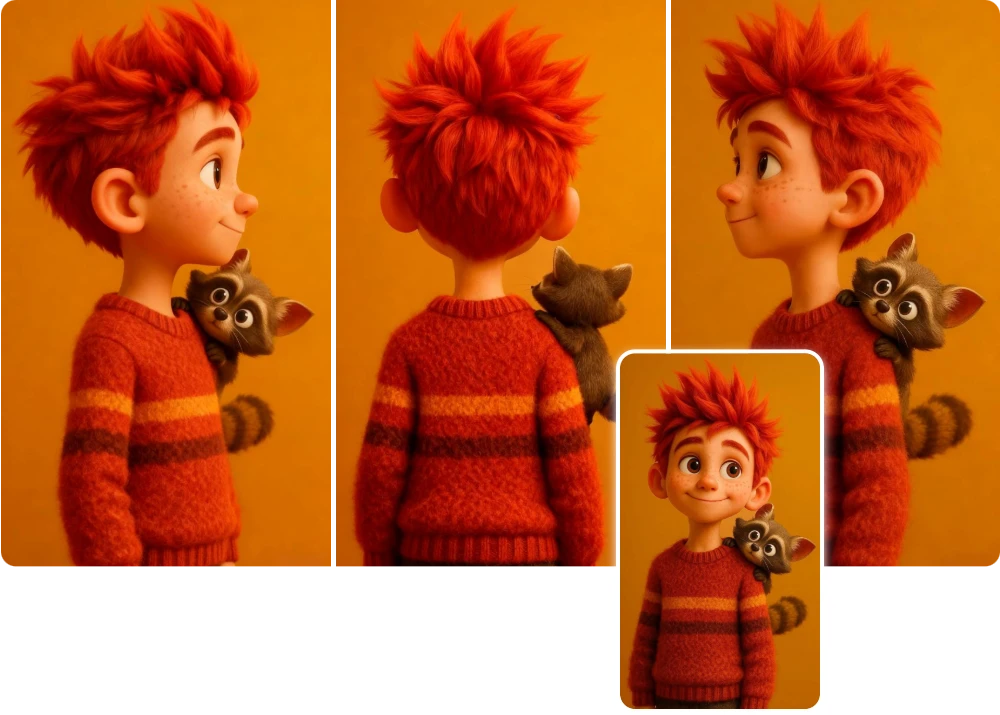
Consistent Characters, Cohesive Stories
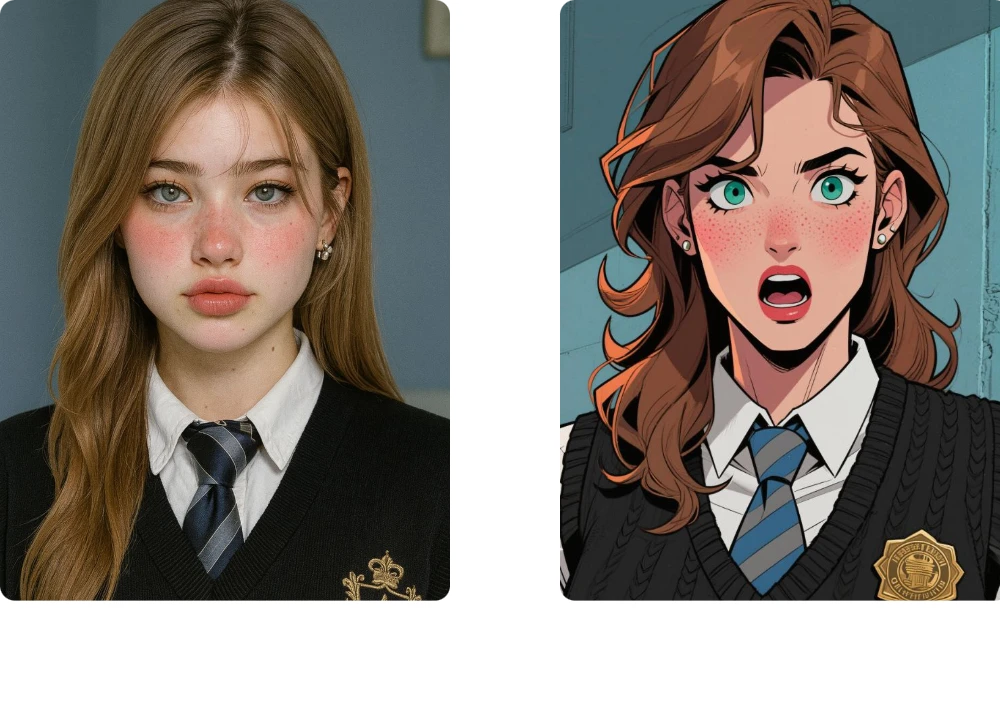
Create visually consistent characters and narratives across multiple scenes with our AI image generator from image. Maintain facial features, outfits, artistic styles, and storytelling continuity effortlessly, making it easier to develop comics, storyboards, marketing campaigns, and long-form visual content.
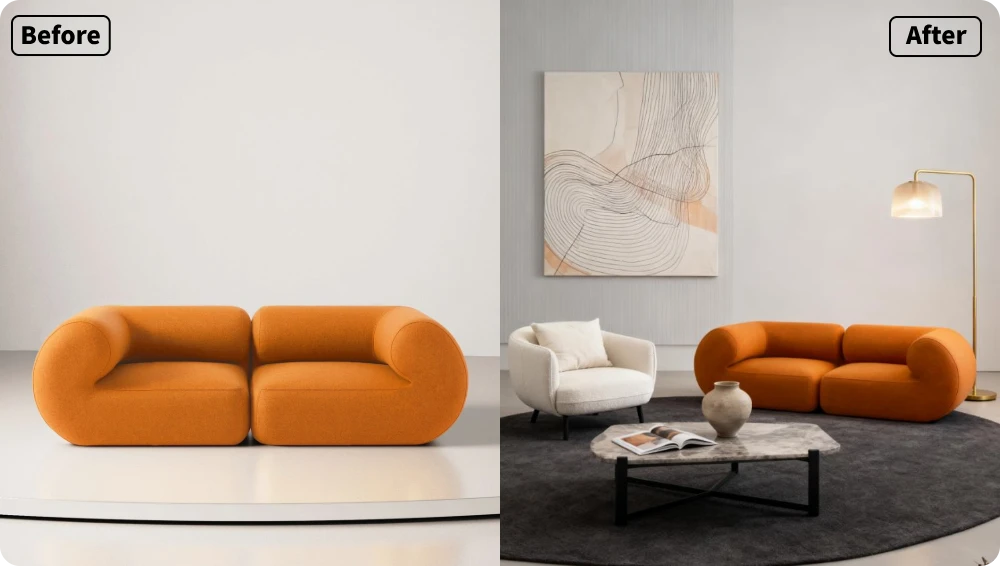
Built for Game Creators with a Professional AI Image Editor
Turn concepts into immersive game assets with our free AI image editor. Design characters, environments, props, and visual prototypes faster than ever. From early ideation to production-ready artwork, streamline your creative workflow and bring entire worlds to life with AI-powered image transformation.
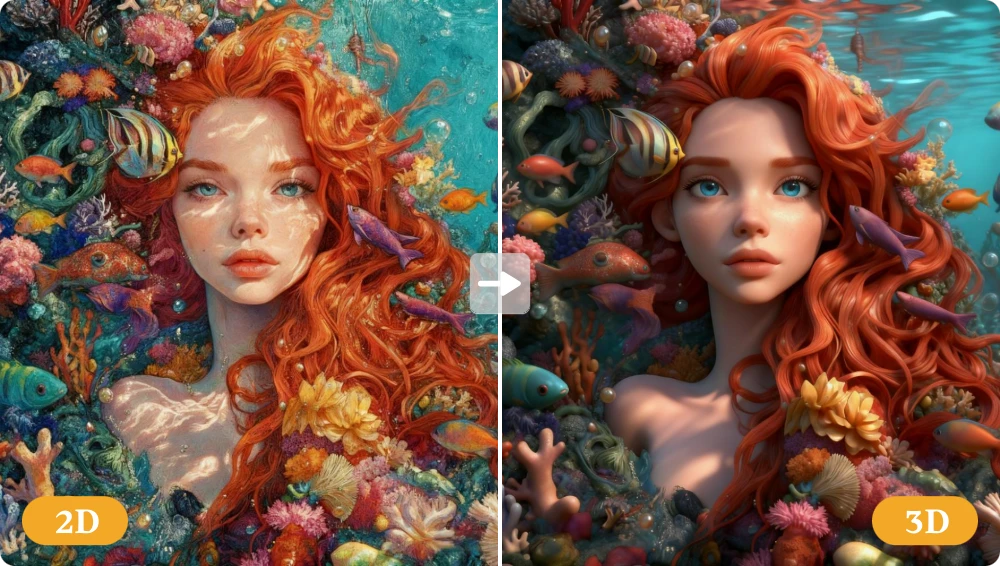
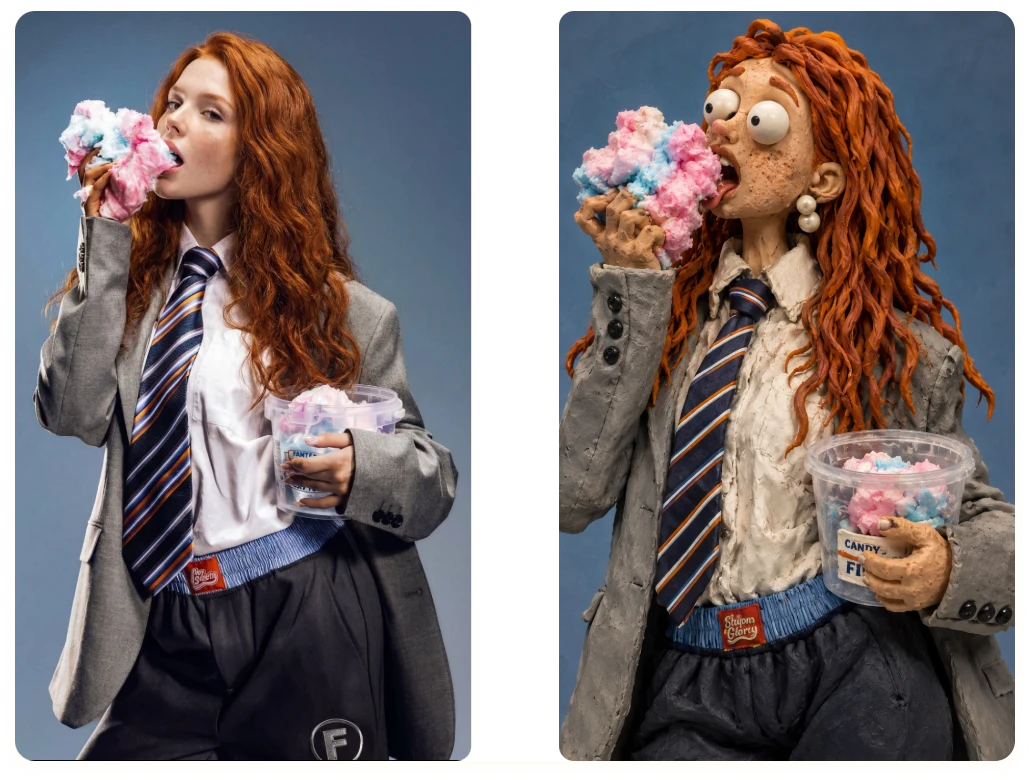
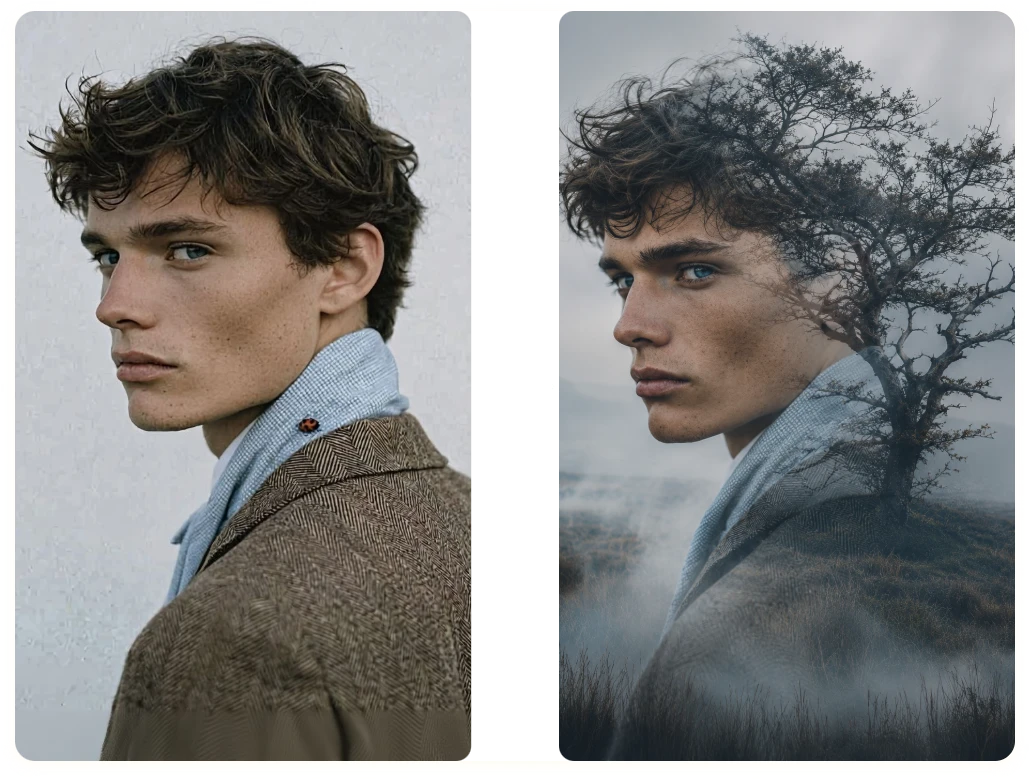
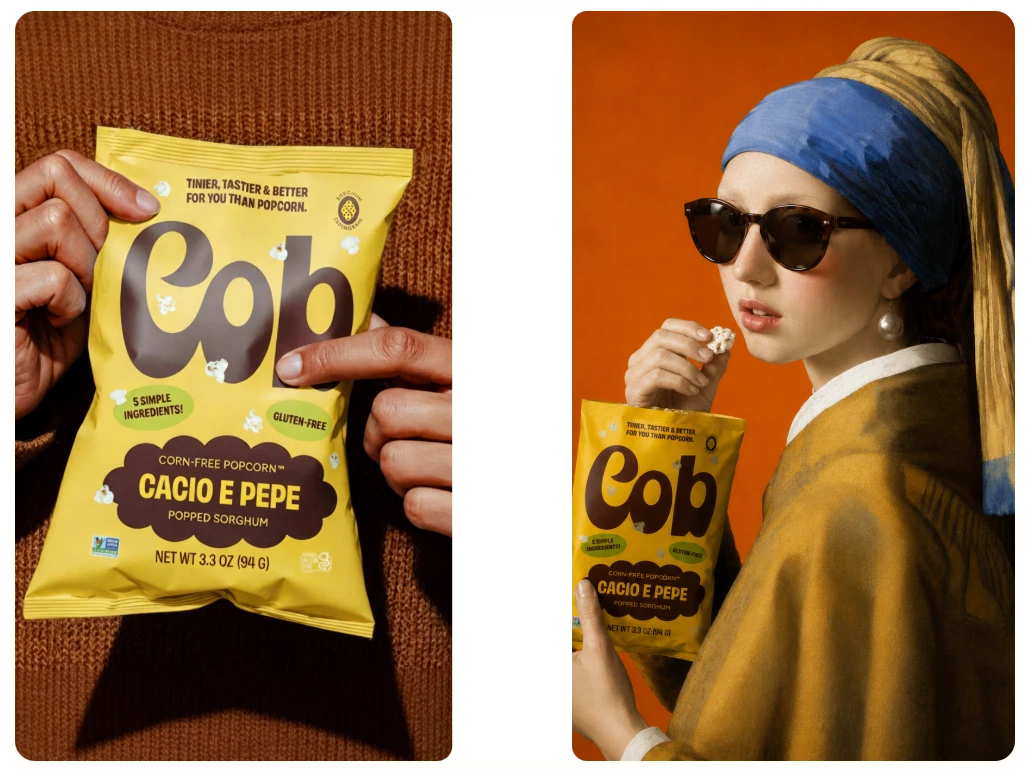
Where Creativity Meets Free Image to Image AI Generator Online
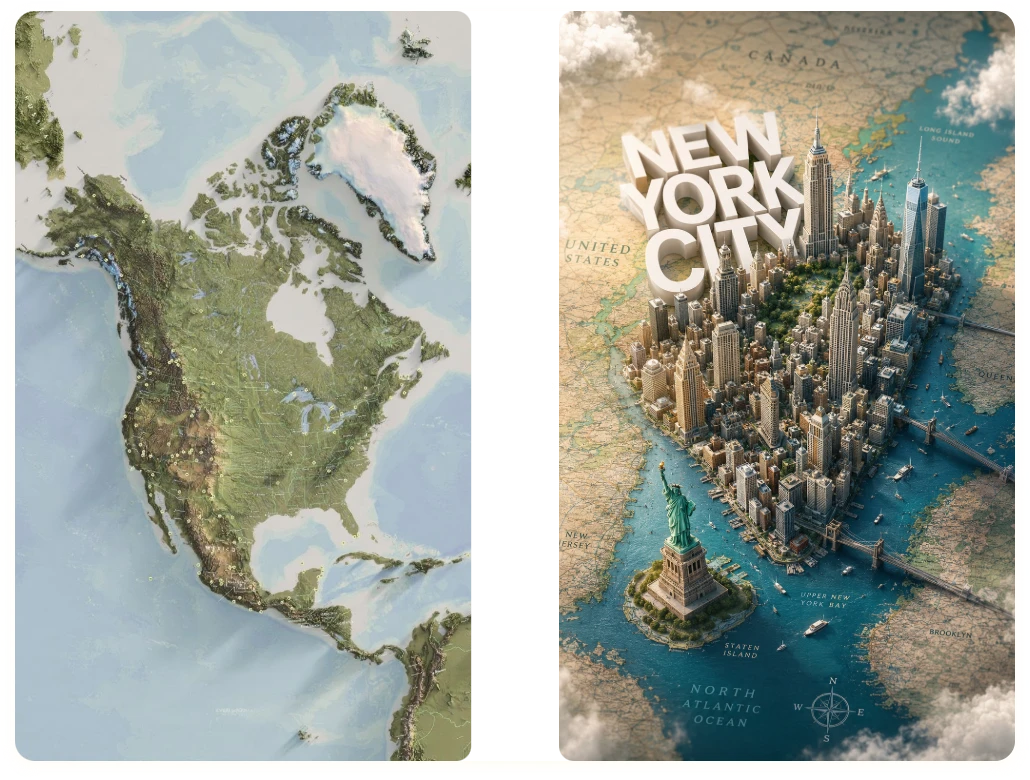
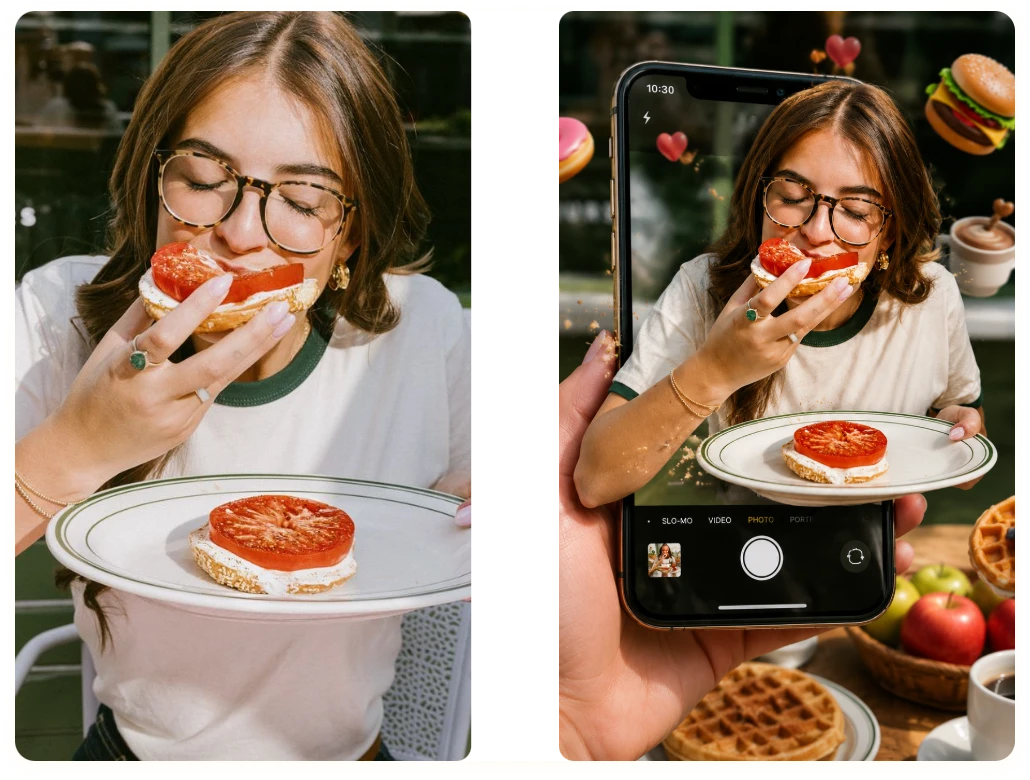
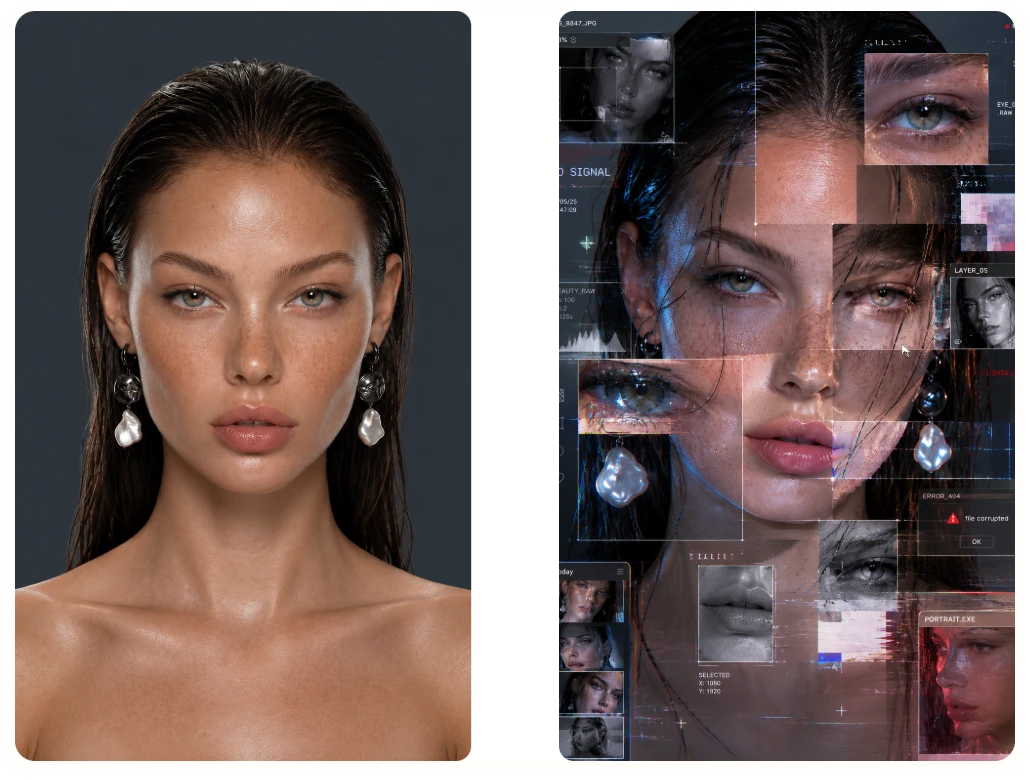
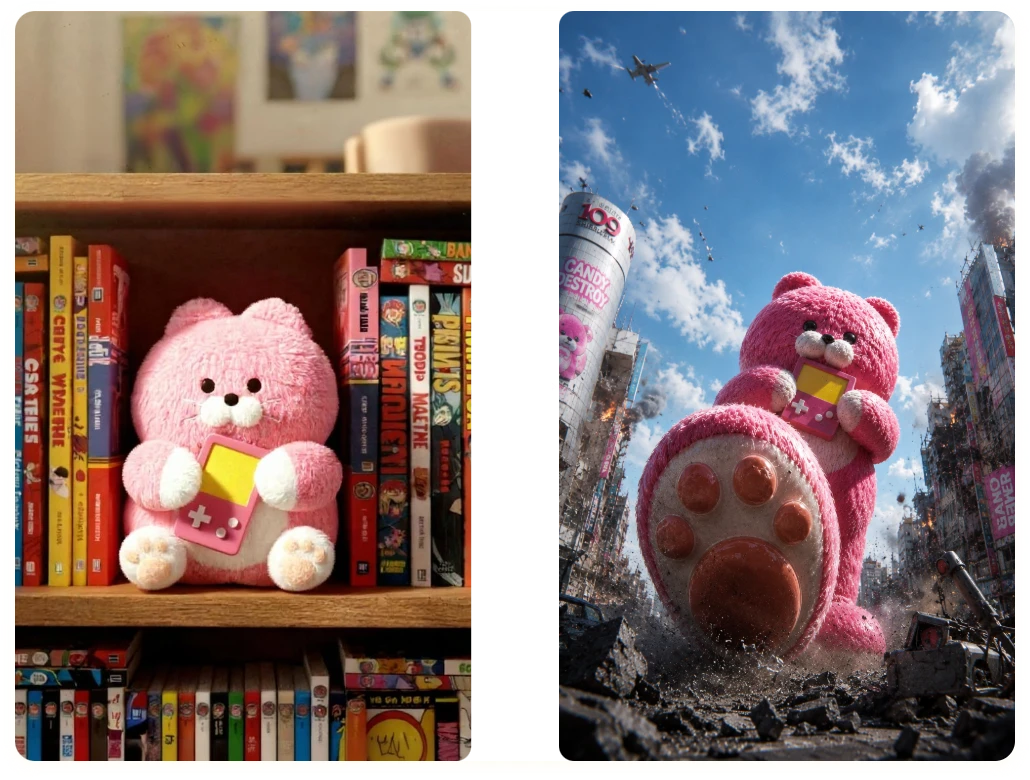
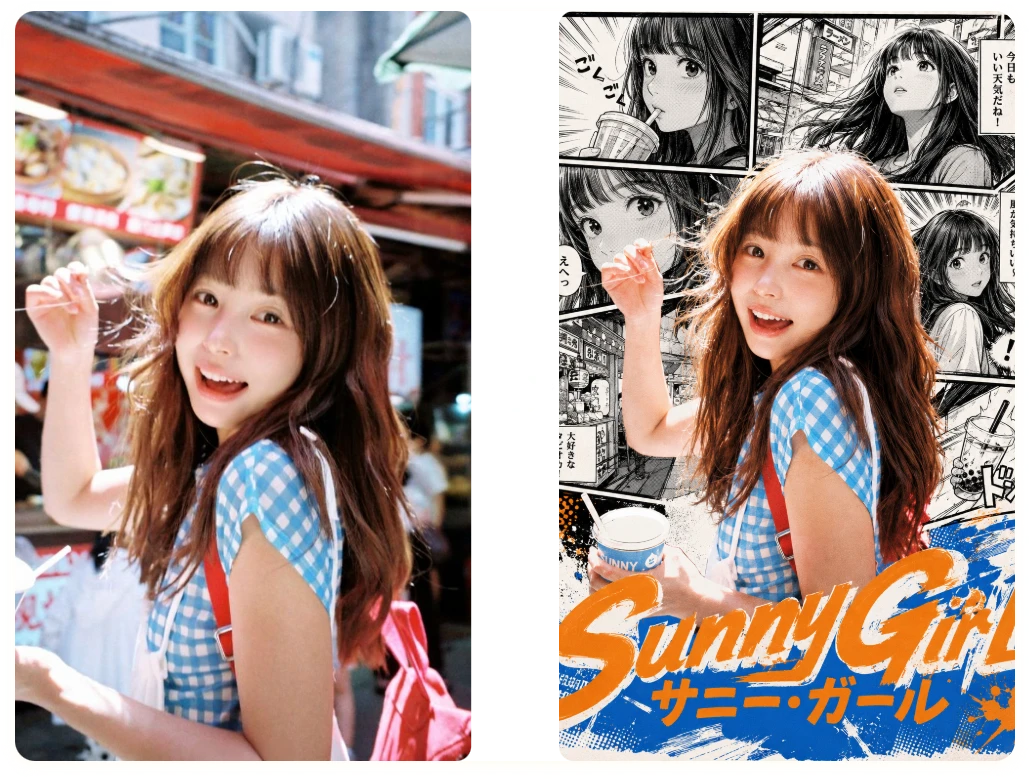
See Why Users Trust Our Free AI Photo Editor
Real users, real creativity - here's how AI image generator from photo is inspiring imagination and redefining visual storytelling.
"
While building a fantasy RPG, I used the tool to transform rough concept sketches into consistent character designs. It helped me visualize ideas much faster, reducing my prototyping time from days to just a few hours.
Lena Harper
Indie Game Developer
"
I was working on a short comic series and needed consistent character appearances across multiple scenes. The AI photo editor maintained visual continuity remarkably well, helping me finish the project nearly a week earlier than planned.
Daniel Cho
Comic Artist
"
Before presenting to investors, I used free ai image editor to create polished visual prototypes from basic mockups. What would normally take a designer an entire day was completed in less than an hour, allowing me to focus on refining the pitch.
Sofia Martins
Startup Founder
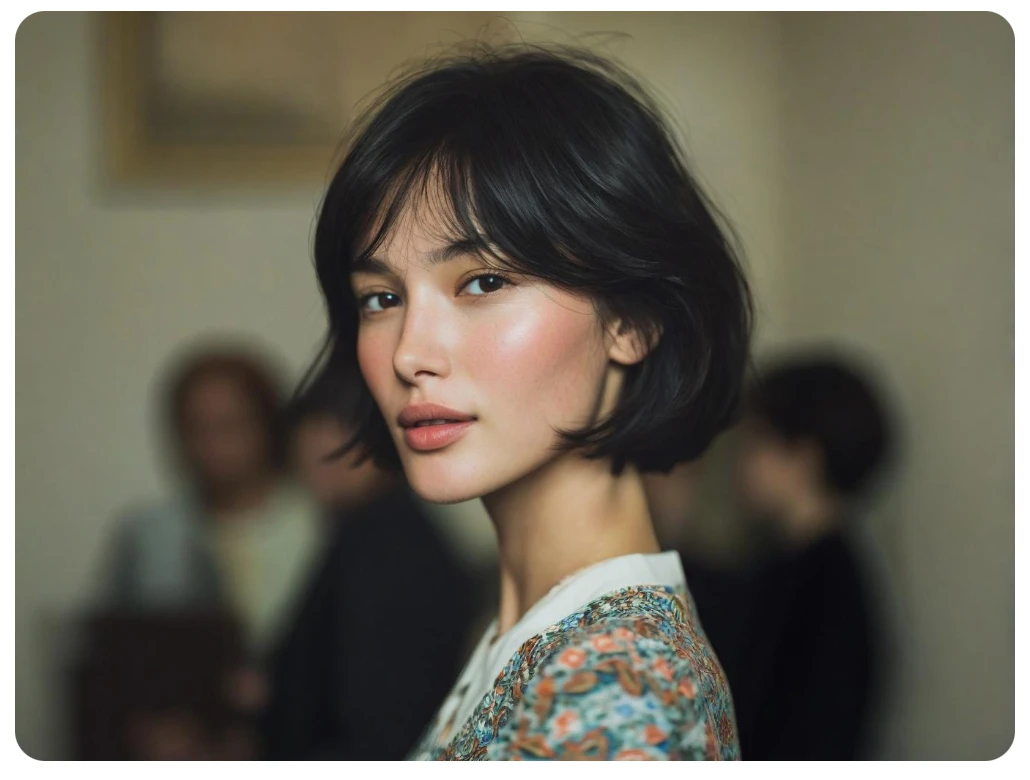
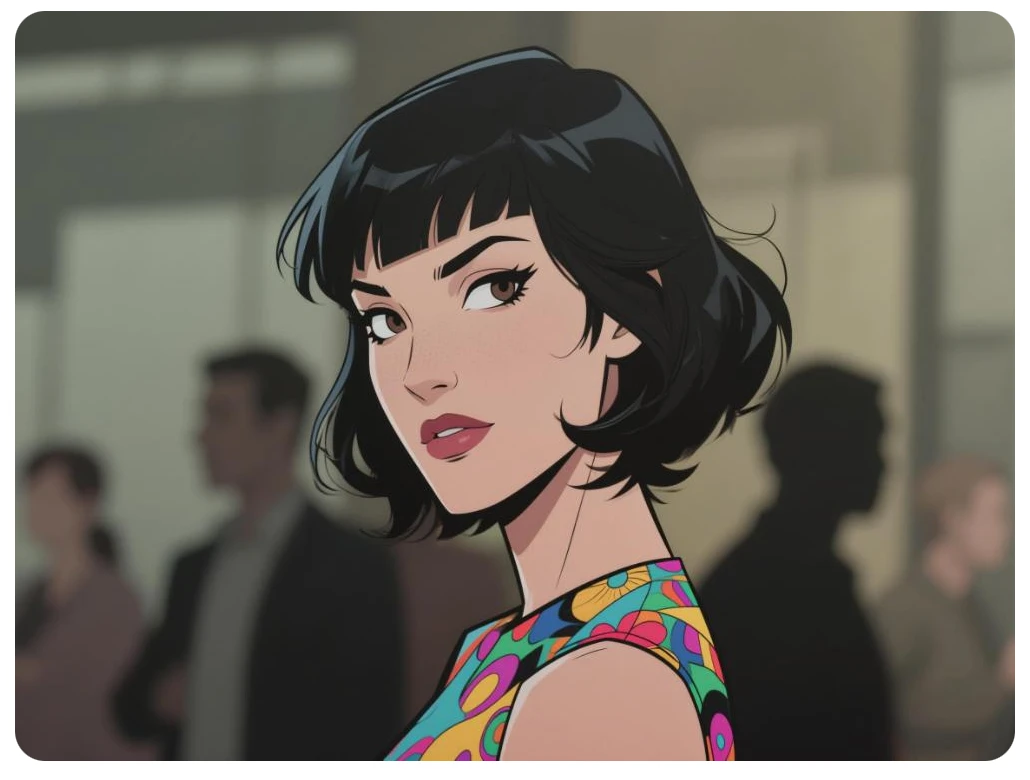
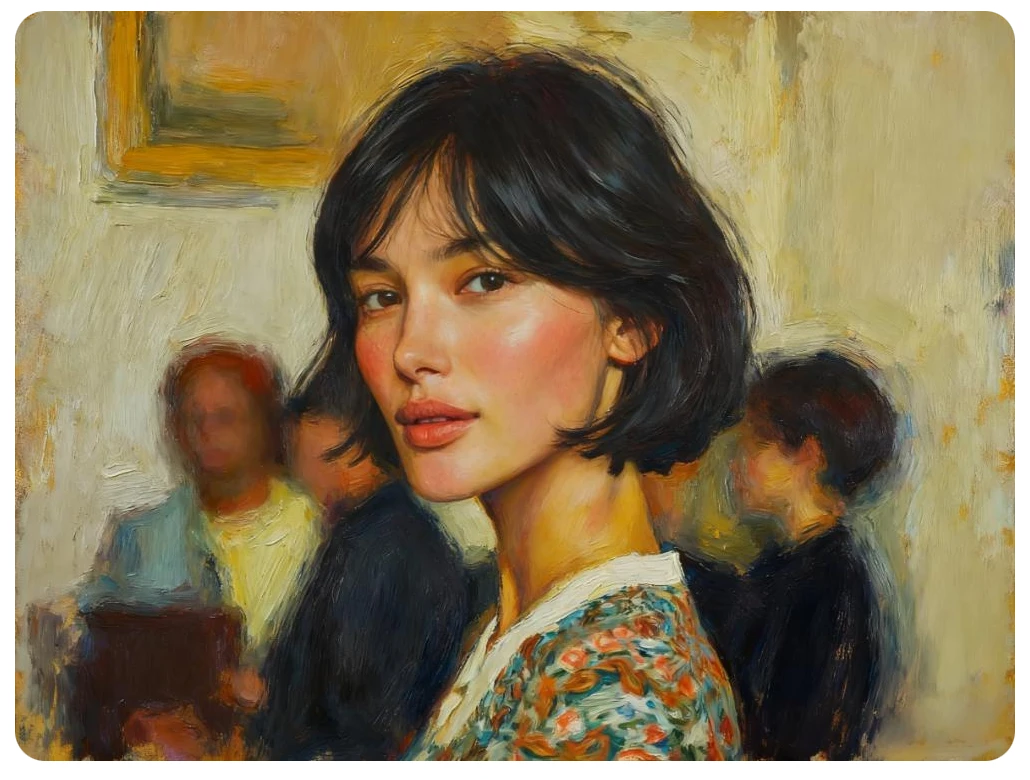
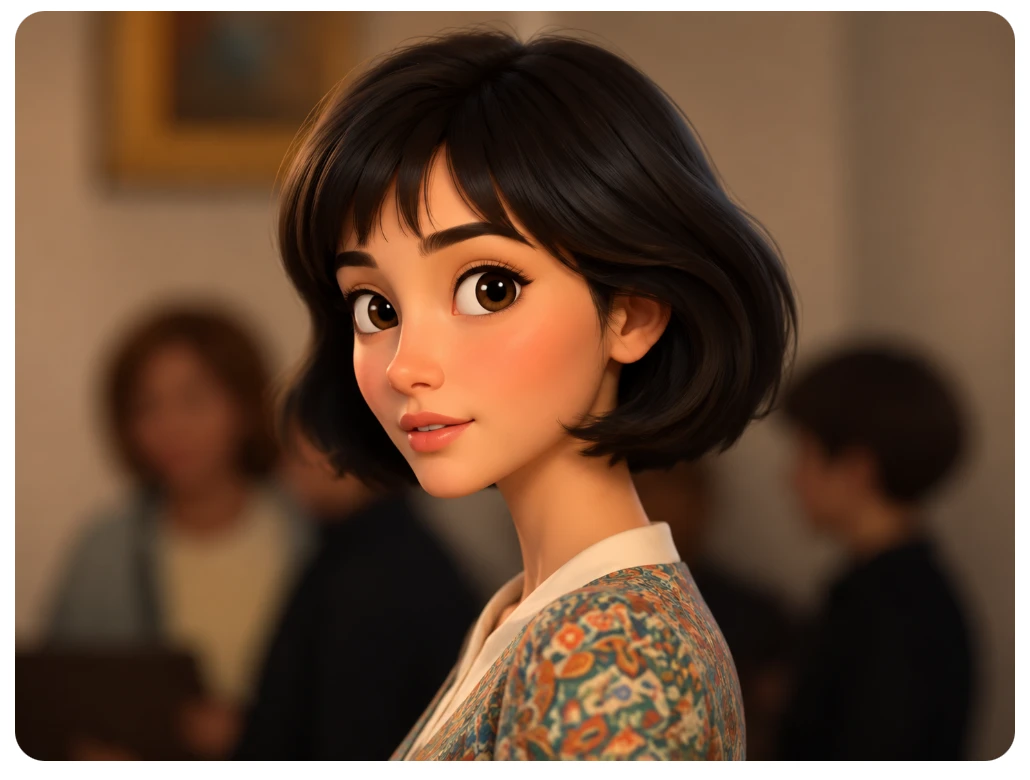
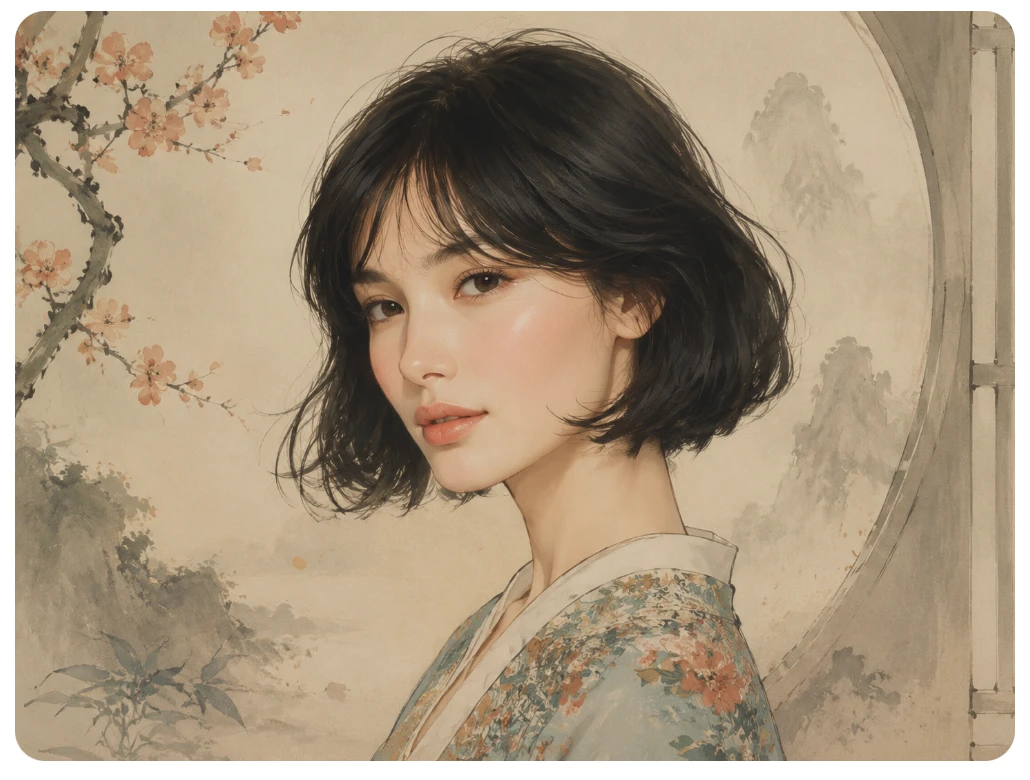
One Image, Limitless Transformations
FAQ about AI Image Generator from Image
1. What is Image To Image AI?
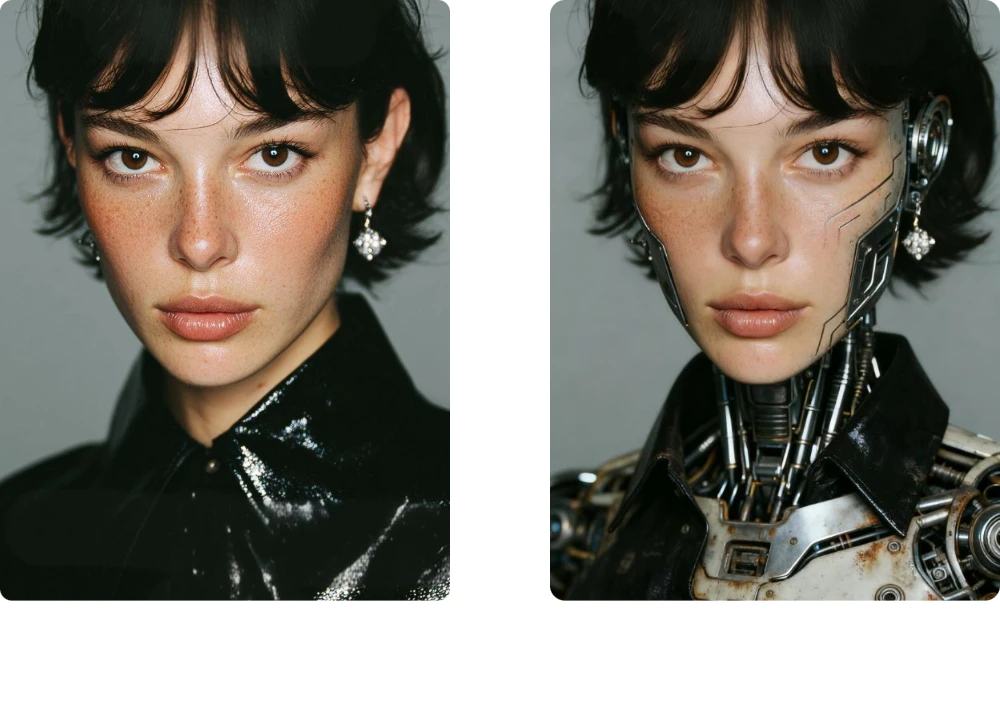
It's a feature that lets you upload an existing photo and then use AI to transform it into a new visual - changing style, mood, or details - while retaining the original composition and key elements.
2. How does it differ from Text-to-Image generation?
Text to Image generation creates a completely new image from a text prompt alone, without any visual reference. In contrast, Image to Image AI starts with an existing image and uses it as a foundation. This allows the AI to preserve key elements such as composition, subjects, and structure while transforming the style, enhancing details, or modifying the content according to your prompt.
3. What types of source images work best?
Clear subjects, decent lighting, and a matching aspect ratio work best - for example, a high-resolution portrait, landscape photo or product image. Very low-res or heavily distorted source images may yield weaker results.
4. How long does the transformation take?
Usually just seconds. You upload the image, enter your style or prompt, and the AI delivers new variations quickly - much faster than manual editing or recreating the image from scratch.
5. What kind of styles or effects can I apply?
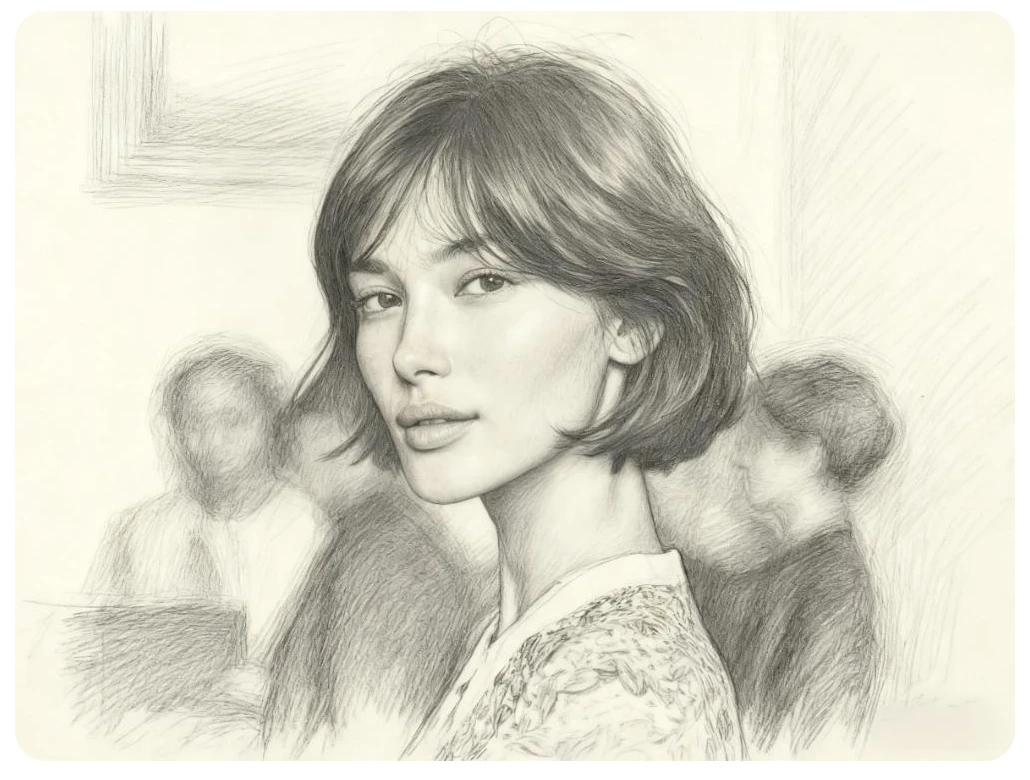
A wide range: e.g., watercolor painting, oil-painting, anime style, cyberpunk, photo realistic, vintage postcard, textured sketch - the AI supports style-transfer and many visual moods.
6. Is the feature beginner-friendly?
Absolutely - no advanced design skills are required. You simply upload your image, type a description of what you want it to become, pick a style, and let the AI handle the rest.
7. Are there any limitations to the feature?
Some - very low resolution images, extreme aspect ratio mismatches, or images with heavy noise may produce less optimal results.
8. Does this tool support other language versions?
Yes! We also provide a German version of the page. Simply click Switch to German to browse and use this tool in your preferred language.
Create. Transform. Inspire.
The future of image creation is here - effortless, expressive, and endlessly fun. Experience the power of Image To Image AI, where every picture tells a smarter story.