Loading preview...

ImageToImage AI
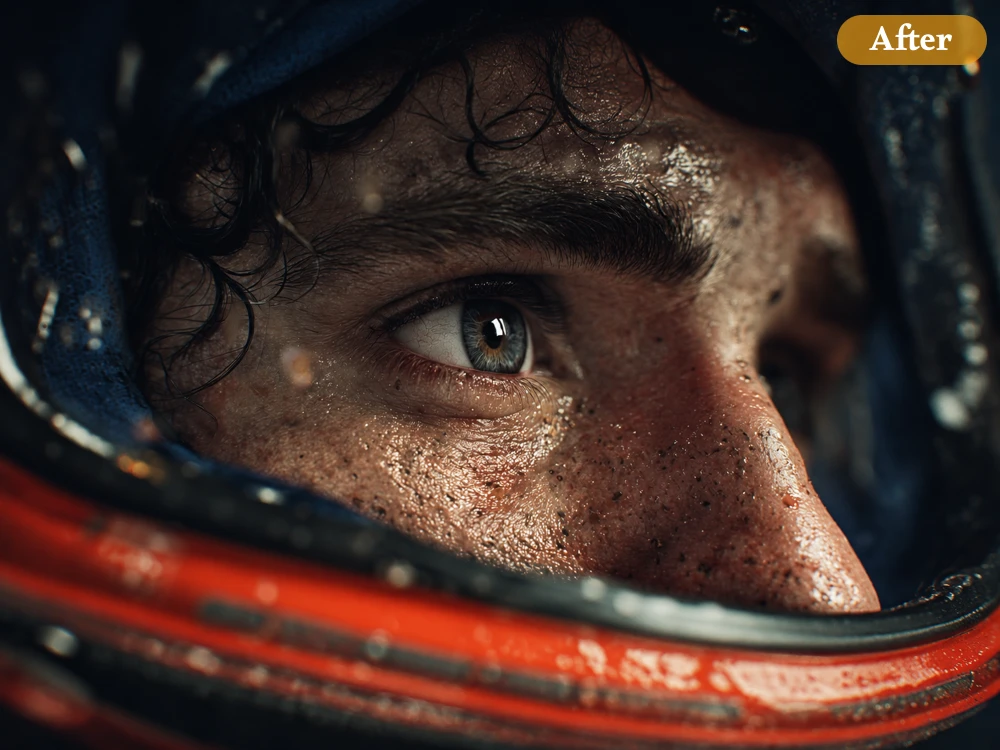
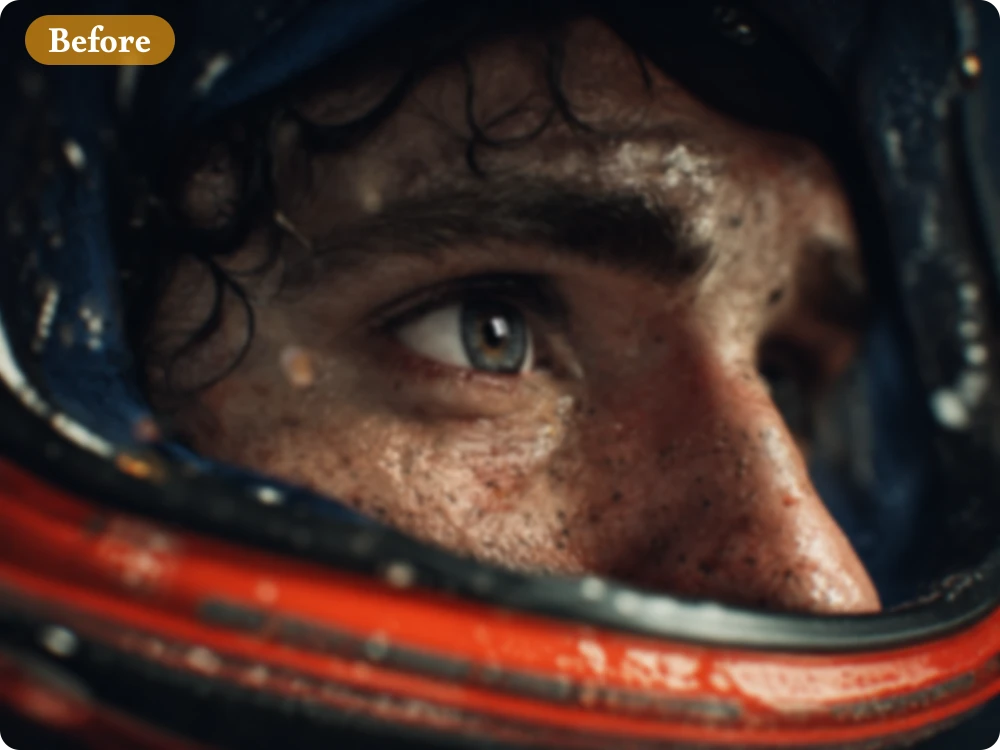
Transform pixelated or blurry images into stunning HD quality with fast AI upscaling designed for every creative project.
Transform pixelated or blurry images into stunning HD quality with fast AI upscaling designed for every creative project.
Image
0/1
We accept .jpeg, .jpg, .png, .webp formats up to 24MB.
Upscale Ratio
Loading preview...
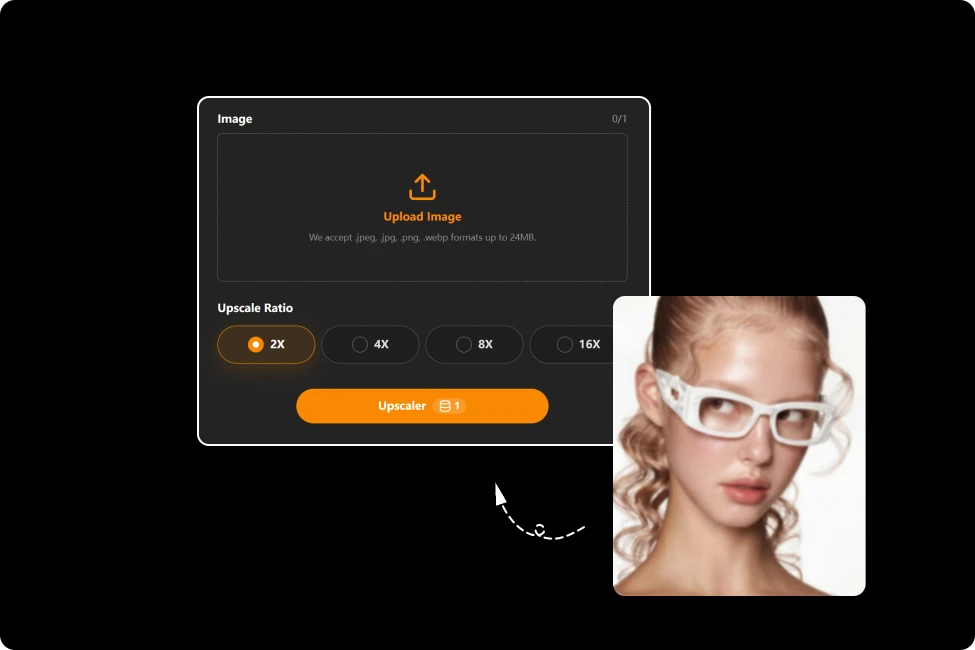
Upload any blurry, pixelated, or low-resolution image to start enhancing it with powerful AI technology.
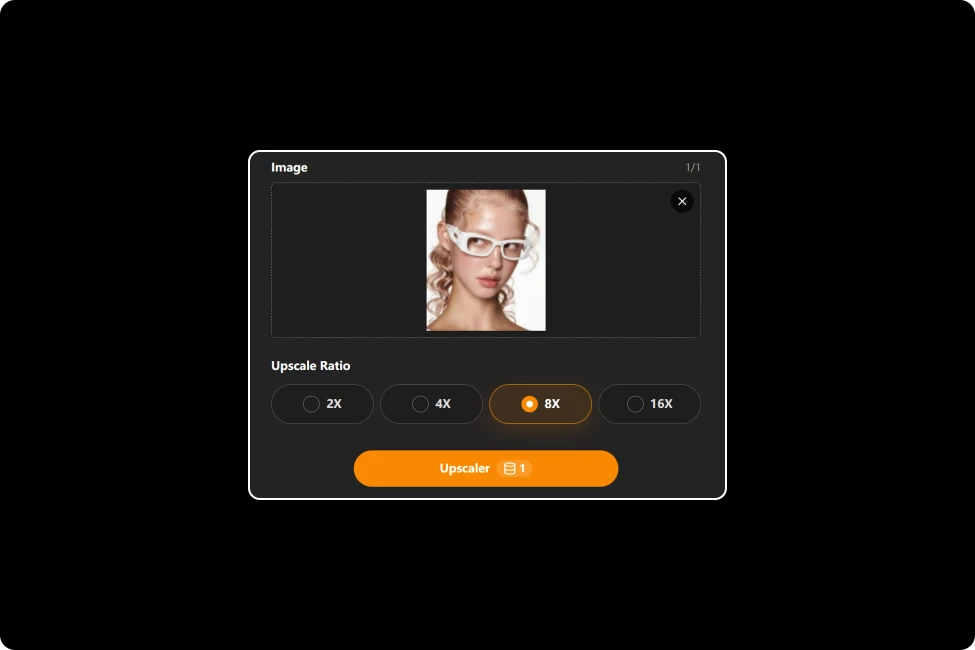
Choose from 2×, 4×, 8×, or 16× upscaling and let AI restore fine details, sharpen edges, and enhance overall image quality.
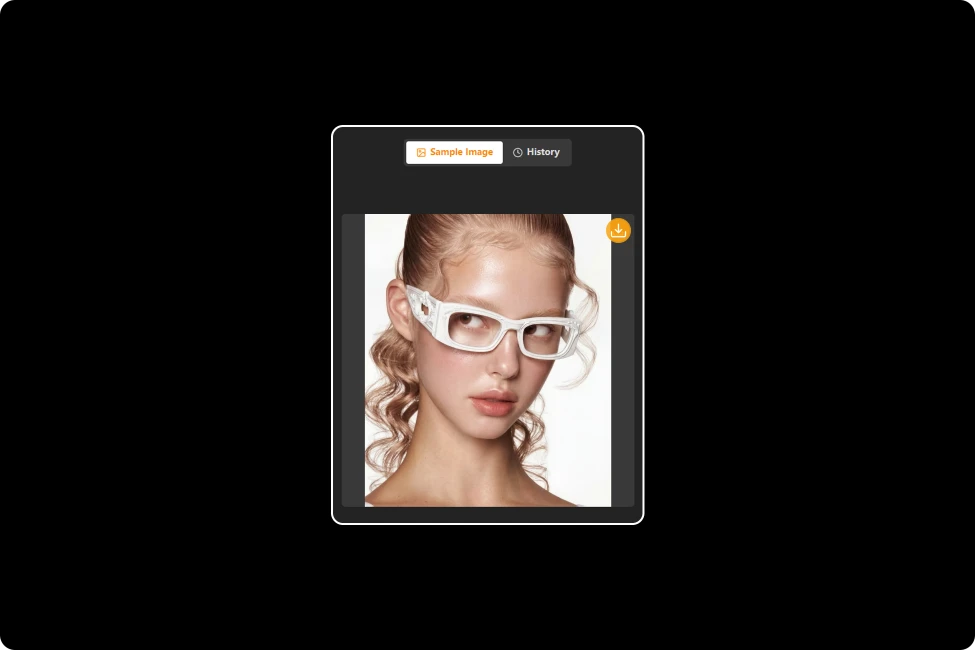
Preview your enhanced image and download a crisp, high-resolution version ready for sharing, printing, or professional use.
Select 2×, 4×, 8×, or 16× based on your image quality and intended use. AI restores missing details, improves clarity, and produces crisp, high-resolution images in seconds.
Try Image to Prompt for Free
Loading preview...
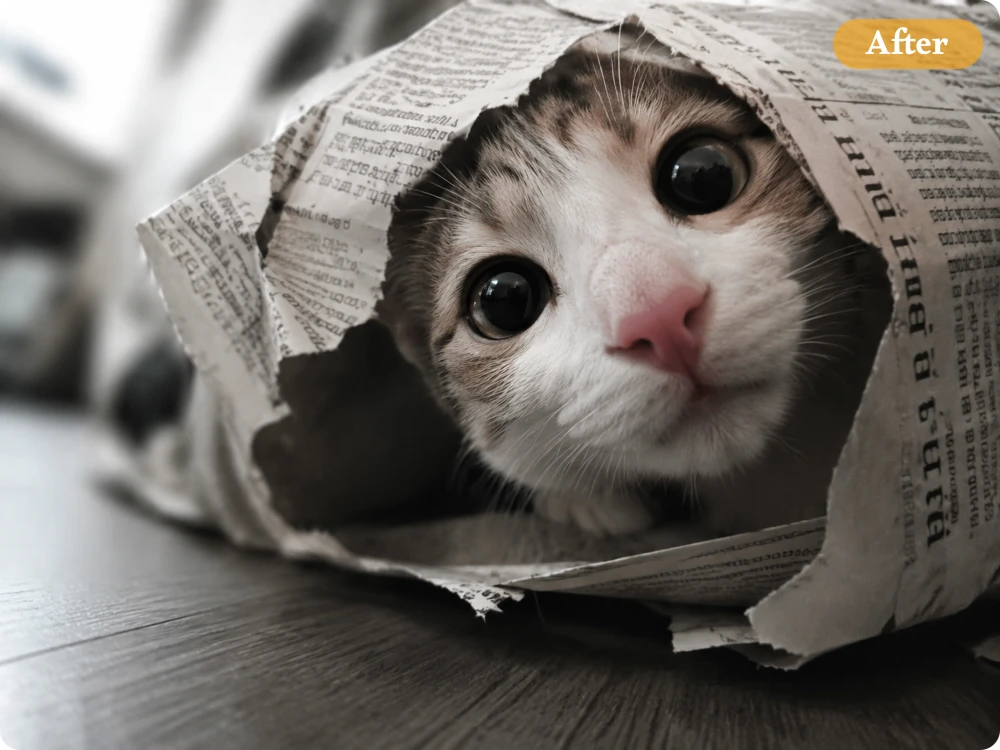
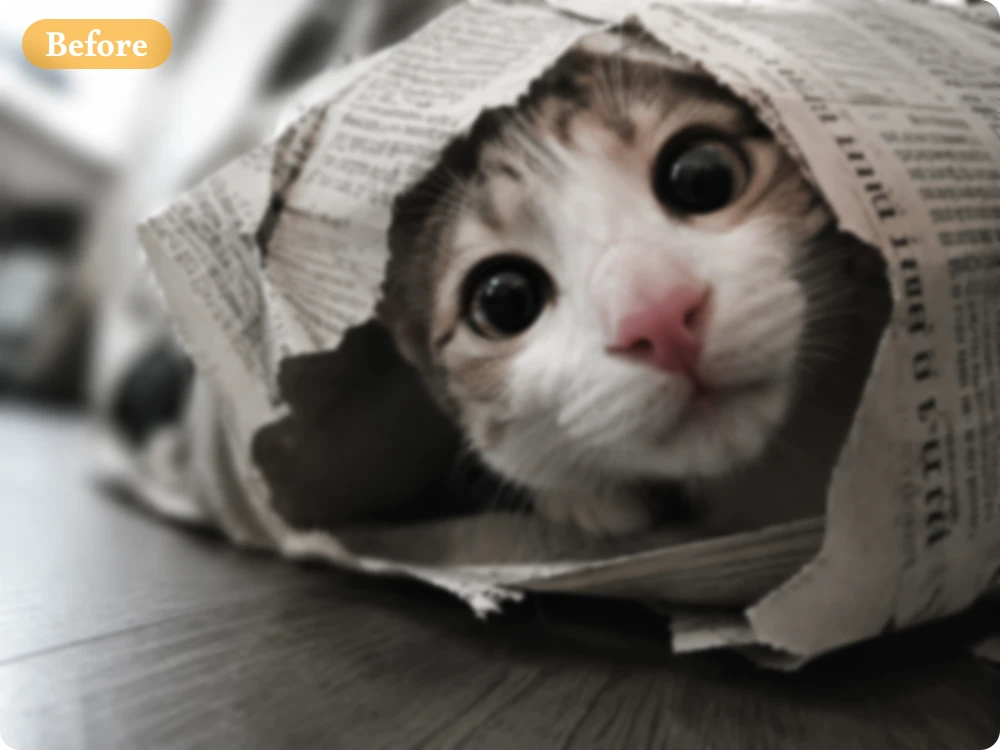
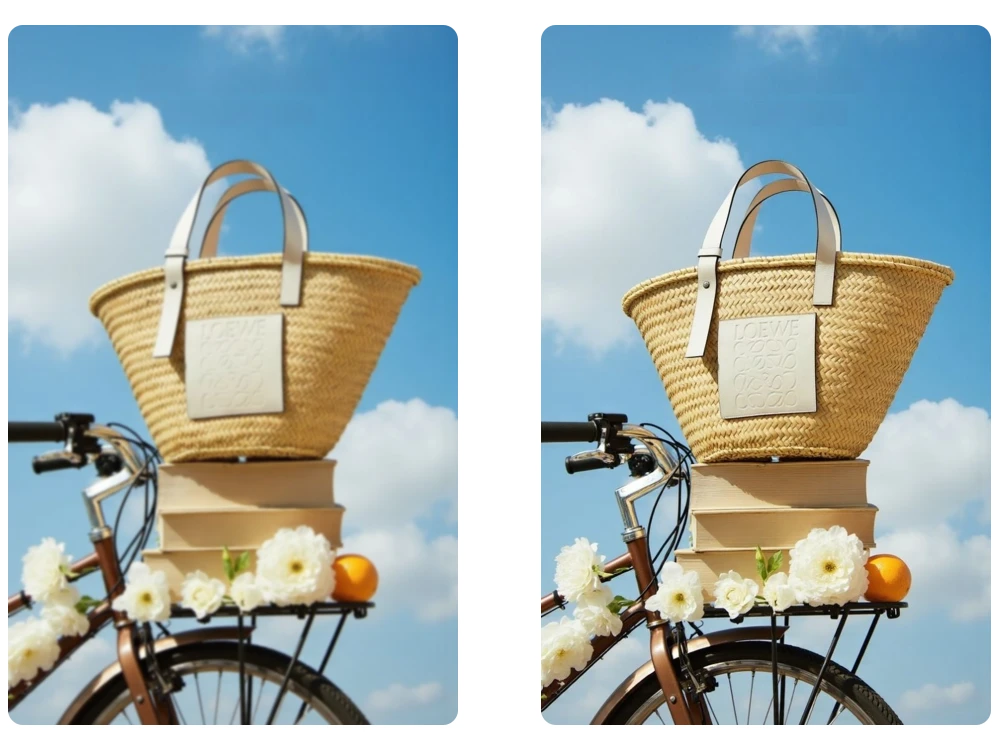
Transform blurry or low-resolution images into sharp, vibrant visuals with upscale image AI technology. Advanced algorithms restore textures, improve clarity, and maintain natural colors, ensuring every enhanced image looks clean, realistic, and ready for any purpose
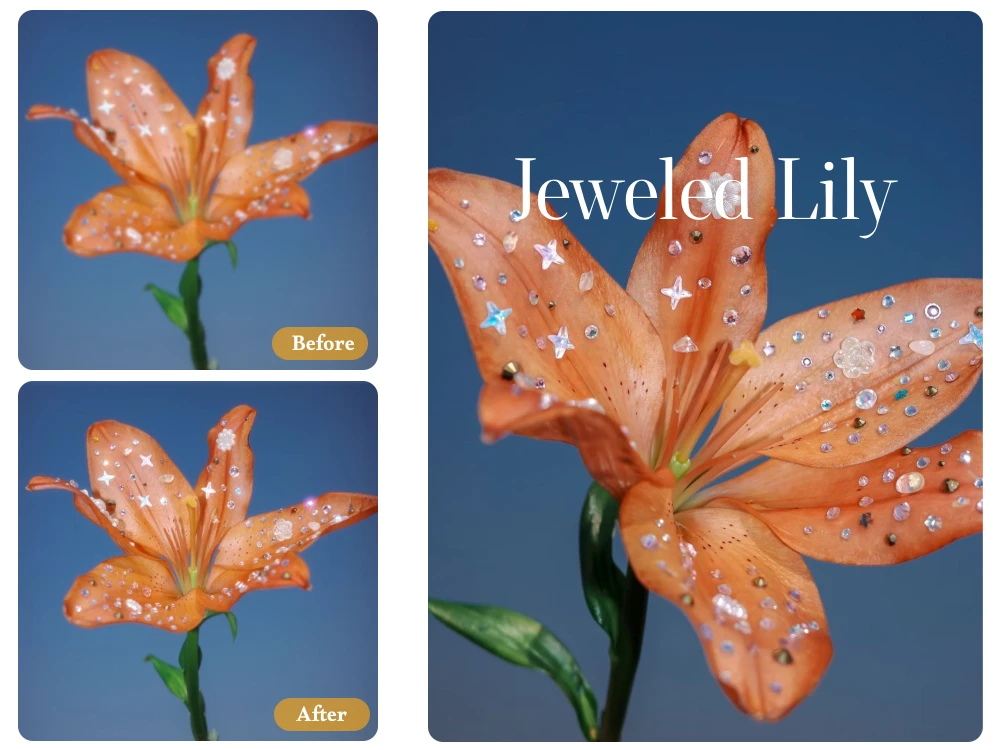
Enjoy a Free AI Image Upscaler that delivers crystal-clear, watermark-free downloads. Enhance your photos without distracting logos or hidden quality loss, making every image perfect for personal projects, business use, social media, or professional presentations.
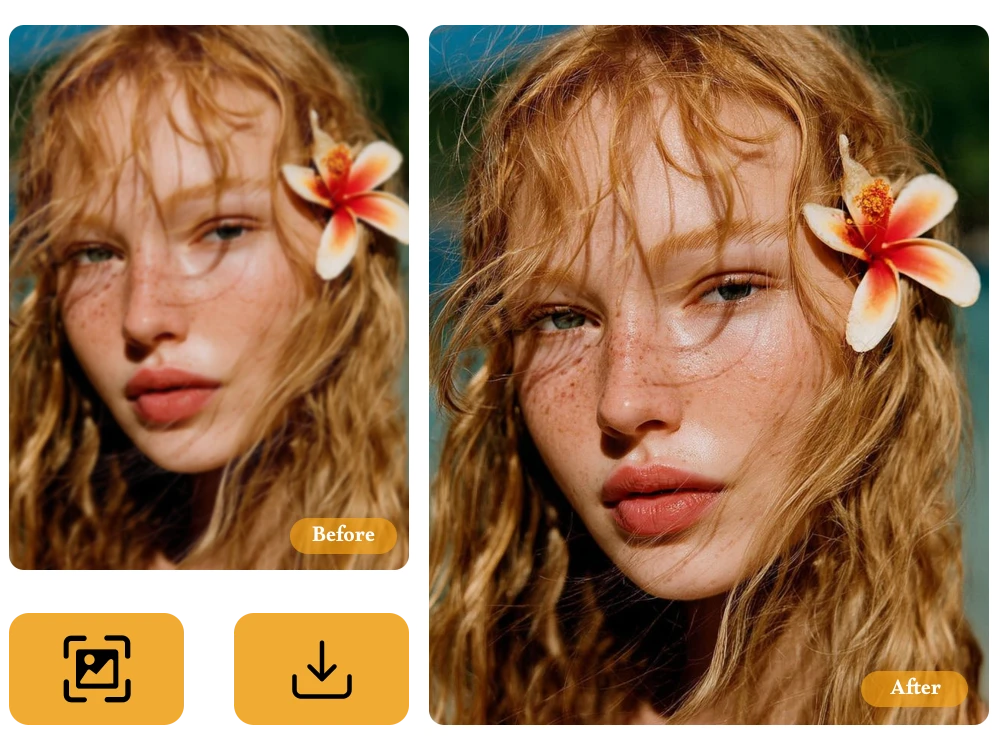
Access powerful AI Image Upscaling directly from your browser on any device. Simply upload your image, let AI enhance it in seconds, and download the improved version instantly—no software, no complicated setup, and no technical skills required.
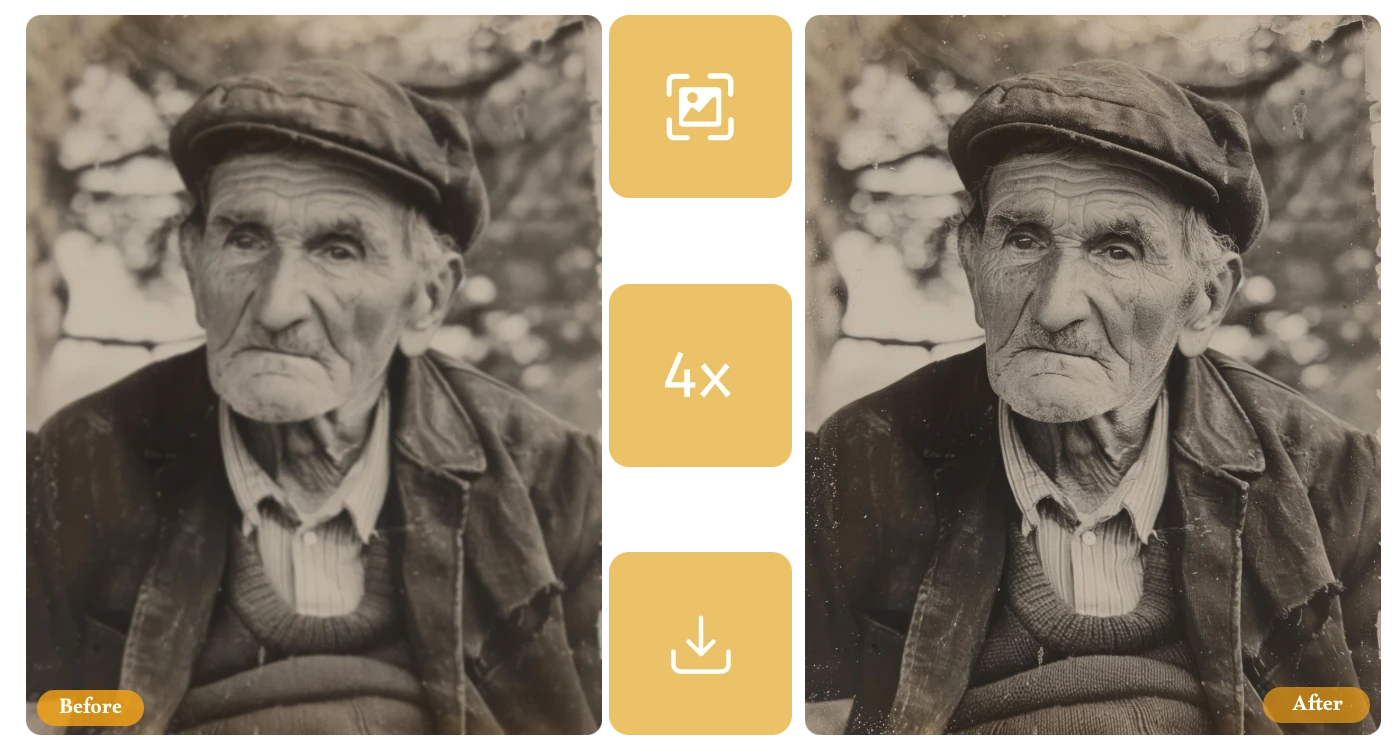
Revive old or faded photos with AI to recover fine details, enhance clarity, and preserve precious memories in stunning quality.
Many of my older product photos looked blurry. After using the AI Image Upscaler, they appeared much clearer, making my online store look more professional and improving customer confidence.
E-commerce Store Owner
Some of my favorite vacation photos were too small for my blog banner. Upscaling them with AI preserved the details beautifully, even when displayed on large screens.
Travel Blogger
I often enhance older anime illustrations before sharing them with clients. The AI sharpened fine lines and colors naturally without making the artwork look overly processed.
Freelance Illustrator
Use our Free AI Image Upscaler to restore details, improve clarity, and increase resolution effortlessly. Upload your image today and enjoy fast, professional-quality results with just a few clicks.
Transform pixelated or blurry images into stunning HD quality with fast AI upscaling designed for every creative project.
Image
0/1
We accept .jpeg, .jpg, .png, .webp formats up to 24MB.
Upscale Ratio
Loading preview...
Upload any blurry, pixelated, or low-resolution image to start enhancing it with powerful AI technology.
Choose from 2×, 4×, 8×, or 16× upscaling and let AI restore fine details, sharpen edges, and enhance overall image quality.
Preview your enhanced image and download a crisp, high-resolution version ready for sharing, printing, or professional use.
Select 2×, 4×, 8×, or 16× based on your image quality and intended use. AI restores missing details, improves clarity, and produces crisp, high-resolution images in seconds.
Try Image to Prompt for Free
Loading preview...
Transform blurry or low-resolution images into sharp, vibrant visuals with upscale image AI technology. Advanced algorithms restore textures, improve clarity, and maintain natural colors, ensuring every enhanced image looks clean, realistic, and ready for any purpose
Enjoy a Free AI Image Upscaler that delivers crystal-clear, watermark-free downloads. Enhance your photos without distracting logos or hidden quality loss, making every image perfect for personal projects, business use, social media, or professional presentations.
Access powerful AI Image Upscaling directly from your browser on any device. Simply upload your image, let AI enhance it in seconds, and download the improved version instantly—no software, no complicated setup, and no technical skills required.
Revive old or faded photos with AI to recover fine details, enhance clarity, and preserve precious memories in stunning quality.
Many of my older product photos looked blurry. After using the AI Image Upscaler, they appeared much clearer, making my online store look more professional and improving customer confidence.
E-commerce Store Owner
Some of my favorite vacation photos were too small for my blog banner. Upscaling them with AI preserved the details beautifully, even when displayed on large screens.
Travel Blogger
I often enhance older anime illustrations before sharing them with clients. The AI sharpened fine lines and colors naturally without making the artwork look overly processed.
Freelance Illustrator
Use our Free AI Image Upscaler to restore details, improve clarity, and increase resolution effortlessly. Upload your image today and enjoy fast, professional-quality results with just a few clicks.