AI Image Maker from Text: Create Images with AI

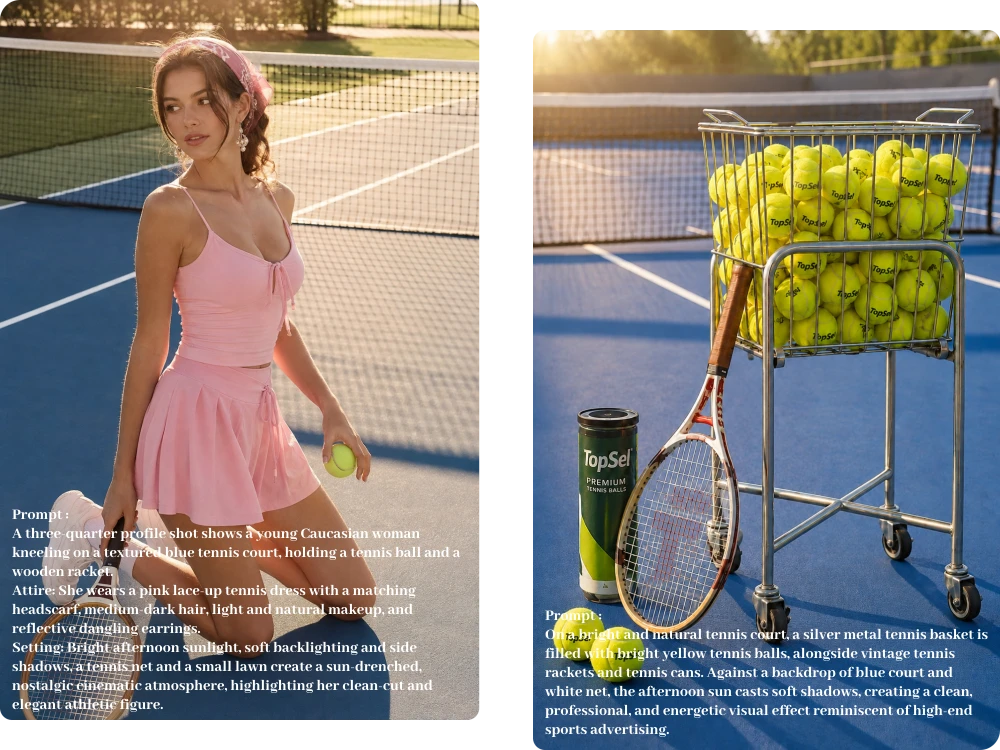
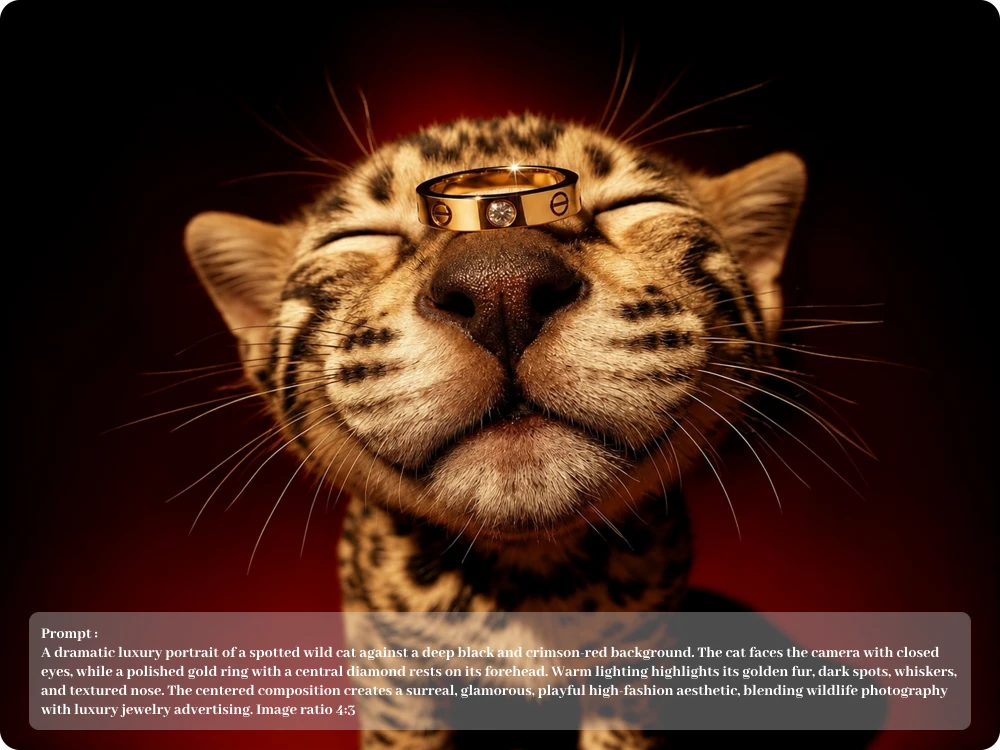
Make AI images effortlessly from your ideas with a powerful image generator built for creators, businesses, marketers, and everyday users.

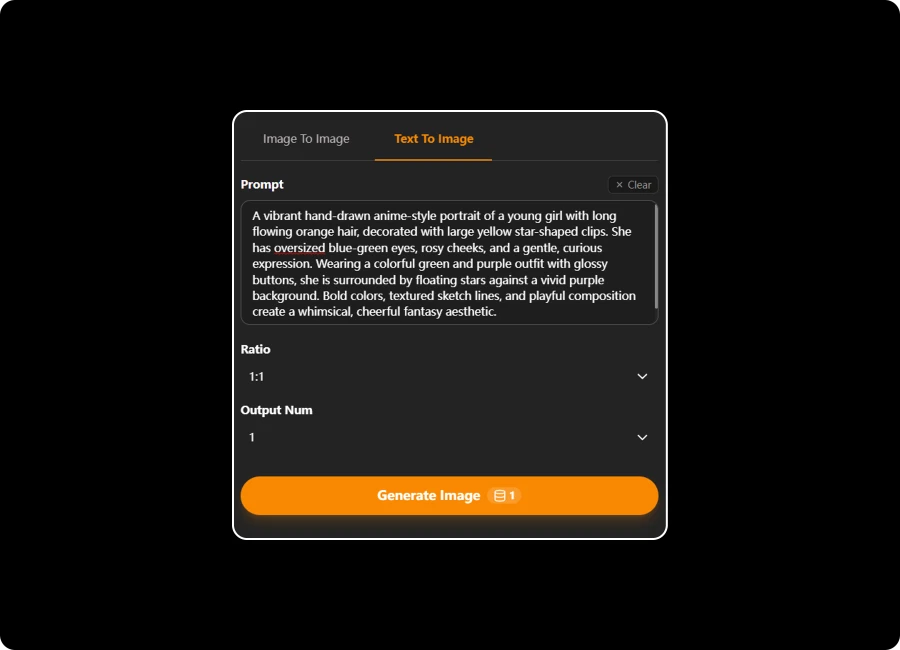
Prompt

Ratio

Output Num

AI Image Maker1
AI Image Maker2

Make AI images effortlessly from your ideas with a powerful image generator built for creators, businesses, marketers, and everyday users.

How to Make an AI Image in 3 Simple Steps

Upload Your Image

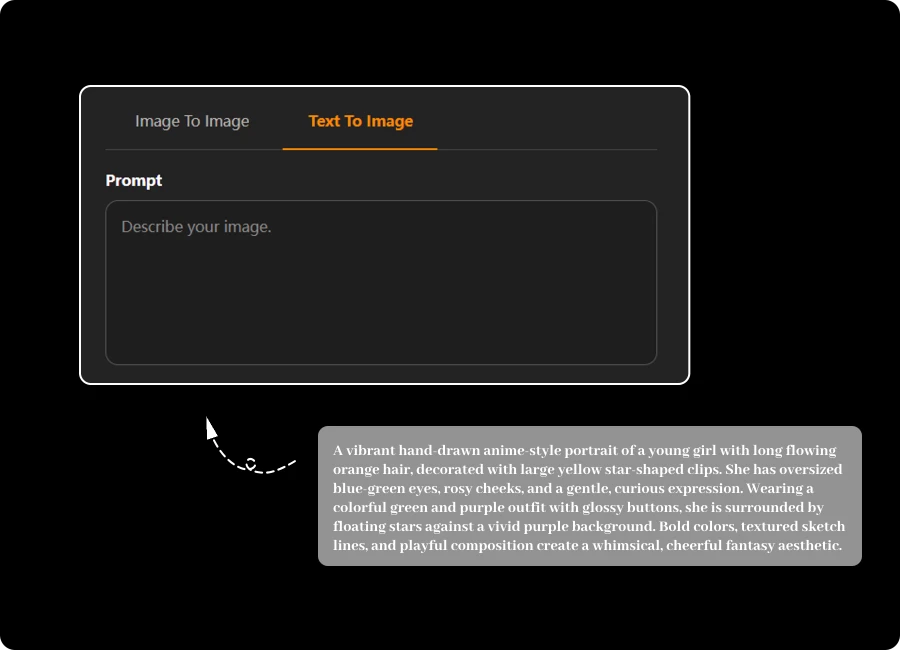
Step 1: Enter Your Idea

Describe what you want to create in a simple prompt, from realistic scenes and portraits to creative concepts and product visuals.

Adjust Settings & Style

Step 2: Adjust Settings & Style

Customize your output with flexible settings, choose your preferred aspect ratio, and refine the visual style to match your creative vision.

Generate & Export in HD

Step 3: Generate & Export in HD

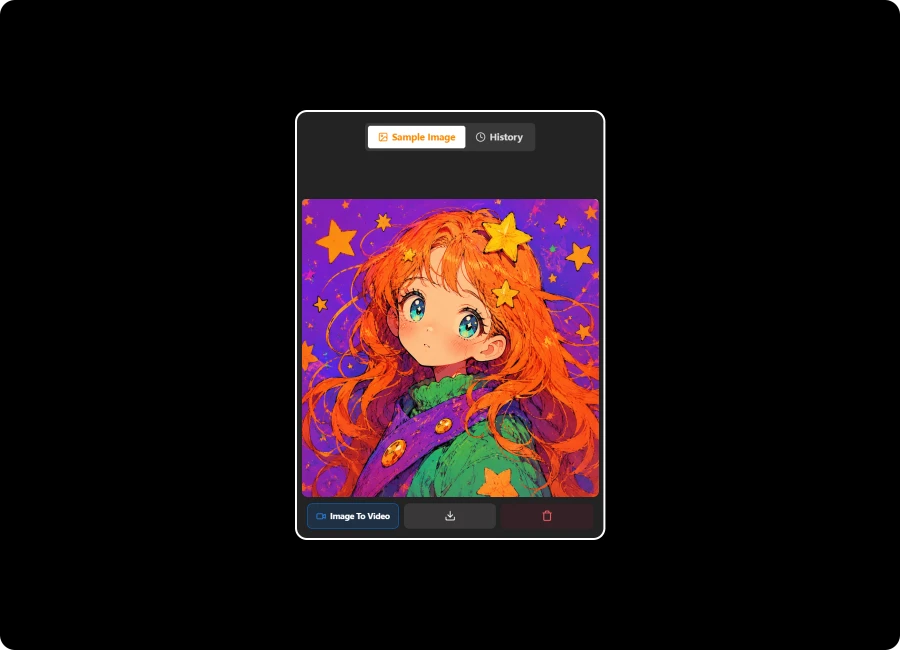
Let AI turn your prompt into an image, then preview your result and export a high-quality, watermark-free image.

Make AI Images Your Way with Powerful Creative Controls

Shape Every Detail with Complete Creative Control

From the first prompt to the final result, you decide what belongs in the frame. Use AI Image Maker from text to describe subjects, scenes, details, and visual direction, then adjust the output to better match the image you actually have in mind.

Start Editing Instantly with Flexible Image Uploads

An AI Image Creator for Composition, Style, and Mood

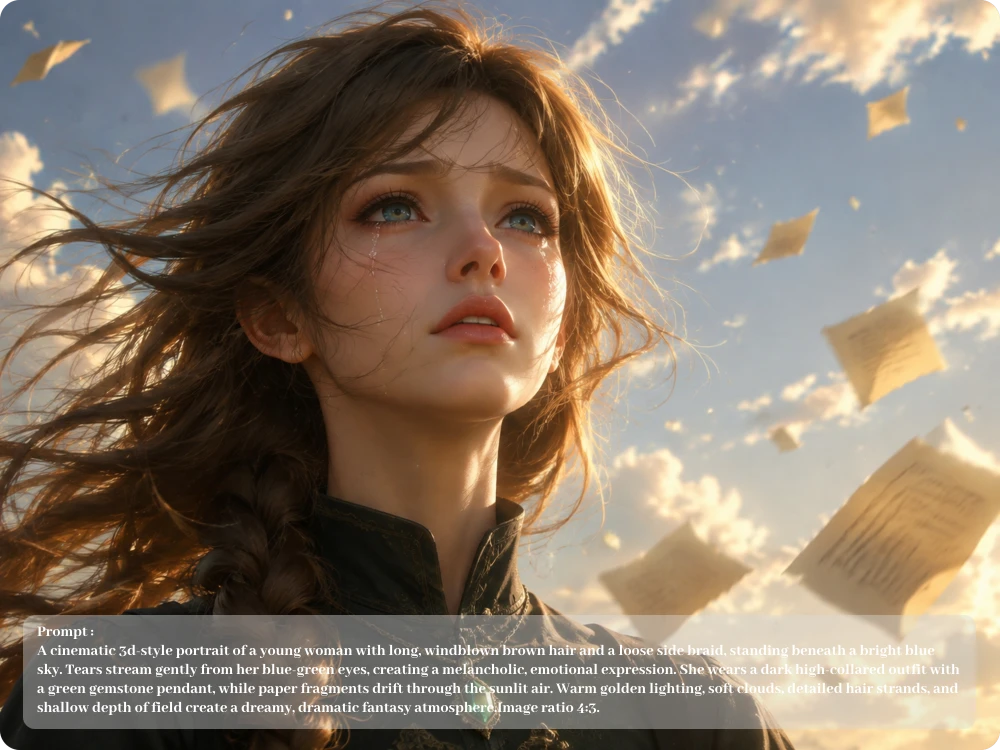
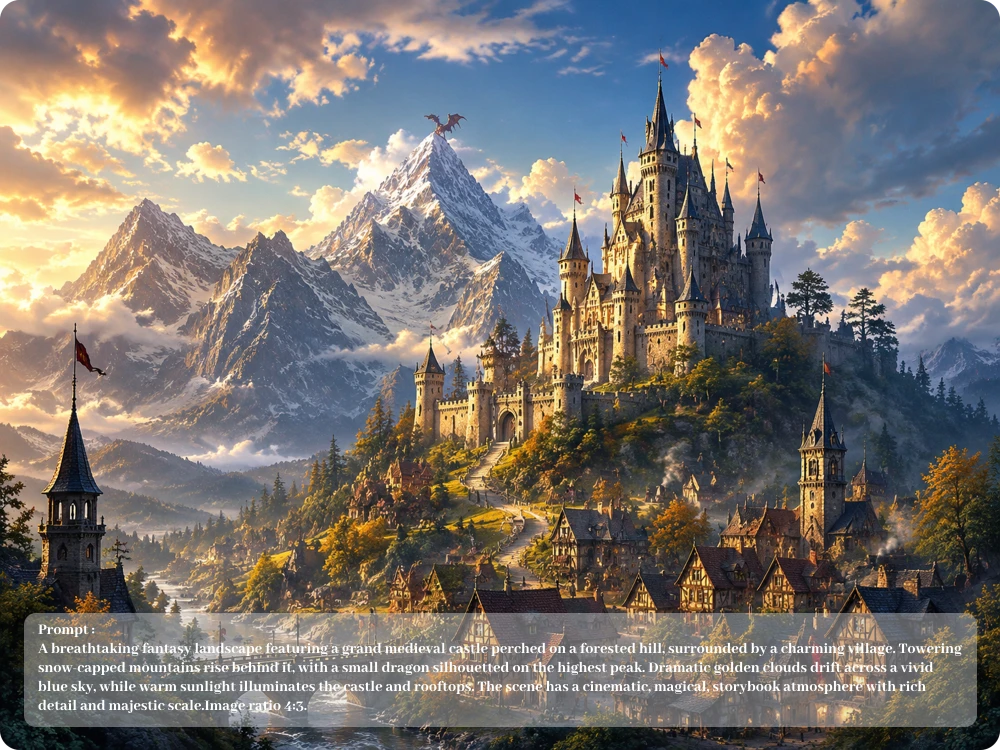
A single idea can take on completely different visual directions. With AI Image Maker, you can define the subject, setting, lighting, atmosphere, and preferred style in your prompt, making it easier to move from a rough concept to a more intentional final image.

Shape Every Detail with Complete Creative Control

Create More Consistent Results with an AI Image Maker

When you need several images for the same project, keeping the visual direction aligned matters. Our free AI Image Maker lets you build each generation around clear prompts, helping maintain a recognizable style and visual language across different creative outputs.

Create More Consistent Results with an AI Image Maker

Design Images for Any Format, Screen, or Campaign

A social post, website banner, product visual, and portrait all need different framing. With Image Maker AI , choose the aspect ratio before generating so your composition fits the intended format instead of forcing every image into the same shape.

Design Images for Any Format, Screen, or Campaign

Real Stories from People Making AI Images

Our new skincare line needed lifestyle images before the product photoshoot. I described the packaging, setting, lighting, and model in separate prompts and generated several concepts, helping our team choose the strongest direction before production.

Lena Harper

E-commerce Manager

A client asked for a fantasy book cover with a specific atmosphere but had no reference images. I described the characters, lighting, scenery, and mood in my prompt, then tested different styles until we found a concept the client approved.

Sophie Mitchell

Freelance Graphic Designer

I needed a hero image for my new coffee shop website but had no budget for a photoshoot. I used an AI image generator to describe the interior, wooden counter, warm lighting, and morning atmosphere, then created a polished visual that matched the brand's look.

Ethan Brooks

Small Business Owner

FAQ about Image Maker AI

1. What Is an AI Image Maker?

An AI Image Maker turns your text prompts into original visuals without requiring traditional design skills. Describe your subject, scene, style, mood, and details, then generate an image based on your creative direction.

2. How to Make an AI Image from Text?

To make an AI image, enter a detailed description of what you want to create, choose your preferred aspect ratio, and generate. You can refine your prompt and try different directions until the result matches your idea.

3. Is This AI Image Maker Free to Use?

Yes. You can use our free AI Image Maker with 5 free credits refreshed every day. Your credits reset the next day, and you can also purchase additional credits to explore more advanced features and creative options.

4. What Image Formats Does the Image Maker AI Support?

Our Image Maker AI supports common image formats including JPEG, JPG, PNG, and WebP, with uploaded files supported up to 24MB.

5. Does the AI Image Maker Add a Watermark?

No. Images generated with our free AI Image Maker can be downloaded without a watermark.

6. Can I Create Multiple AI Images in One Workflow?

If your project requires several visuals, you can use the available generation workflow to explore different prompt directions and image variations. This is useful for comparing concepts, developing content ideas, or finding the strongest visual for a project.

7. Is My Data Private When I Use the AI Image Creator?

We take user privacy seriously and protect your submitted content as part of the image-generation process. Your uploaded images and prompts are handled according to our privacy practices, giving you greater confidence when creating personal or project-related visuals.

8. Can I Use This Free AI Image Editor Without Signing Up?

Yes. You can start using our functionality without creating an account. Our free AI Image Editor requires no sign up, allowing you to edit photos quickly and conveniently without unnecessary steps.

Create AI Images with Our AI Image Generator

With our AI Image Maker, you can create high-quality, watermark-free visuals from your own prompts a. Give your next idea a visual today.