Loading preview...

ImageToImage AI
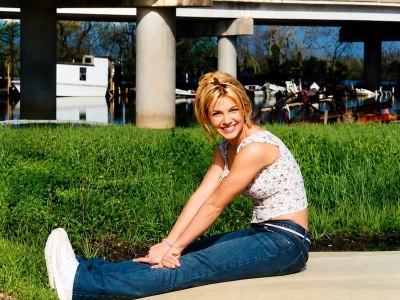
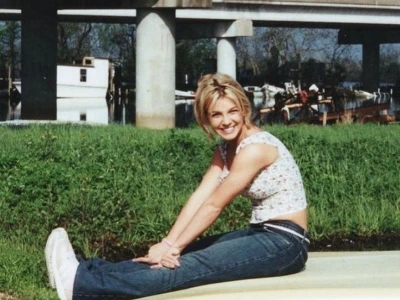
Easily restore old pictures with AI technology. Ideal for anyone who wants to preserve memories and recover lost photo details.
Easily restore old pictures with AI technology. Ideal for anyone who wants to preserve memories and recover lost photo details.
Model
Image
0/5
We accept .jpeg, .jpg, .png, .webp formats up to 24MB.
Prompt
Ratio
Resolution
Loading preview...
Loading preview...
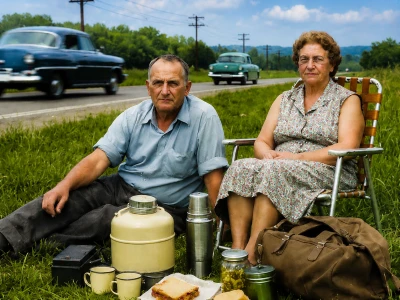
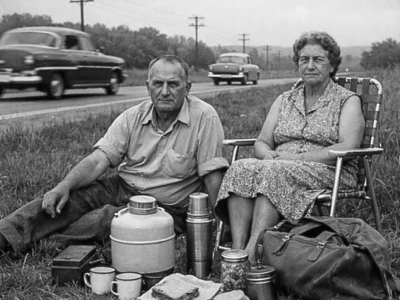
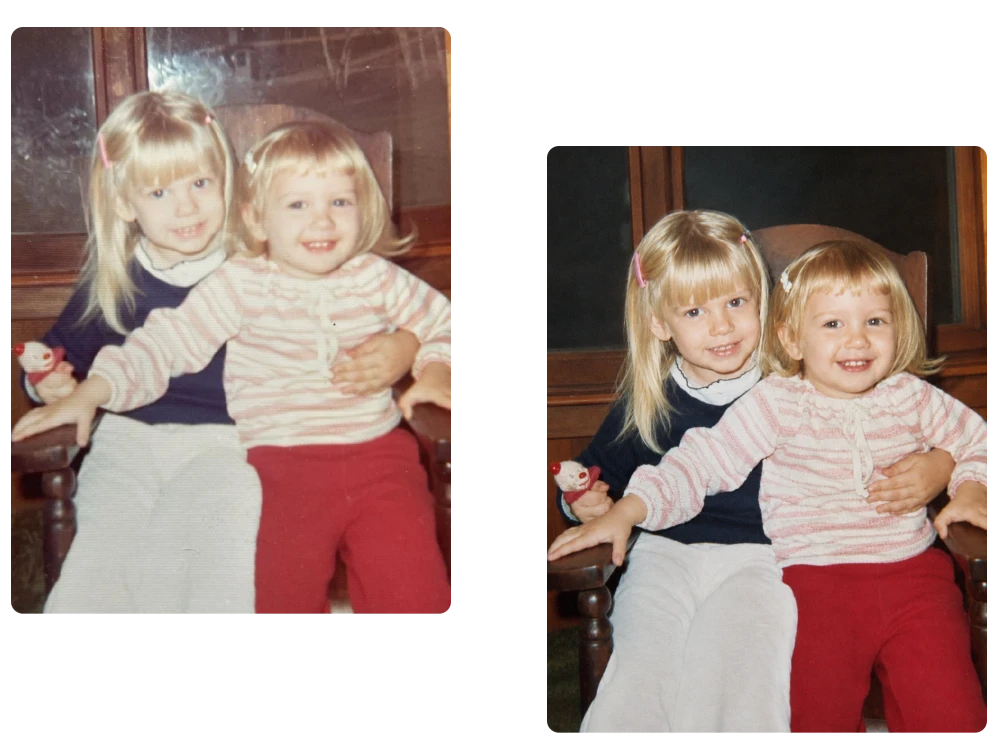
Childhood Memories
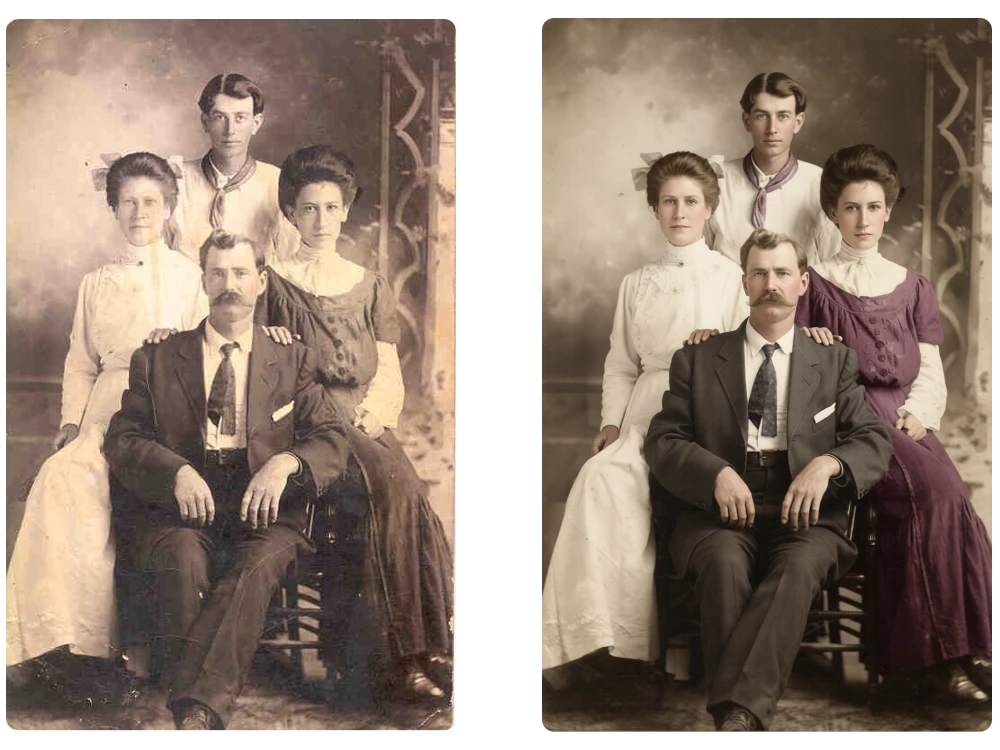
Family Archives
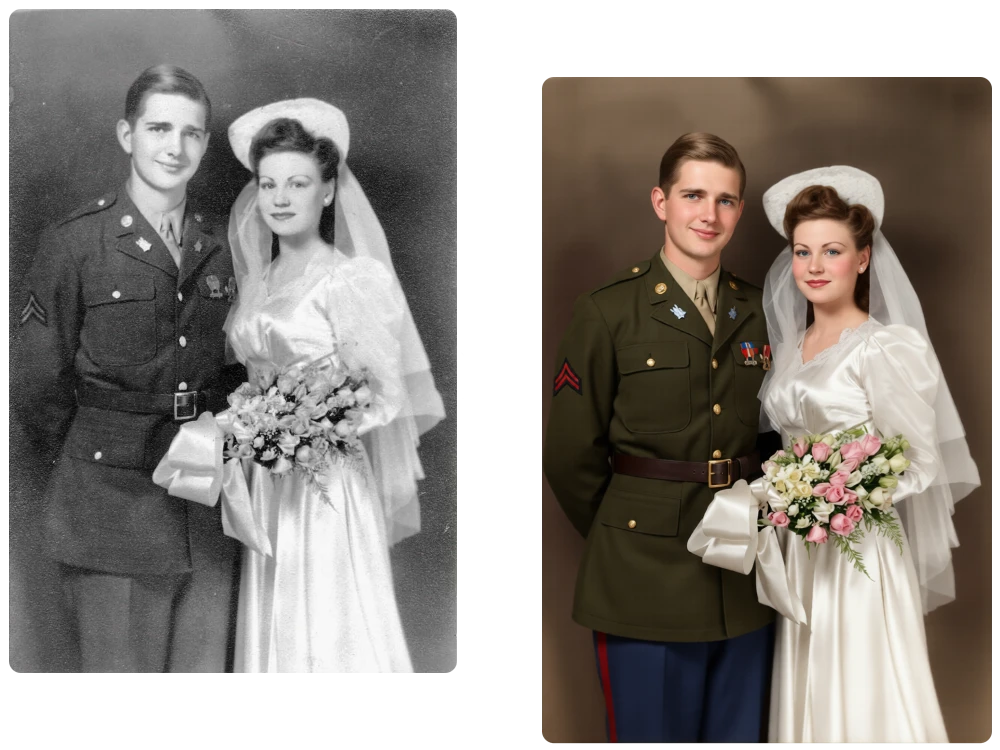
Wedding Keepsakes
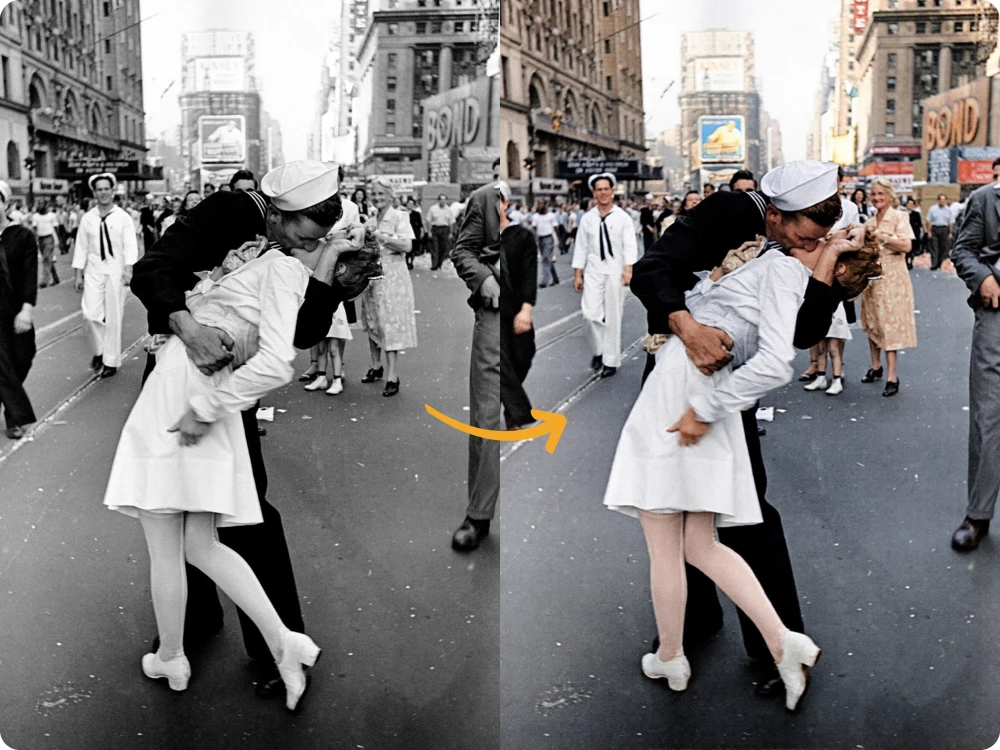
Historical Photos
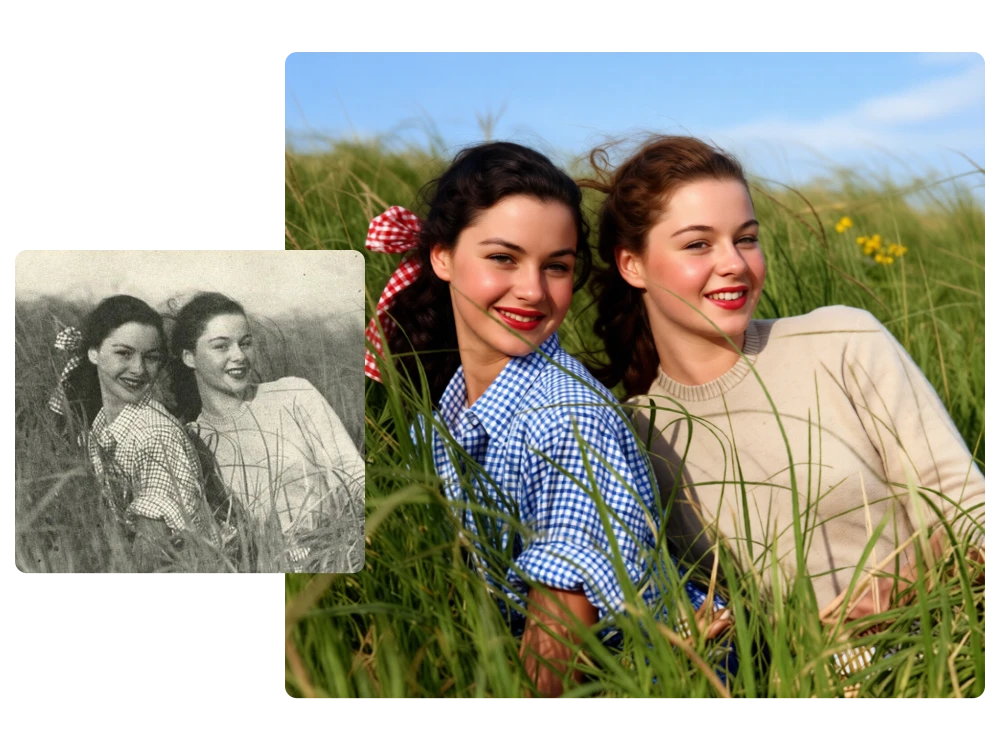
Friends & Group Photos
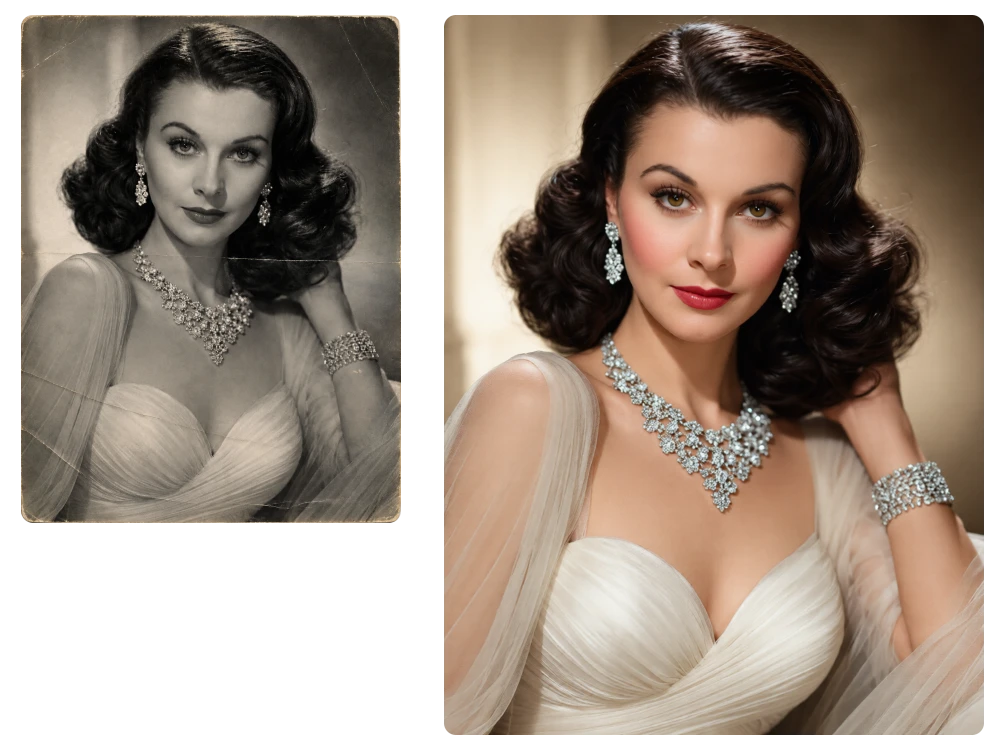
Vintage Portraits
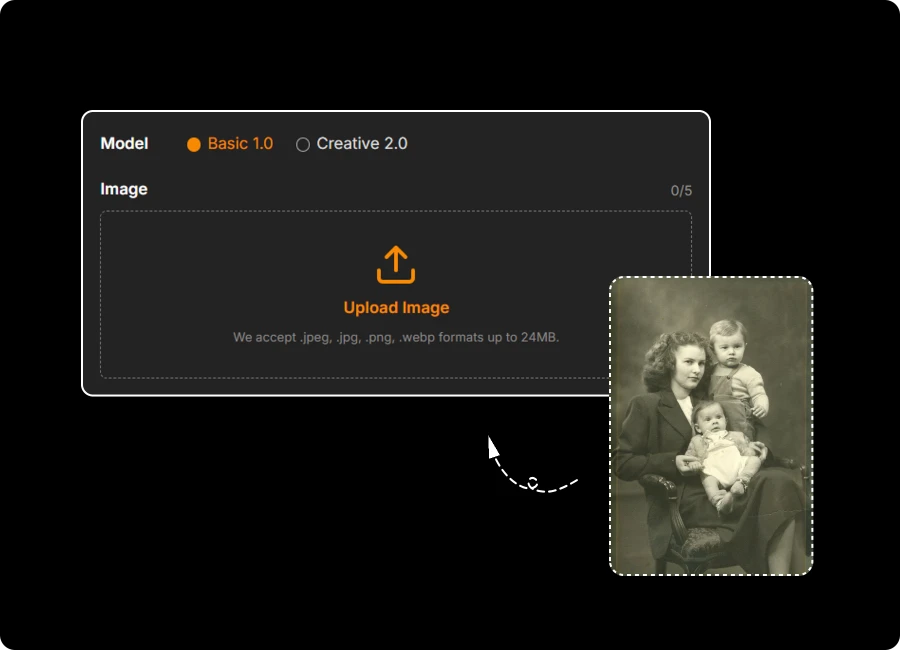
Upload your old or damaged image in .jpeg, .jpg, .png, and .webp format, with files up to 24MB.
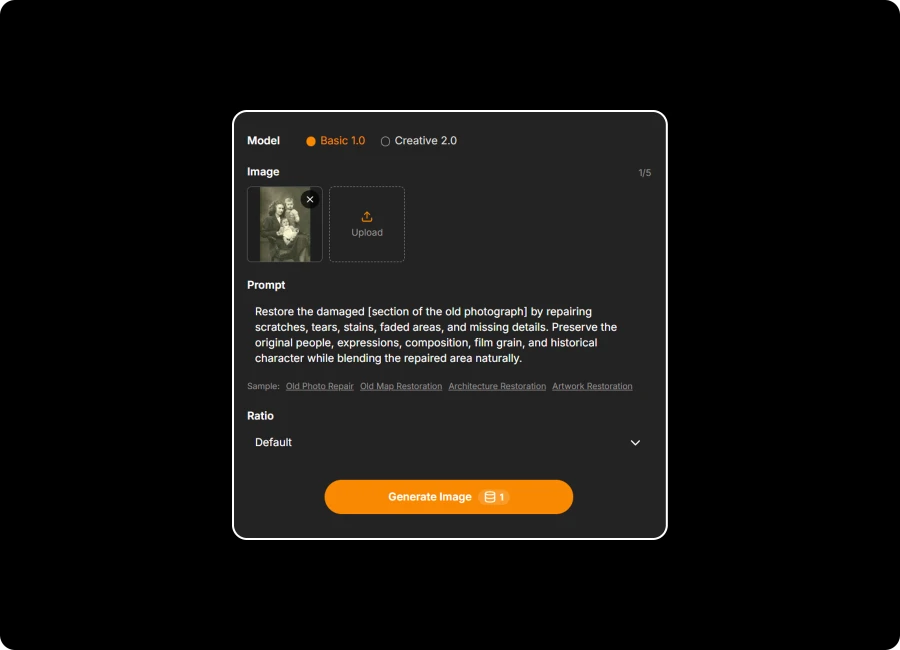
Our AI automatically detects faded areas, blur, and missing details, then restores your photo while enhancing overall clarity.
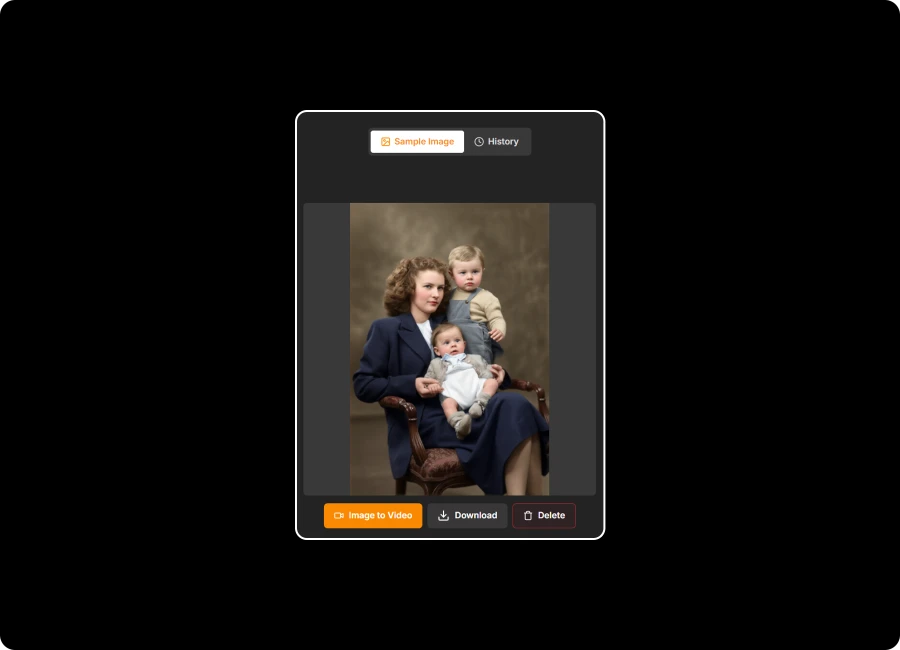
Preview your restored photo, download the high-quality result without a watermark, and easily share your renewed memories.
Pick a ready-to-use restoration template or add your own prompt for more control. With photo restoration ai, you can guide the repair style, preserve important details, and shape the final result around the look you want, whether you prefer a subtle refresh or a more polished restoration.
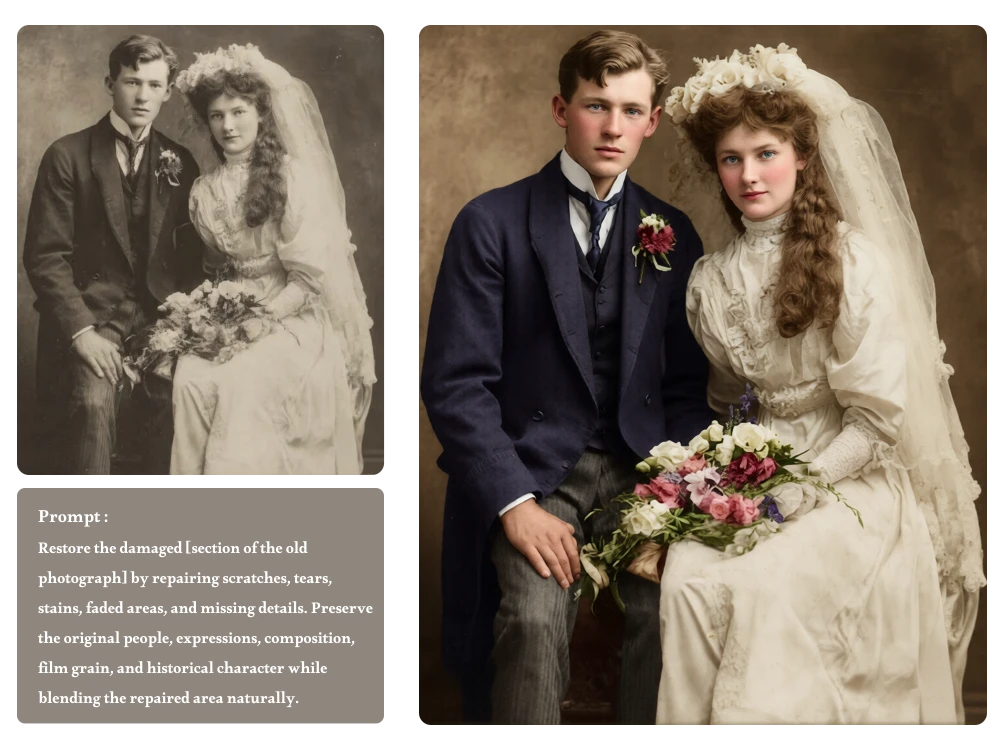
Those little scratches have a way of stealing the spotlight. Let Photo Restore AI automatically repair tears, stains, faded areas, and damaged details while keeping the photo’s original character intact. AI restore old photos naturally, so your treasured memories look clearer without feeling overly edited.
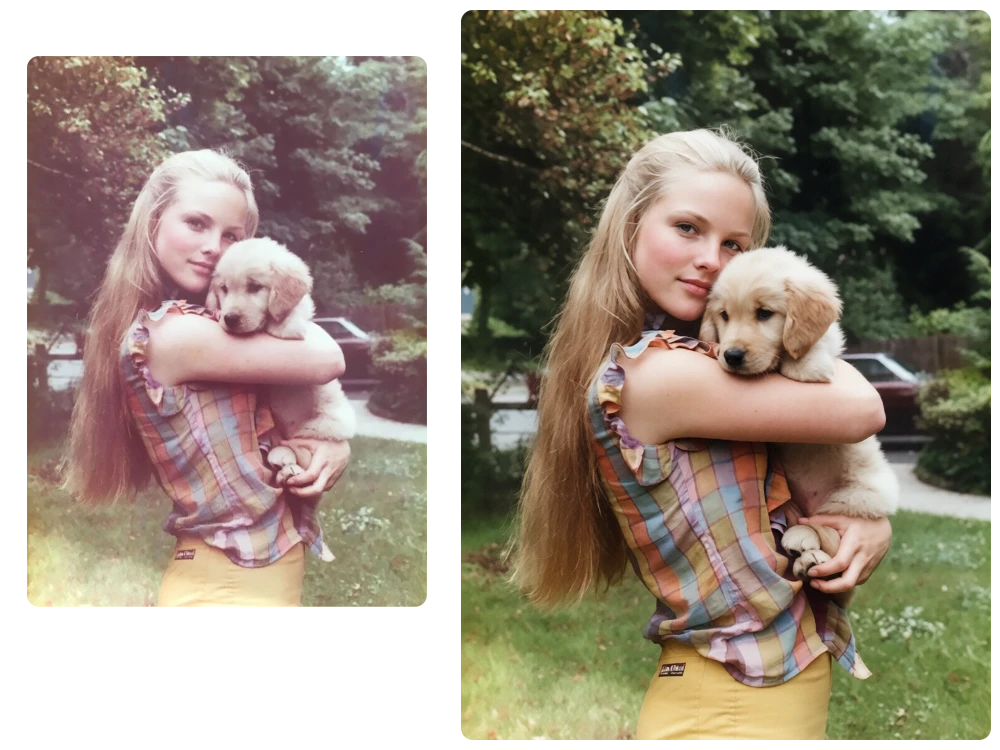
Ready to bring an old memory back? Just upload your photo and start restoring right away, no account or lengthy setup required. Our AI photo restorer keeps the process simple, so you can go from a faded snapshot to a refreshed image with just a few clicks.
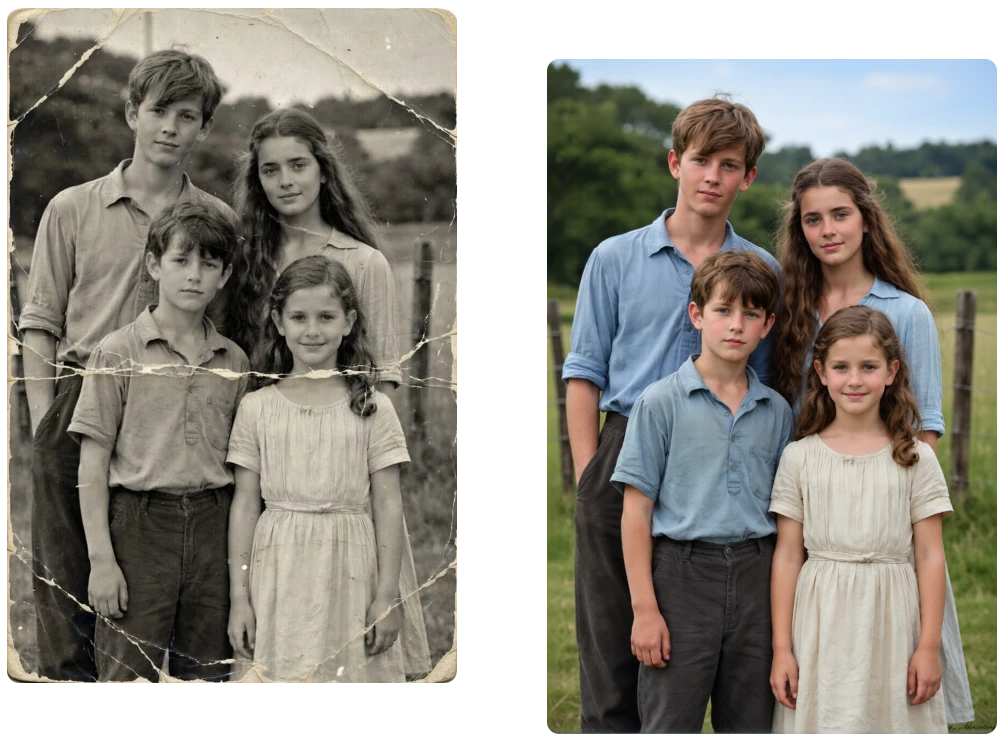
From family albums tucked away for years to photographs worth preserving, AI Photo Restoration makes restoration approachable for everyone. Whether you’re a family member, photographer, or memory keeper, restore old photos with ai and give meaningful images a fresh chance to be remembered.
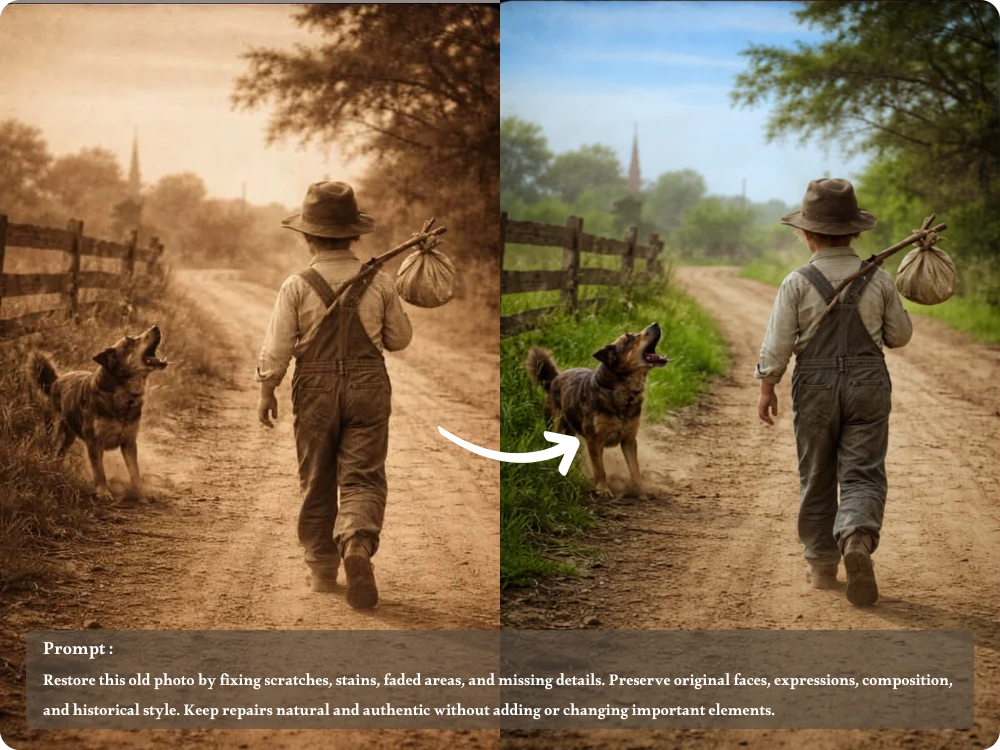
I restored a 1970s photo of my grandparents on their wedding day. The faded faces and scratches were cleaned up beautifully, so I could print it and give copies to my family.
Archivist
My grandfather’s military portrait had several damaged areas and heavy fading. Photo Restoration AI restored the missing details while keeping the original look, giving me a much cleaner version for our family archive.
Photographer
Before our family reunion, I restored several old group photos from different decades. The improved images were much easier to display, and everyone could recognize relatives who had only been seen in old albums.
Event Planner
With AI Photo Restoration, you can repair damage, recover lost details, and refresh faded memories in just a few clicks. Upload a photo and let AI bring your favorite moments back into focus.
Easily restore old pictures with AI technology. Ideal for anyone who wants to preserve memories and recover lost photo details.
Model
Image
0/5
We accept .jpeg, .jpg, .png, .webp formats up to 24MB.
Prompt
Ratio
Resolution
Loading preview...
Loading preview...
Childhood Memories
Family Archives
Wedding Keepsakes
Historical Photos
Friends & Group Photos
Vintage Portraits
Upload your old or damaged image in .jpeg, .jpg, .png, and .webp format, with files up to 24MB.
Our AI automatically detects faded areas, blur, and missing details, then restores your photo while enhancing overall clarity.
Preview your restored photo, download the high-quality result without a watermark, and easily share your renewed memories.
Pick a ready-to-use restoration template or add your own prompt for more control. With photo restoration ai, you can guide the repair style, preserve important details, and shape the final result around the look you want, whether you prefer a subtle refresh or a more polished restoration.
Those little scratches have a way of stealing the spotlight. Let Photo Restore AI automatically repair tears, stains, faded areas, and damaged details while keeping the photo’s original character intact. AI restore old photos naturally, so your treasured memories look clearer without feeling overly edited.
Ready to bring an old memory back? Just upload your photo and start restoring right away, no account or lengthy setup required. Our AI photo restorer keeps the process simple, so you can go from a faded snapshot to a refreshed image with just a few clicks.
From family albums tucked away for years to photographs worth preserving, AI Photo Restoration makes restoration approachable for everyone. Whether you’re a family member, photographer, or memory keeper, restore old photos with ai and give meaningful images a fresh chance to be remembered.
I restored a 1970s photo of my grandparents on their wedding day. The faded faces and scratches were cleaned up beautifully, so I could print it and give copies to my family.
Archivist
My grandfather’s military portrait had several damaged areas and heavy fading. Photo Restoration AI restored the missing details while keeping the original look, giving me a much cleaner version for our family archive.
Photographer
Before our family reunion, I restored several old group photos from different decades. The improved images were much easier to display, and everyone could recognize relatives who had only been seen in old albums.
Event Planner
With AI Photo Restoration, you can repair damage, recover lost details, and refresh faded memories in just a few clicks. Upload a photo and let AI bring your favorite moments back into focus.