
Free AI Image Extender

Expand image edges, generate additional background details, and create more room around subjects for photographers, marketers, and digital content creators.

Image expansion settings

Model

Image

0/1

1.6x
1.1x1.4x1.7x2.0x

Resolution

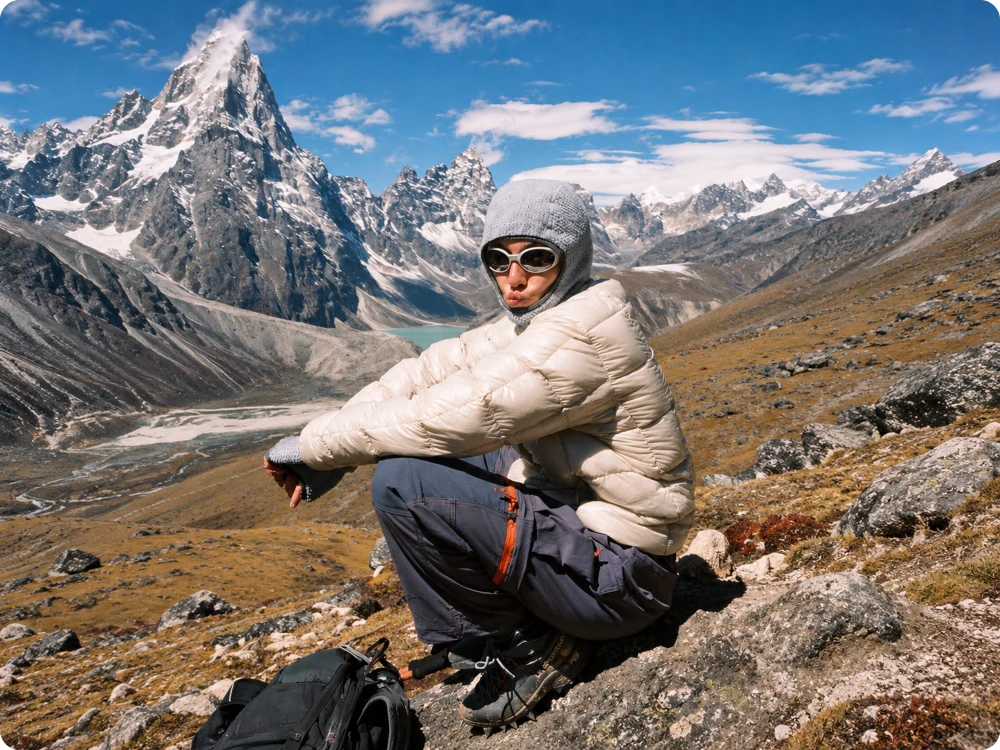
Expanded portrait with more surrounding mountain scenery
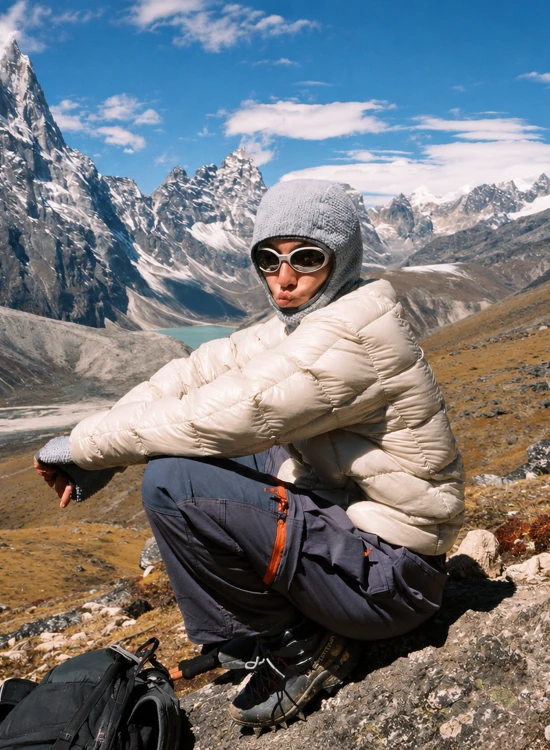
Original tightly framed portrait in the mountains
BEFOREAFTER

Drag to compare

3 Easy Steps to Expand Images with AI

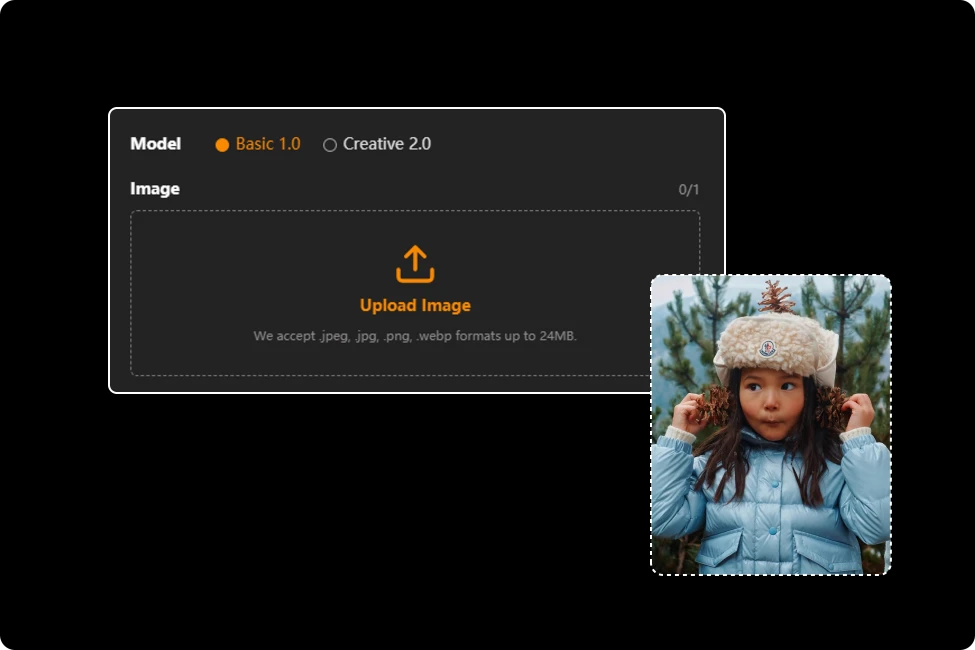
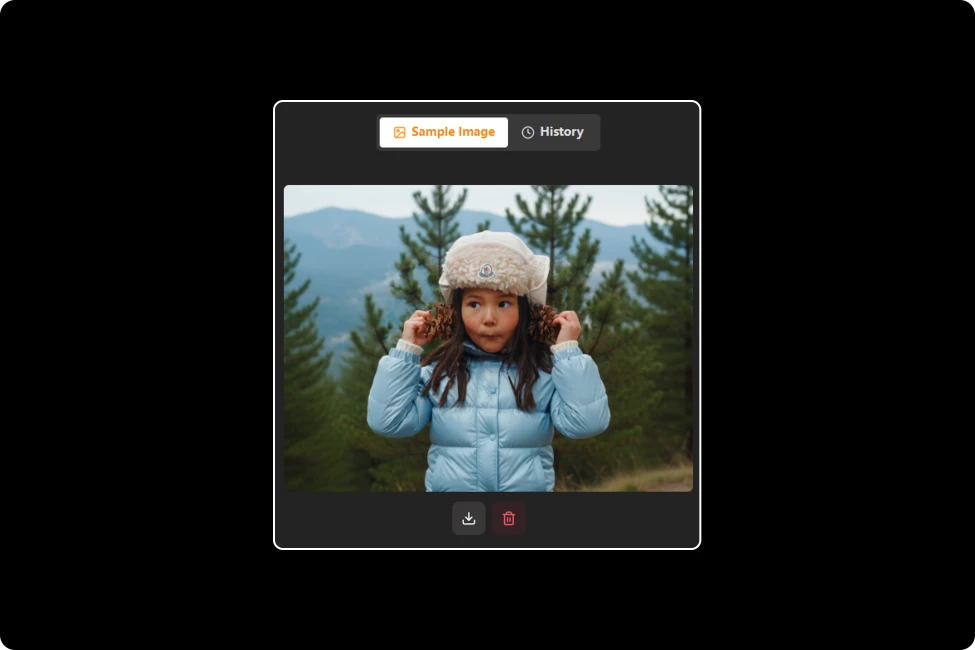
Upload Your Image

Step 1:Upload Your Image

Upload your JPG, JPEG, PNG, or WEBP image up to 24MB. The AI Image Extender will use your uploaded image as the starting point for expansion.

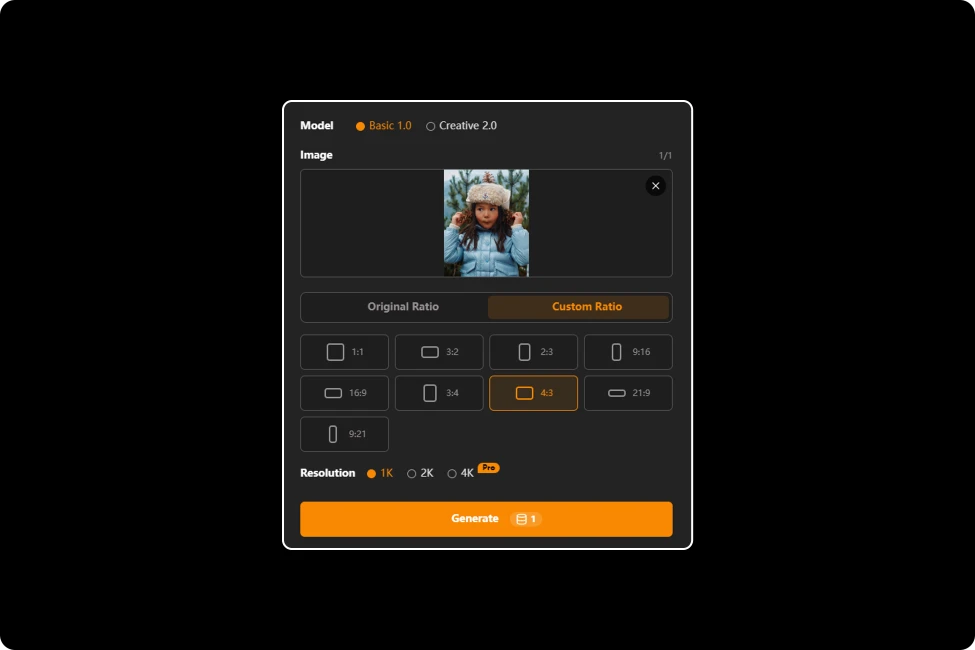
Choose Your Expansion Ratio

Step 2: Choose Your Expansion Ratio

Keep the original aspect ratio to extend the background naturally, or customize a new aspect ratio to fit your desired layout and image dimensions.

Generate and Download

Step 3: Generate and Download

Click generate to let AI extend image beyond its original borders. Preview the expanded result and download your image for free use.

Expand Images with AI for More Creative Possibilities

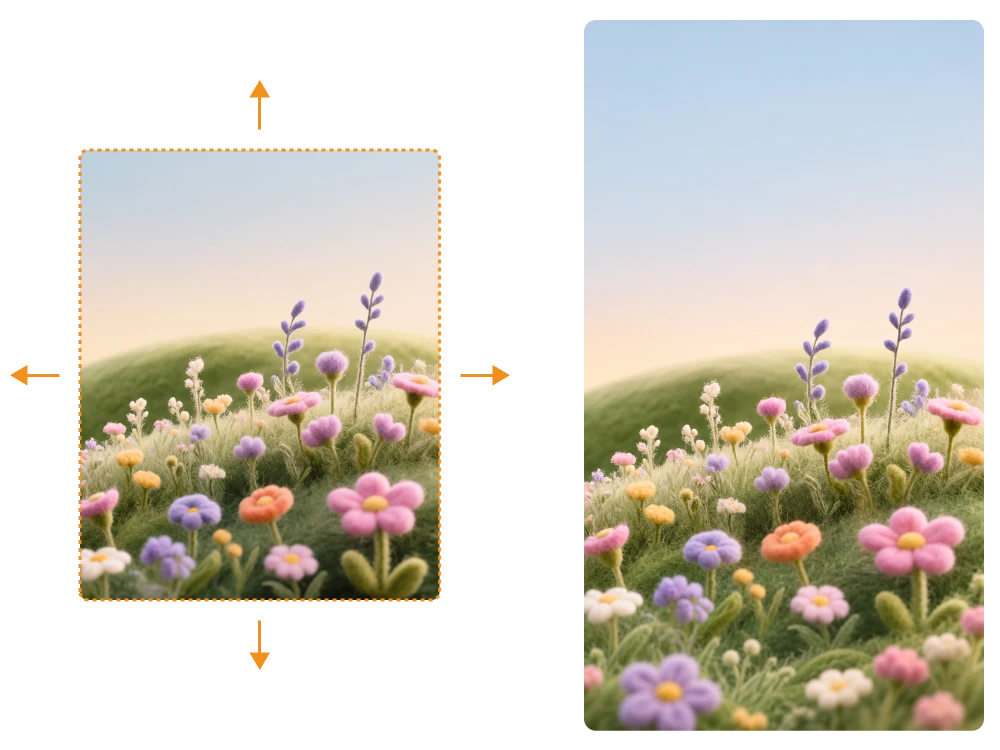
Expand Images with High Quality and No Watermarks

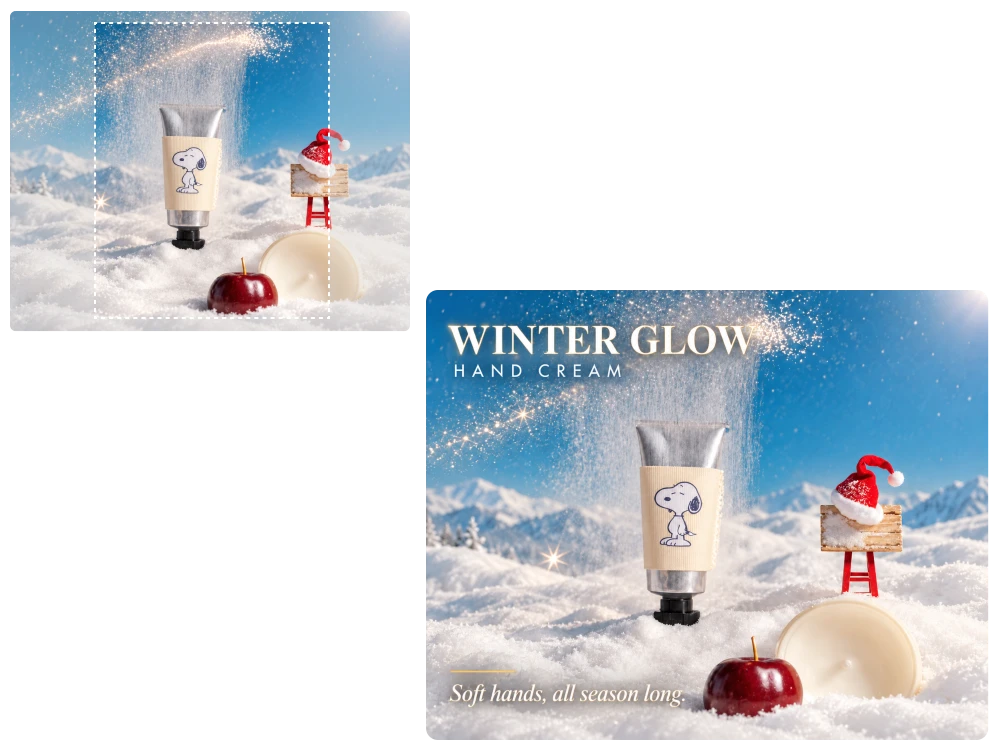
Cropping a photo too tightly can cut off important details or leave you with no room for design text. This AI Image Expander generates matching scenery beyond the original frame, helping the added space blend with your photo while keeping the result watermark-free.

Expand Images with High Quality and No Watermarks

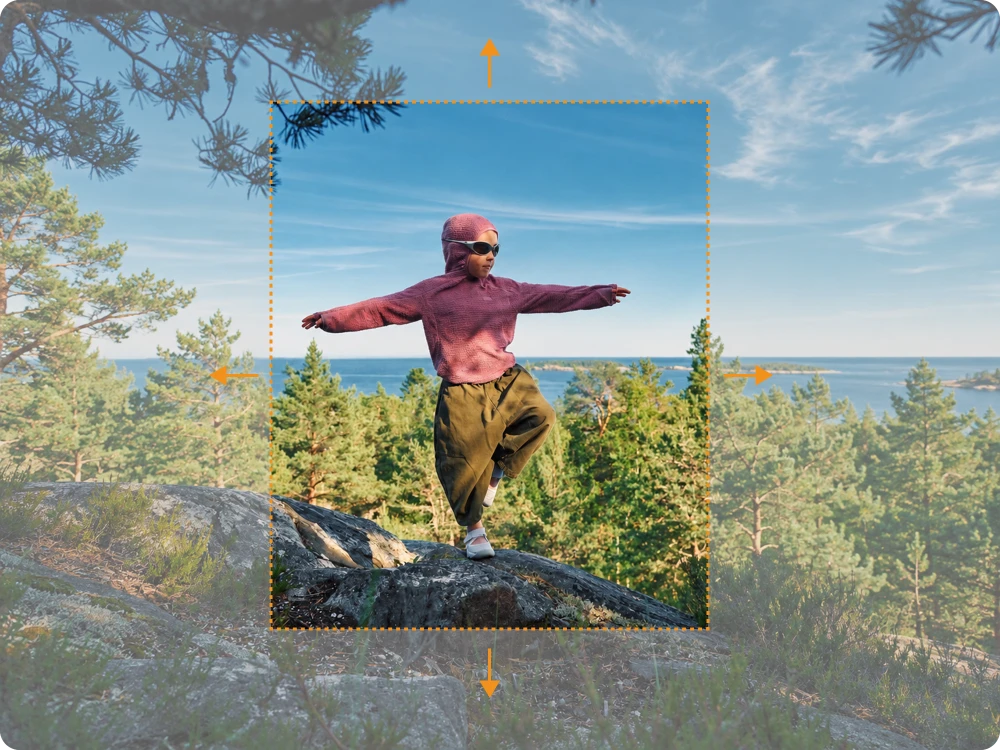
Extend Images with Original or Custom Aspect Ratios

Need a square photo for a product card and a wide version for a banner? AI image expansion lets you keep the original aspect ratio or choose a custom one, adding canvas space instead of stretching the existing image or cropping out the subject.

Extend Images with Original or Custom Aspect Ratios

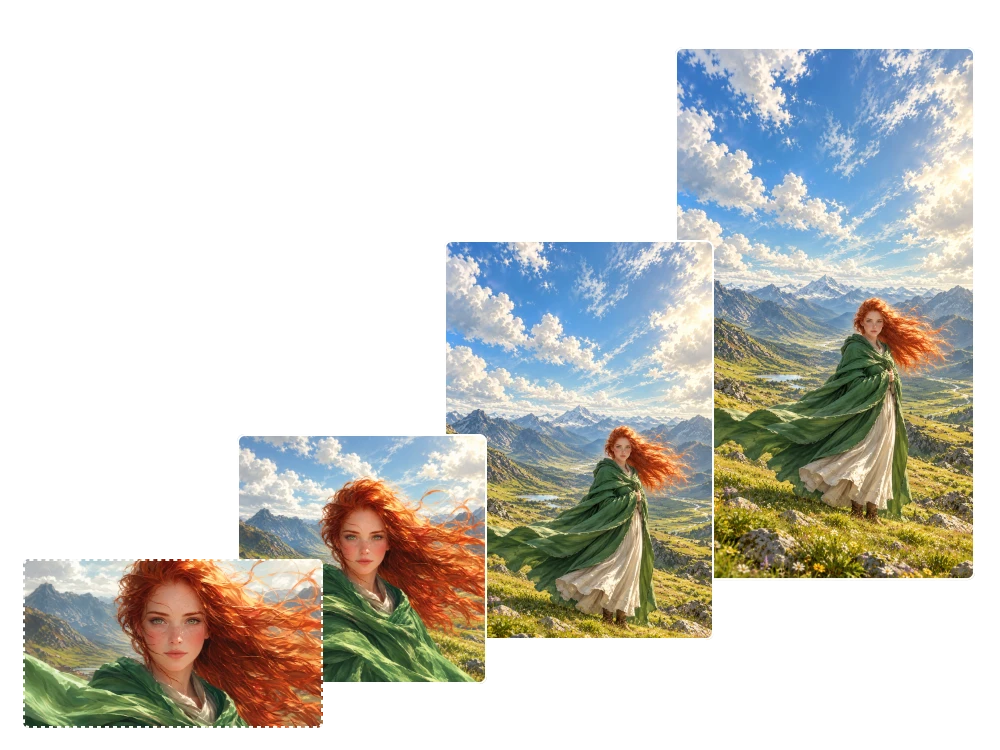
Improve Portrait and Landscape Composition with AI Image Expansion

Tightly framed portraits can feel cramped, while landscape shots may lack the sky, scenery, or foreground needed for a balanced composition. An AI photo extender generates extra space around the frame so people and landscapes fit better into profile pictures, covers, and wide banners.

Improve Portrait and Landscape Composition with AI Image Expansion

Expand Product Photos for Different Store Layouts

Product photos often look awkward when marketplaces require a wider banner or extra space for labels. A free AI Image Extender online can expand the surrounding background to fit different store layouts, helping keep the product as the visual focus without arranging another photo shoot.

Expand Product Photos for Different Store Layouts

Customer Experiences with Our AI Image Extender

“One mountain photo from my weekend trip was framed too tightly to work as a blog header. With an AI photo extender, I expanded the visible scenery around the landscape, giving the image a more spacious composition that suited the article layout without another trip to the location.”

Ethan Cole

Travel Blogger

I had a square campaign image but needed a landscape cover for a scheduled social media promotion. The AI image expansion workflow gave me extra room around the original subject, so I could fit the wider format without stretching the photo or cutting off key details.

Daniel Foster

Social Media Manager

A client sent me a portrait that was too tightly cropped for a website hero banner. Instead of requesting another photo, I used AI expand image to generate more background space, creating a wider composition that left room for the headline and call-to-action.

Marcus Reed

Graphic Designer

FAQ about Free AI Image Expander

1.What Is an AI Image Extender and How Does It Expand Photos?

An AI Image Extender expands a photo beyond its original borders by generating new image content around the existing frame. Instead of simply stretching pixels or cropping the subject, it creates additional scenery, background, or surrounding space to help your image fit a wider or taller layout.

2.Can an AI Image Extender Change a Photo From Portrait to Landscape?

Yes. You can keep the original aspect ratio for background expansion or choose a custom ratio to create a different composition. This is useful when converting a vertical portrait into a horizontal website banner or adapting a landscape photo for a square social media post without relying solely on cropping.

3.Is This AI Image Extender Free to Use Without Signing Up?

Yes. You can use the AI Image Extender without creating an account, with 5 free generation credits available each day. Your daily credits refresh the following day. If you need more generations or want to explore advanced features, additional paid credits may be required.

4.Can I Expand Images in High Resolution Without Watermarks?

Yes. You can download expanded images in high resolution without watermarks. For projects that require precise details, review the generated areas and confirm that the final image meets your resolution and design requirements.

5.What Image Formats Does This Free AI Image Extender Online Support?

This free AI Image Extender online supports JPG, JPEG, PNG, and WEBP images up to 24MB per image. Before uploading, check that your file uses a supported format and falls within the size limit.

Ready to Extend Your Image with AI?

Give cropped photos more room with a free AI Image Extender online. Try it today and make your existing images work harder for your next design.

/html>