0

Free AI Image Editor Online with Prompts

Create eye-catching visuals, edit product photos, and generate unique content with an unlimited AI Image Editor built for modern creators.

Model

Image

0/1

Upload Image

We accept .jpeg, .jpg, .png, .webp formats up to 24MB.

Prompt

Sample:

Ratio

Al Image Editor 1
Al Image Editor 2
Al Image Editor 3

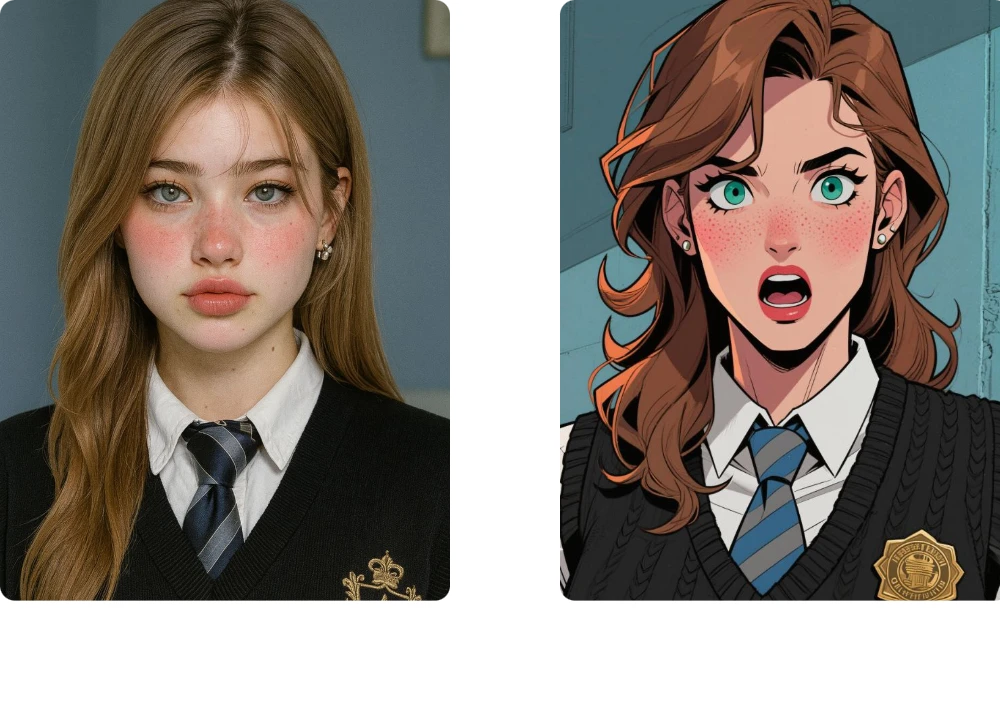
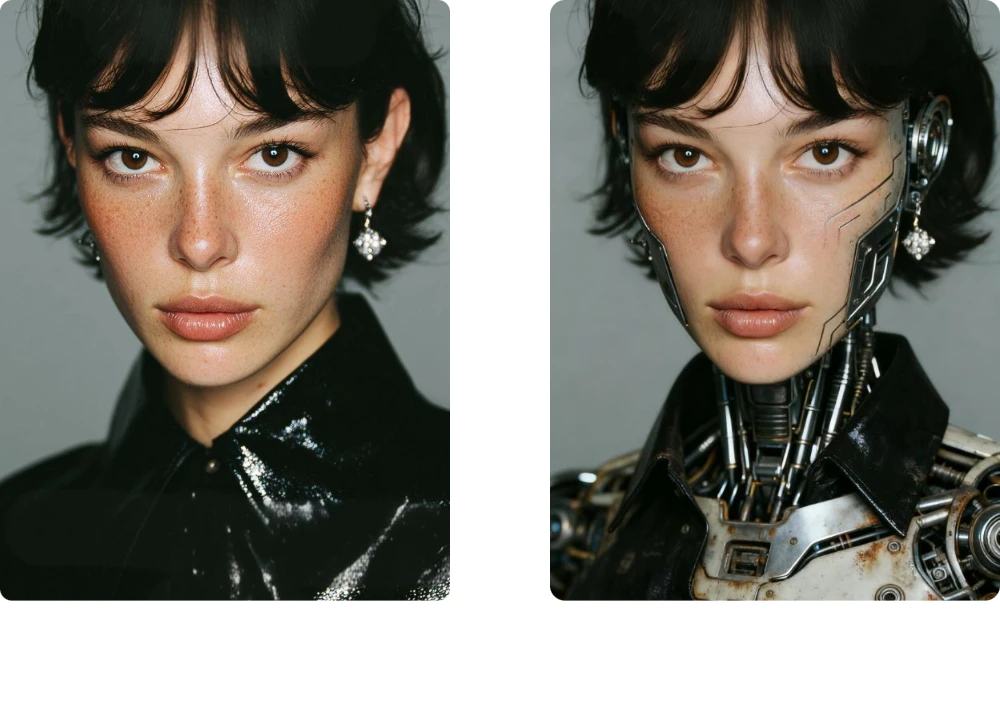
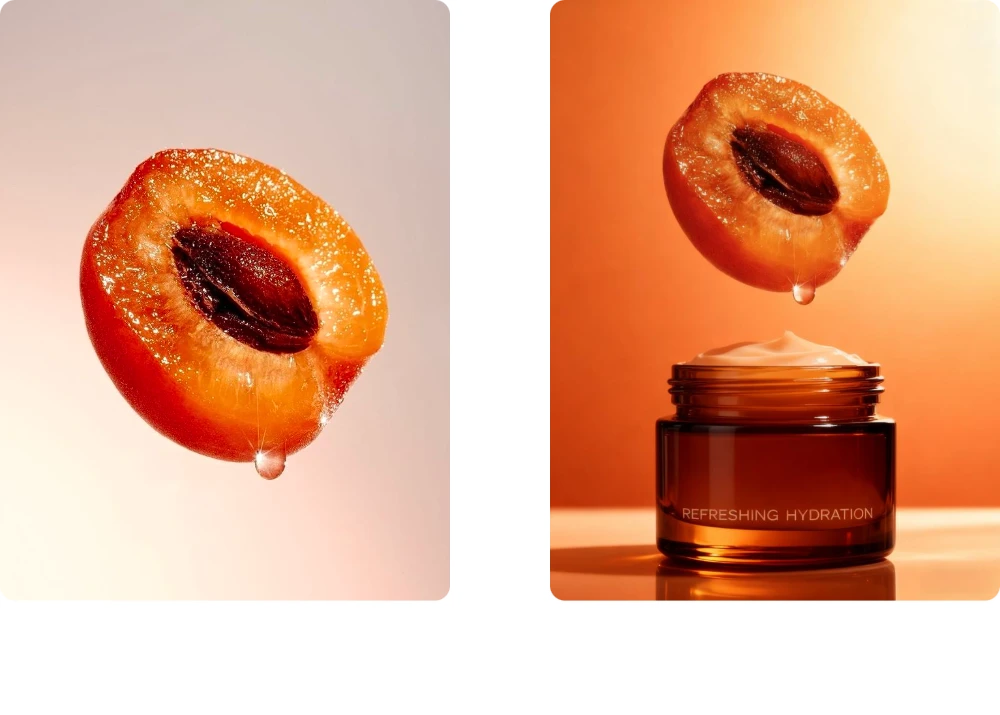
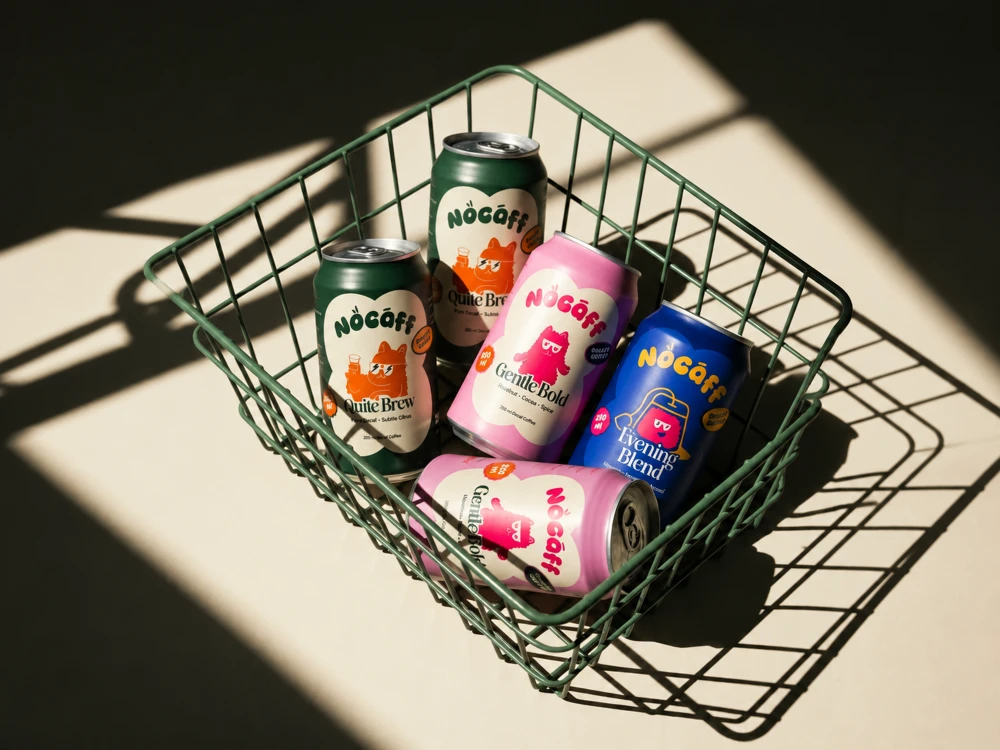
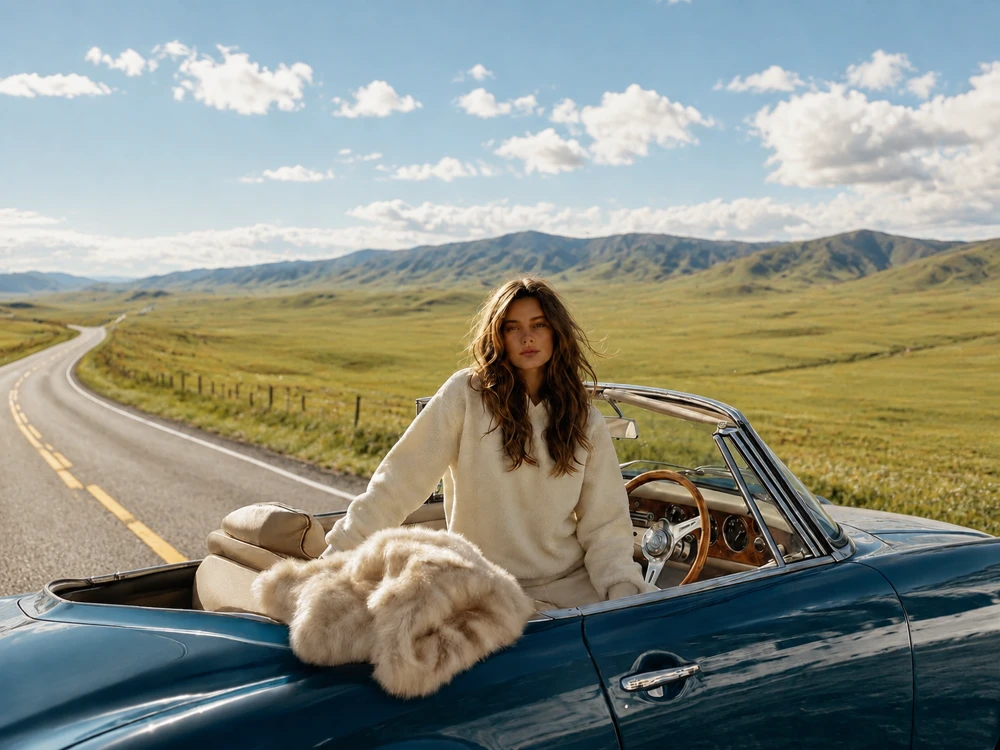
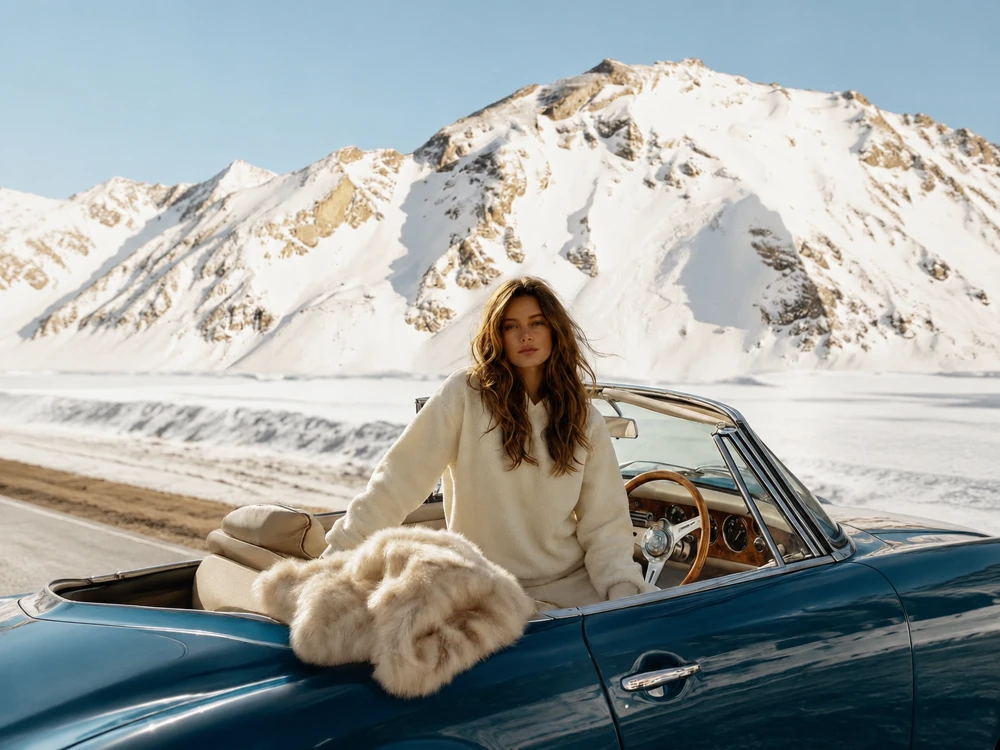
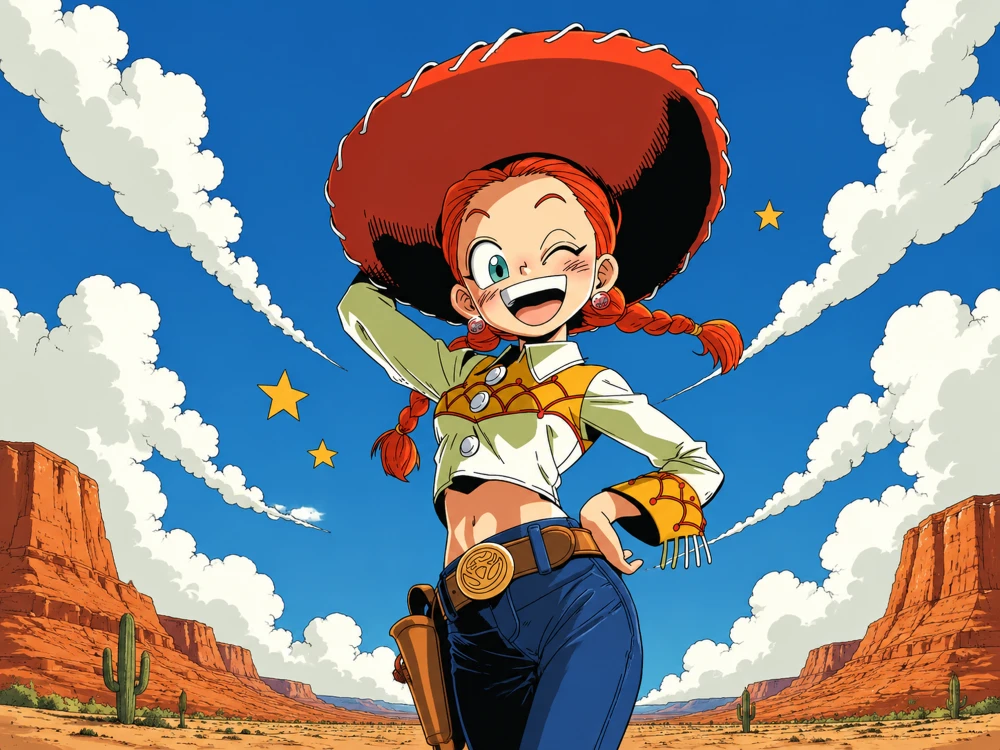
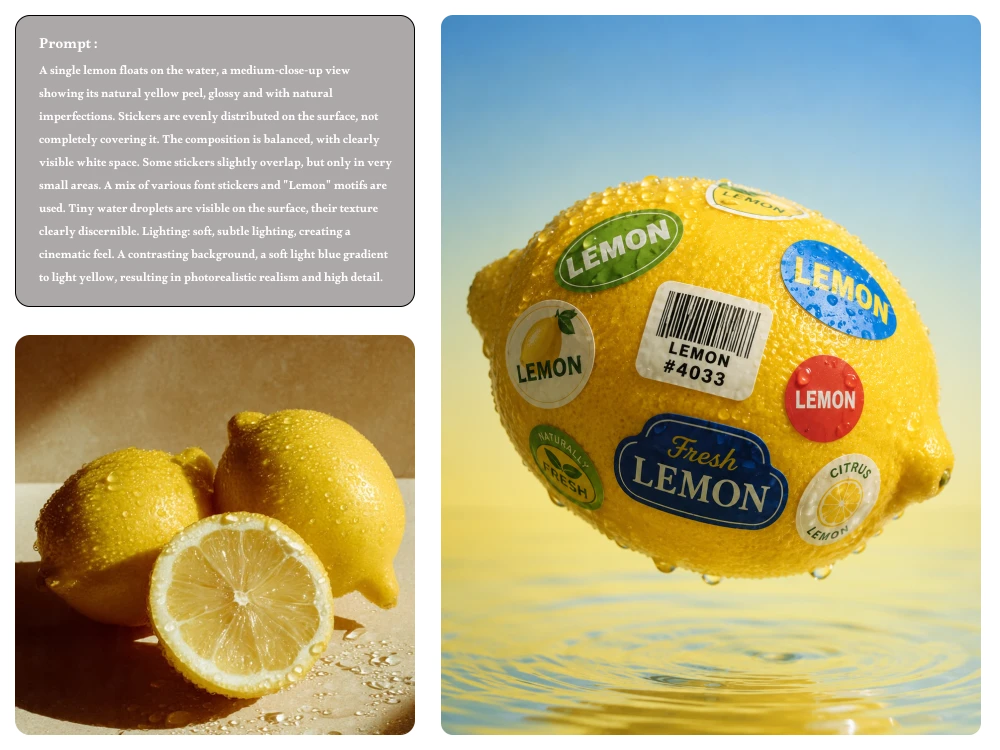
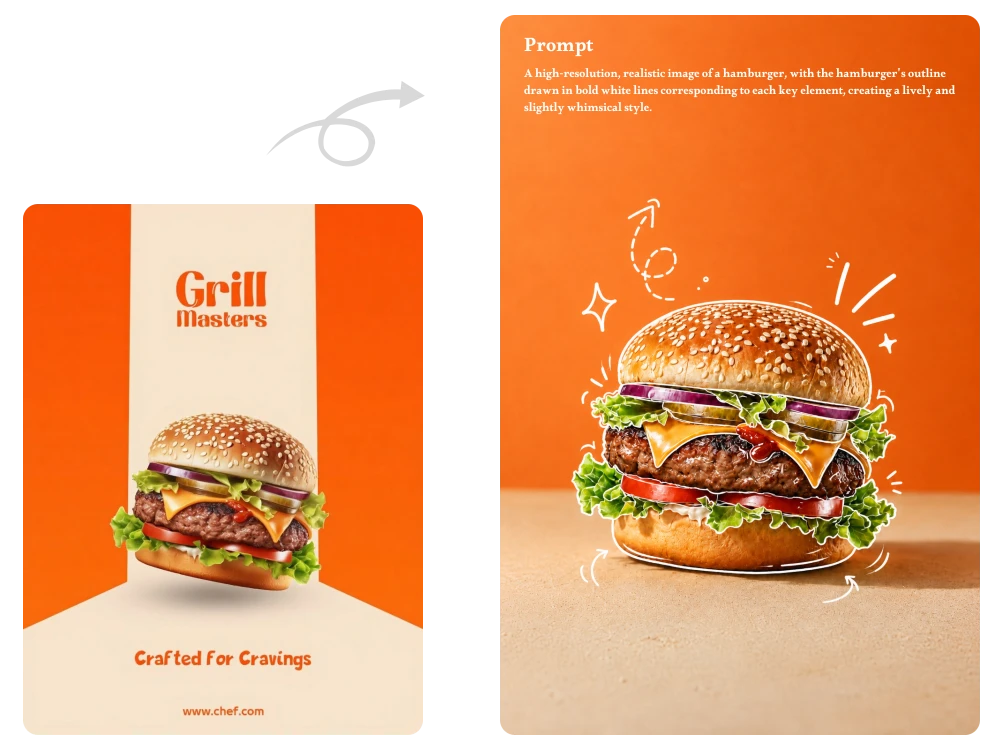
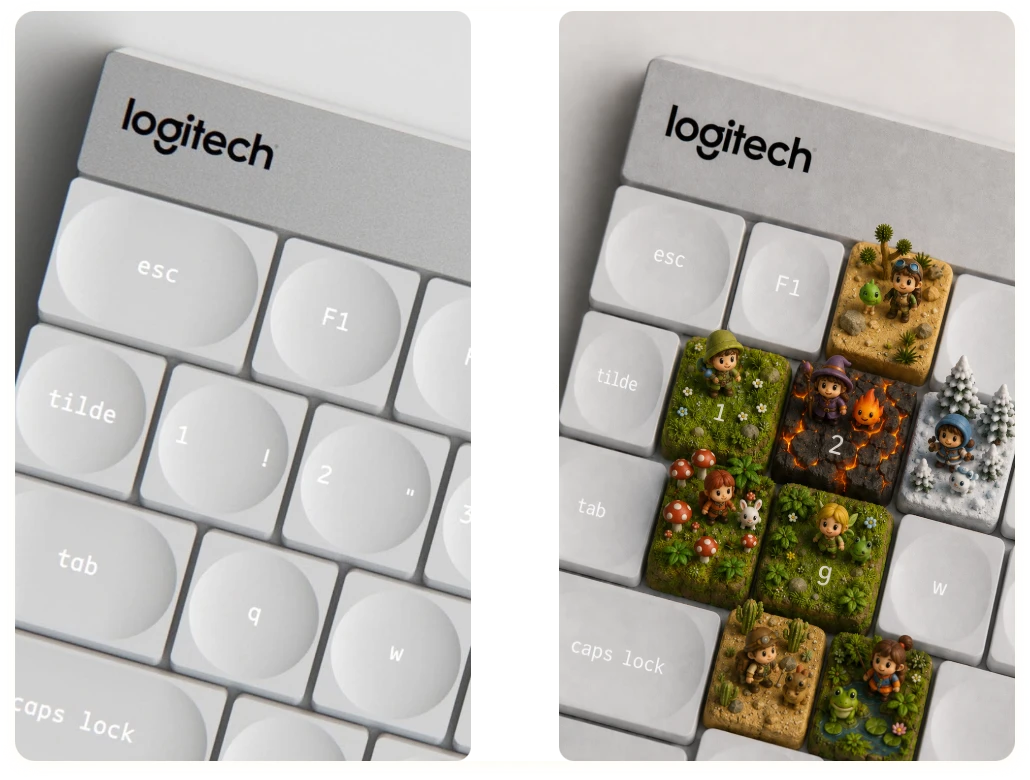
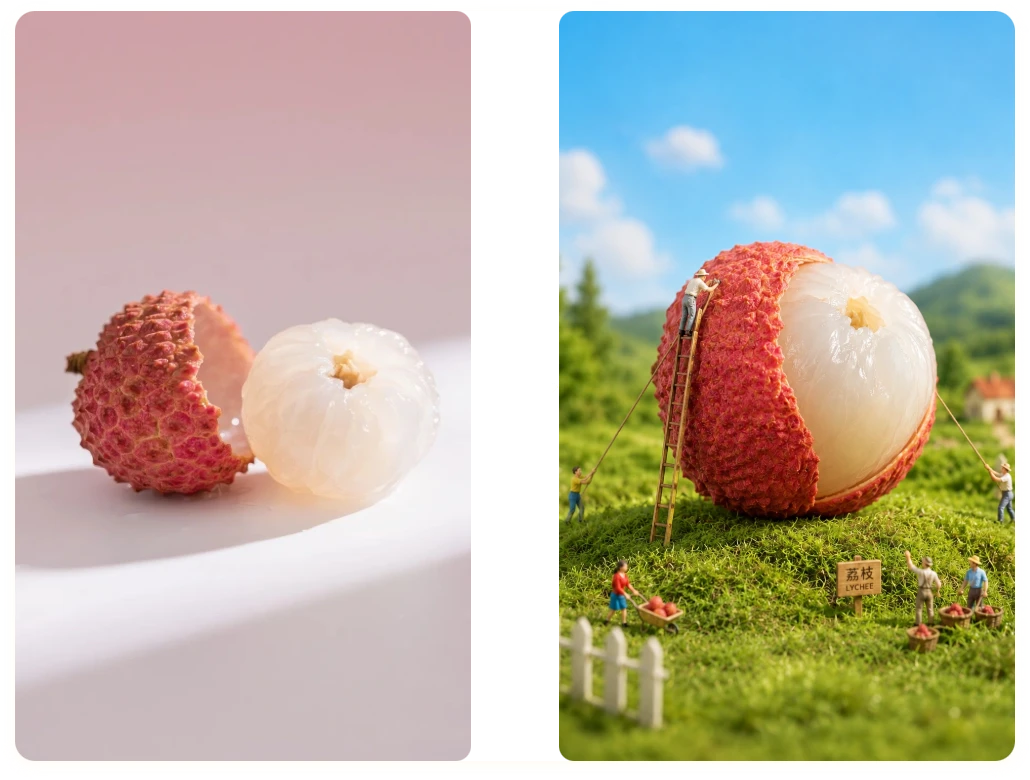
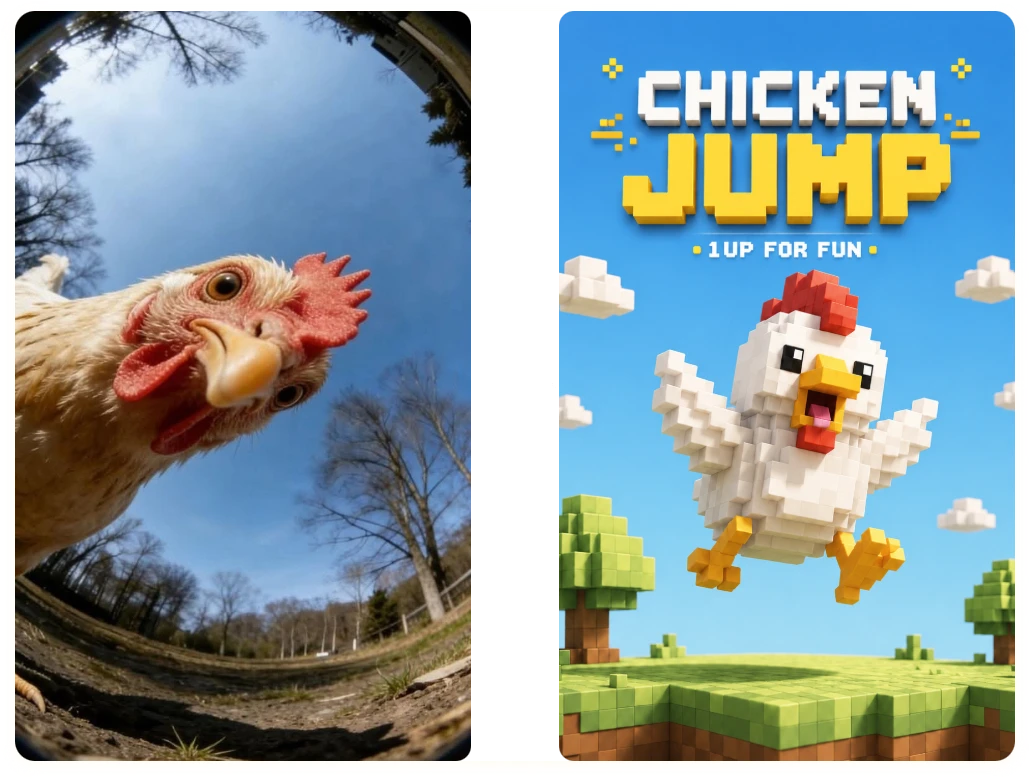
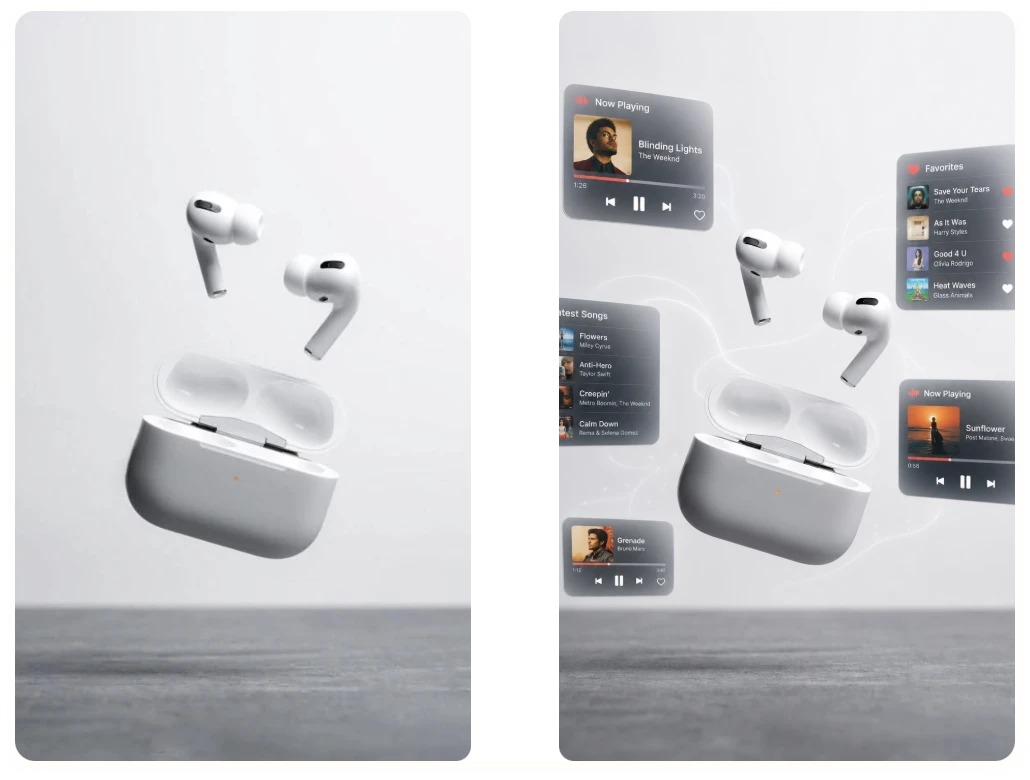
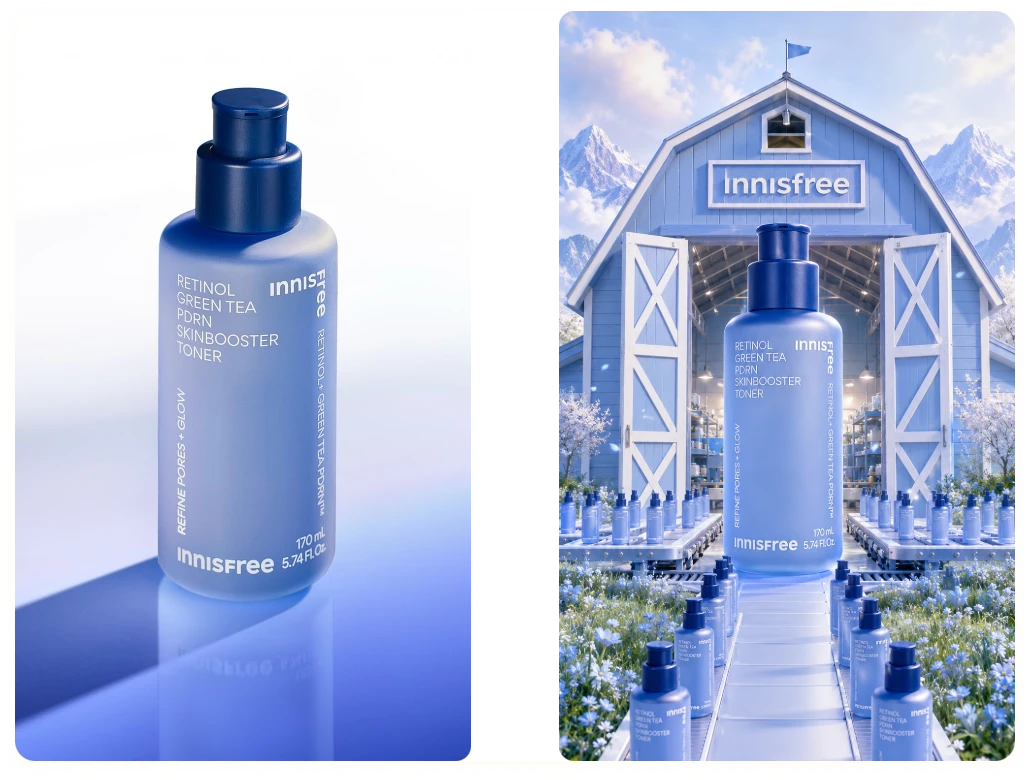
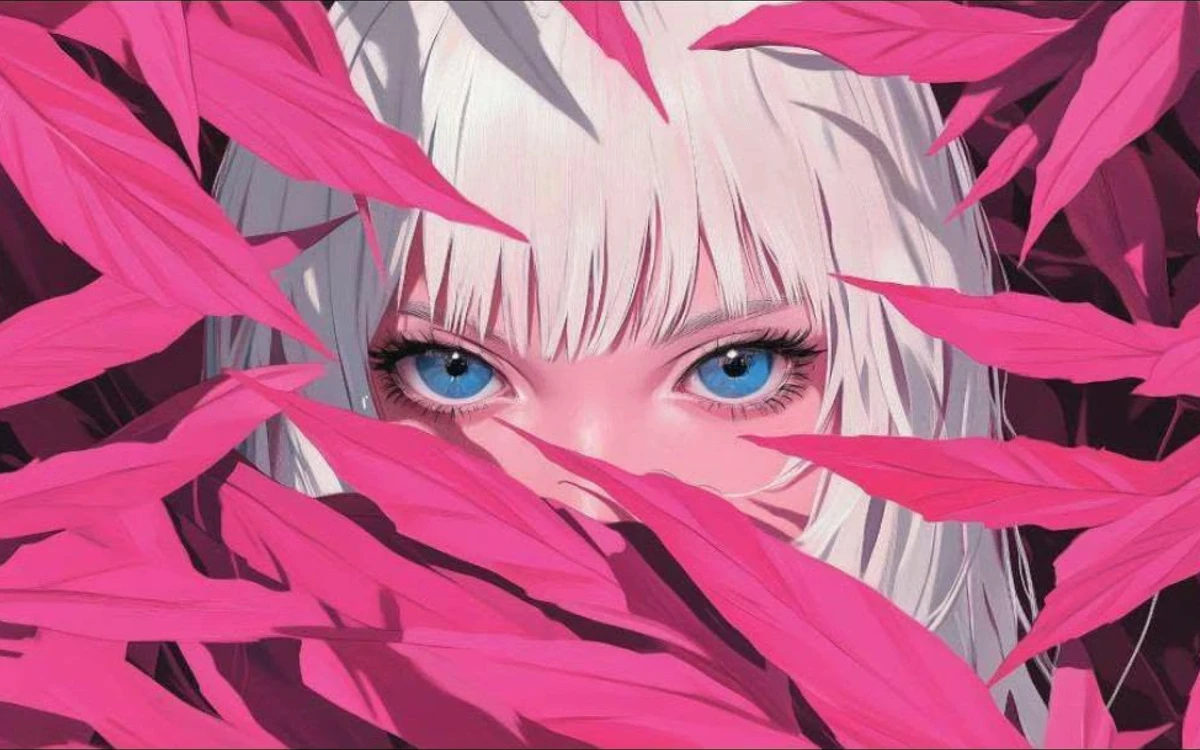
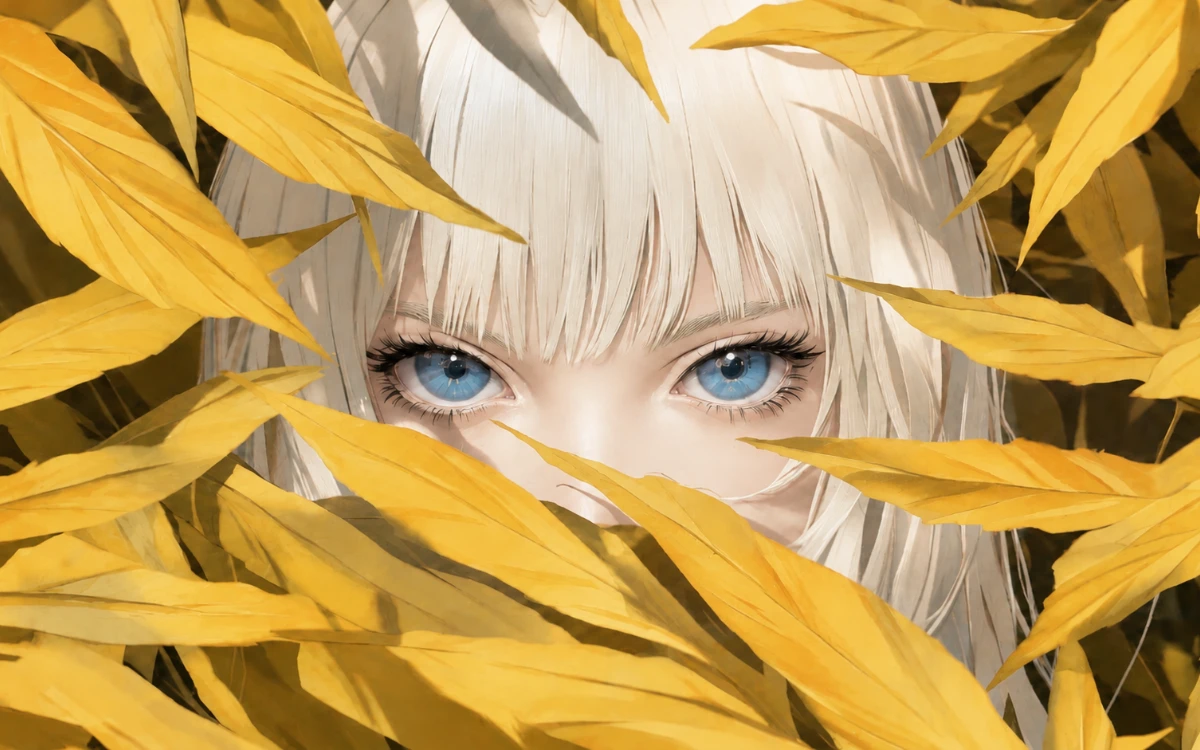
Explore Creative Results Created with Our AI Image Editor

How to Use Our Image Editor AI in 3 Simple Steps

From ordinary photos to extraordinary visuals — AI does the work, you enjoy the results.
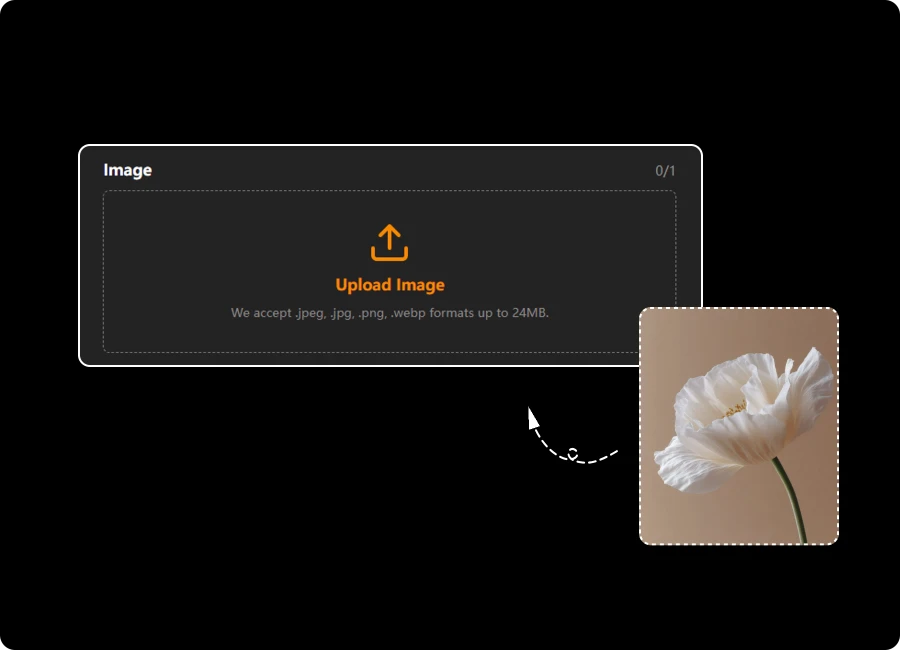
Upload Your Image

Step 1: Upload Your Image

Drag and drop an image or select one from your device. Upload JPEG, JPG, PNG, or WEBP files and get started instantly.

Enter Your Editing Prompt

Step 2: Enter Your Editing Prompt

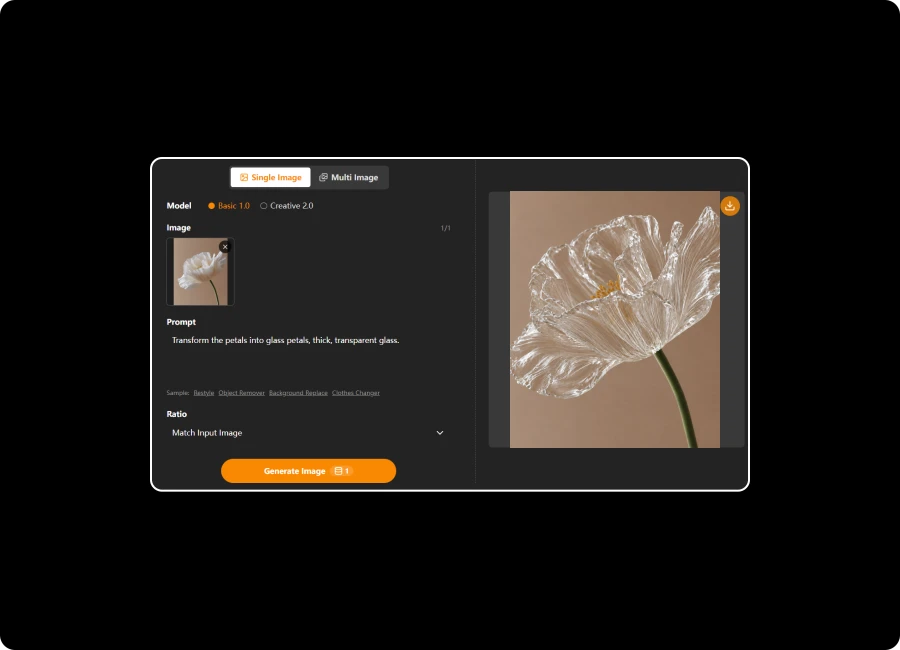
Describe the changes you want to make. The AI Image Editor will automatically follow your prompt and transform your photo accordingly.

Generate and Download

Step 3: Generate and Download

Preview your edited image, then download it in high quality without watermarks. Your finished visual is ready to use anywhere.

Everything You Need in an Unlimited AI Image Editor

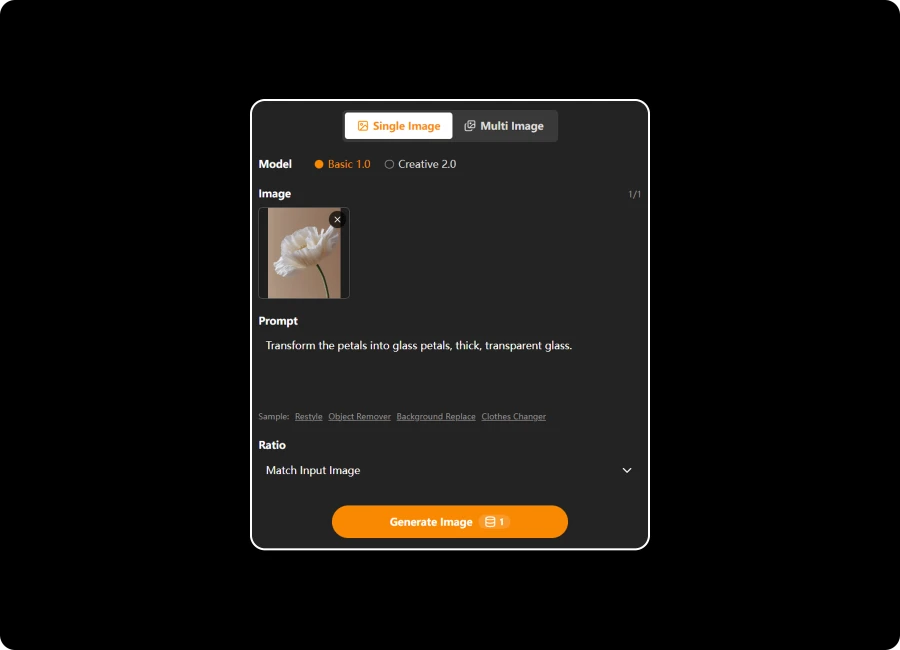
Start Editing Instantly with Flexible Image Uploads

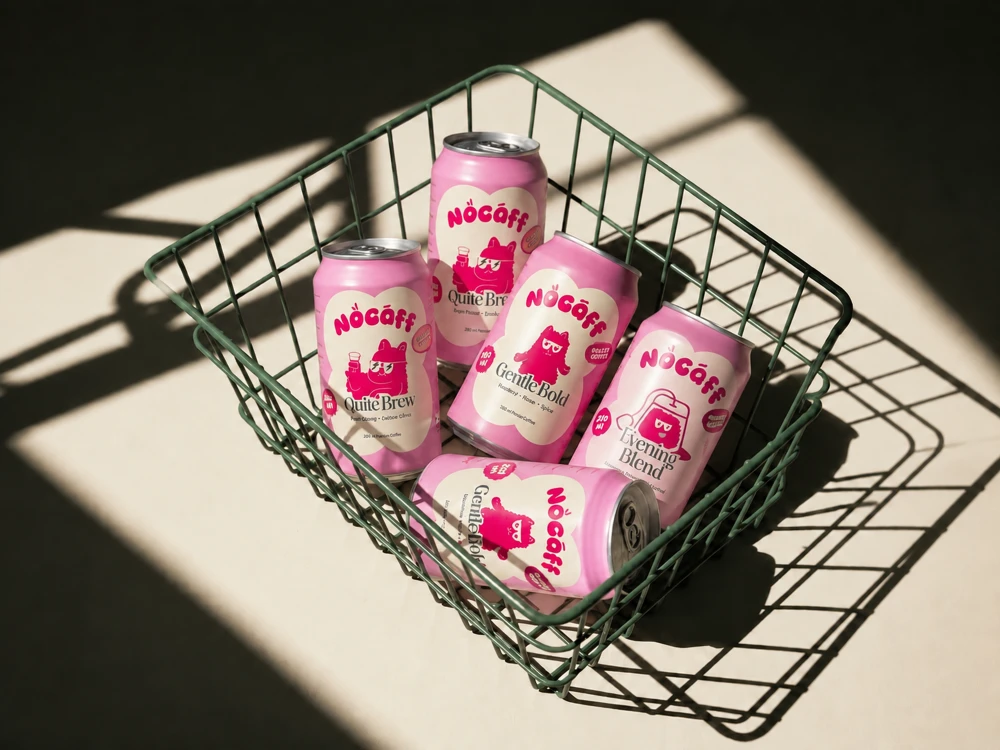
Bring your ideas to life without worrying about file compatibility. Simply upload JPEG, PNG, or WEBP images and start editing instantly. Whether you're enhancing a single photo or working with multiple images, our AI Photo Editor makes the creative process fast, smooth, and accessible.

Start Editing Instantly with Flexible Image Uploads

Bring Your Creative Vision to Life with AI-Powered Controls

Create exactly what you imagine with flexible AI-powered controls. Upload reference images, customize prompts, and choose the perfect aspect ratio for social media, marketing, or personal projects. This AI Photo to Photo experience gives you the freedom to turn creative ideas into polished visuals.

Bring Your Creative Vision to Life with AI-Powered Controls

Select the Best AI Image Editor Model for Your Project

Every project is different, which is why you can choose between Basic and Pro AI models. Generate quick edits for everyday use or unlock advanced image quality for professional content. Our free AI Image Editor online adapts to your workflow and creative goals with ease.

Select the Best AI Image Editor Model for Your Project

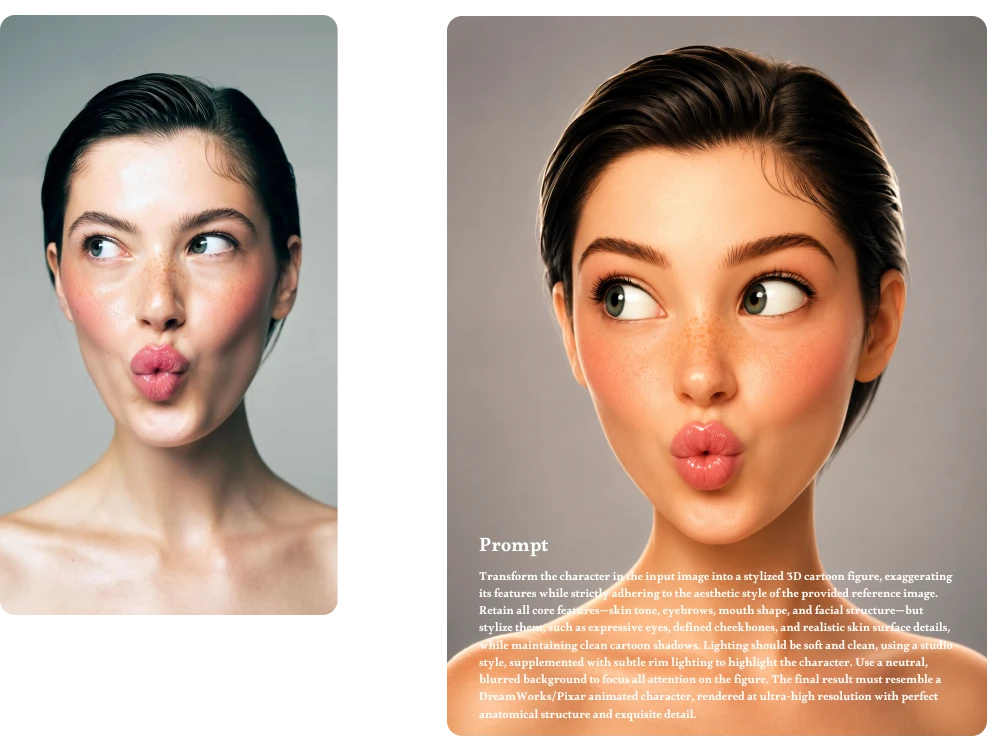
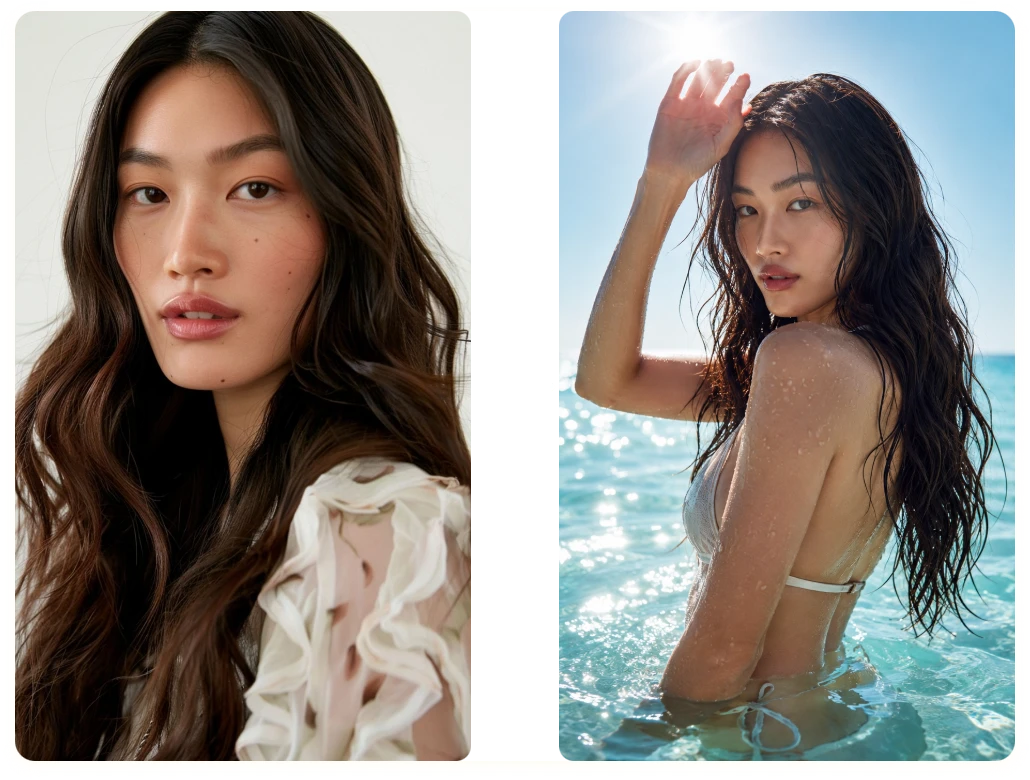
Preserve Faces and Key Details While Editing Photos

Transform images while keeping what matters most. Our free AI Photo Editor no sign up helps preserve facial features, expressions, and important visual details, delivering natural-looking results that stay true to the original image. Perfect for portraits, branded content, and high-quality creative work.

Preserve Faces and Key Details While Editing Photos

Our Users Share Their AI Photo Editing Success Stories

Behind every great image is a creative idea. See how users across industries are using our AI Image Editor no sign up to turn inspiration into impactful visual content.

"

Last week, I needed fresh product photos for a holiday promotion but had no budget for a photographer. Using the AI Photo Editor, I removed distracting backgrounds, adjusted image styles, and created a consistent look across 30 listings in a single afternoon.

Marcus Bennett

Etsy Store Owner

"

While preparing a client presentation in March, I used AI Photo to Photo editing to transform room photos into different design styles. It helped clients compare ideas instantly and reduced the number of revision requests during the project.

Sophia Nguyen

Interior Designer

"

When updating my personal branding photos, I wanted creative edits without changing my appearance. The image editor AI with prompt kept facial expressions and key details natural while enhancing colors and overall image quality for my website.

Rachel Morgan

Content Creator

FAQ about Image Editor AI

1. What Is an AI Image Editor?

An AI Image Editor uses artificial intelligence to help you edit, enhance, and transform images with minimal effort. Instead of manually adjusting every detail, you can upload a photo, enter a prompt, and let AI generate professional-quality results in seconds.

2. How Does AI Photo to Photo Editing Work?

AI Photo to Photo editing allows you to upload an existing image as a reference and transform it into a new style or variation. The AI analyzes the original image and follows your prompt instructions while preserving important visual elements.

3. What Is the Difference Between Basic and Pro AI Models?

Basic models are optimized for speed and everyday image editing tasks. Pro models provide higher-quality outputs, improved detail preservation, and more advanced creative capabilities, making them ideal for professional projects.

4. What Image Formats Does the AI Image Editor Support?

Our AI Image Editor supports .jpeg, .jpg, .png, and .webp files up to 24MB. These formats ensure compatibility with most photos, social media content, product images, and creative projects.

5. Can I Upload More Than One Image at a Time?

Yes. You can upload a single image or multiple images depending on your project needs. Multi-image uploads are especially useful for AI Photo to Photo editing, style consistency, and creative reference generation.

6. Will My Edited Images Contain Watermarks?

No. Images generated or edited with our AI Photo Editor can be downloaded without watermarks, allowing you to use them for personal projects, social media content, marketing materials, and professional work.

7. Who Can Benefit from Using an AI Image Editor with Prompt?

Our AI Image Editor is built for content creators, designers, marketers, e-commerce sellers, photographers, small businesses, and everyday users. Whether you're creating social media graphics, product photos, or personal artwork, AI can help streamline the editing process.

8. Can I Use This Free AI Image Editor Without Signing Up?

Yes. You can start using our functionality without creating an account. Our free AI Image Editor requires no sign up, allowing you to edit photos quickly and conveniently without unnecessary steps.

Ready to Create Your Next Favorite Image?

Upload a photo, customize your prompts, and watch your ideas come to life. Whether you're creating content for work, business, or personal projects, our AI Image Editor is ready to help you achieve professional results.

logo

ImageToImage AI

ImageToImage AI is a powerful AI tool that transforms your images with stunning creativity. Upload, customize, and generate beautiful visuals in seconds.