
Free Image to Pixel Art Converter Online
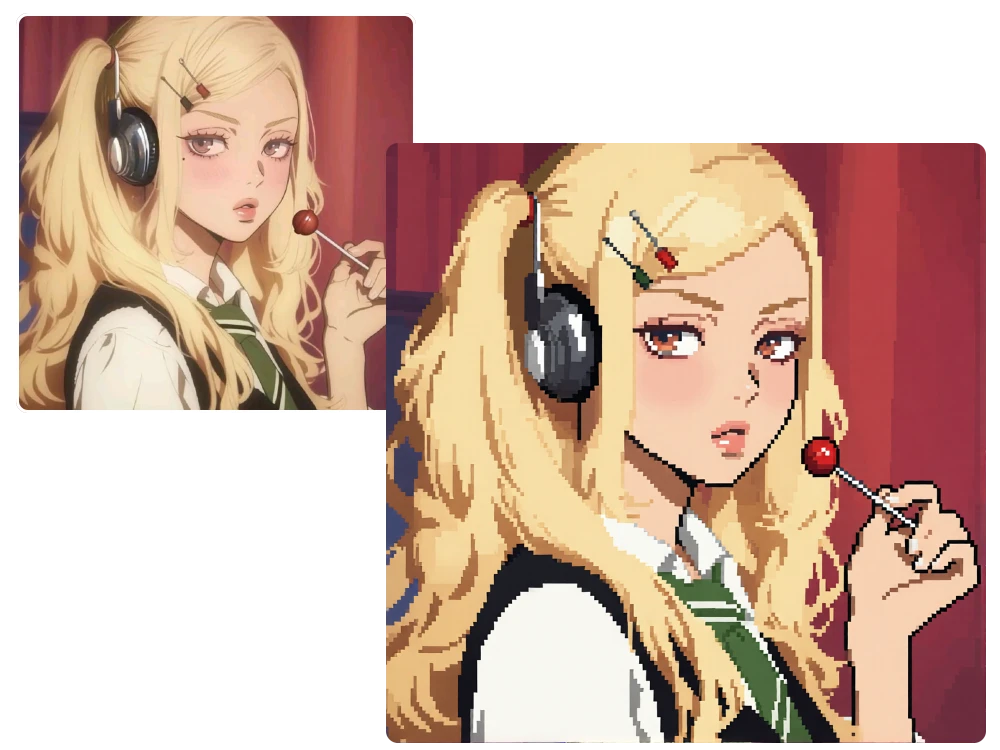
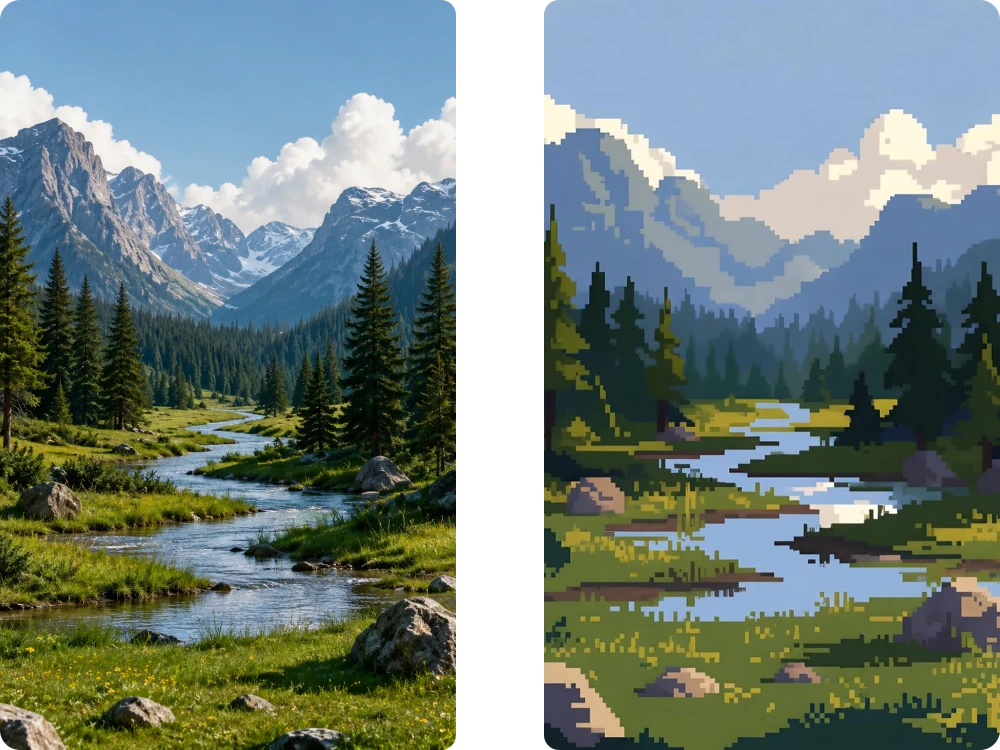
Transform any photo into pixel artwork with our Image to Pixel Art AI. Perfect for gamers, artists, creators, and anyone who loves nostalgic pixel designs.
Model
Image
0/5
We accept .jpeg, .jpg, .png, .webp formats up to 24MB.
Prompt
Ratio
Resolution
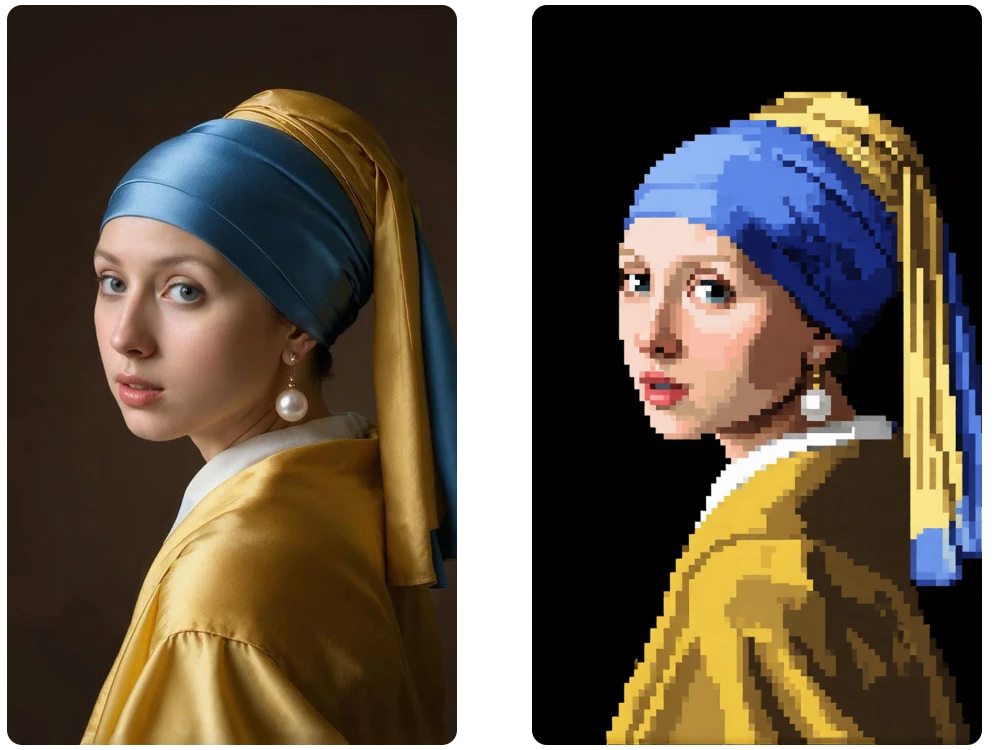
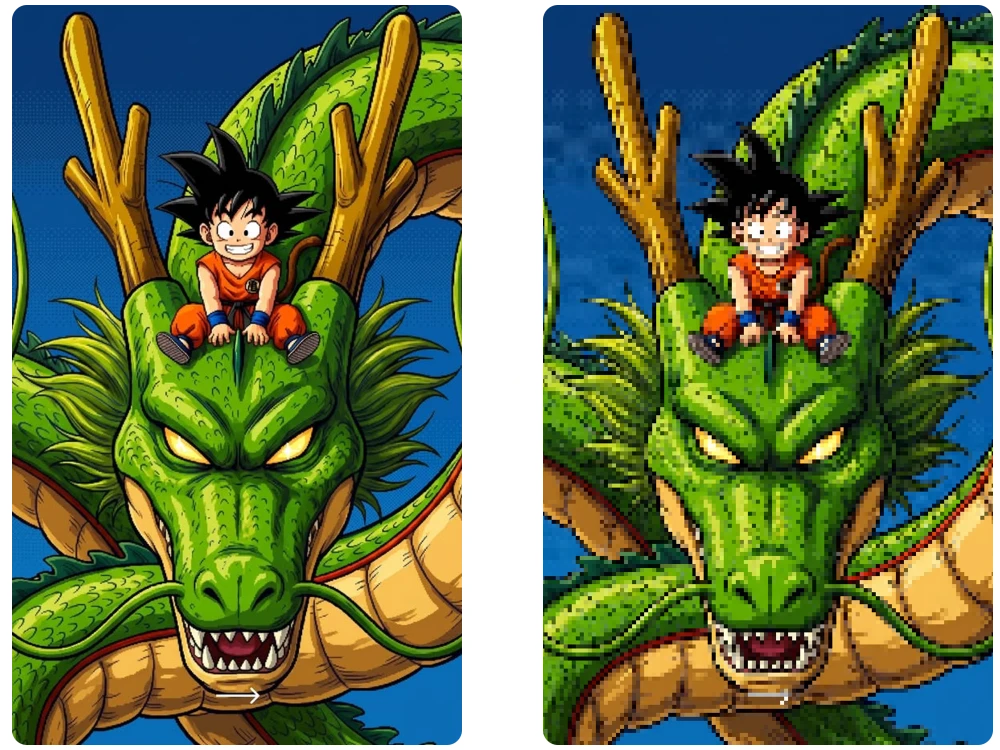
Transform any photo into pixel artwork with our Image to Pixel Art AI. Perfect for gamers, artists, creators, and anyone who loves nostalgic pixel designs.
Model
Image
0/5
We accept .jpeg, .jpg, .png, .webp formats up to 24MB.
Prompt
Ratio
Resolution
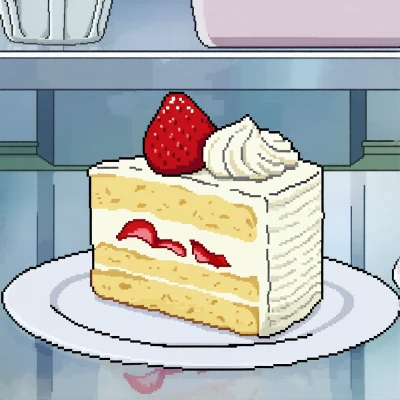
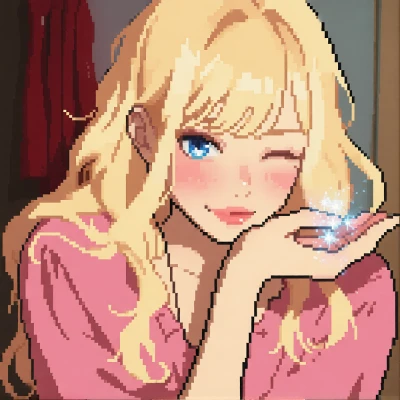
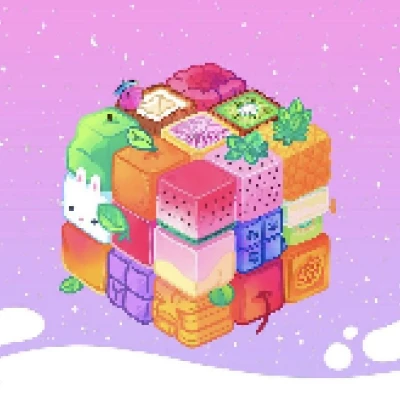
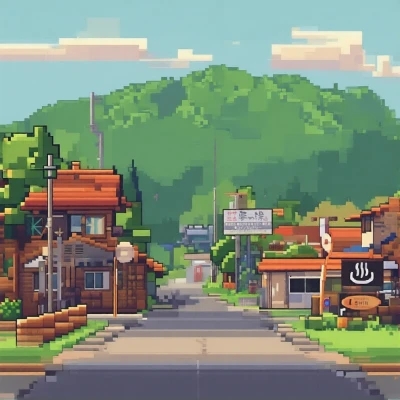
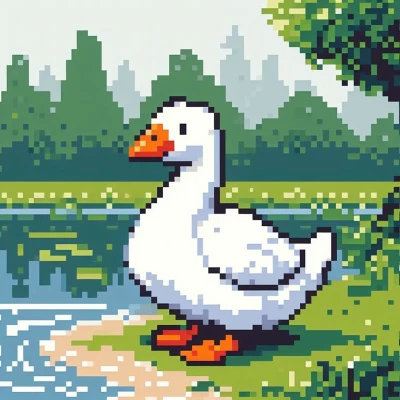
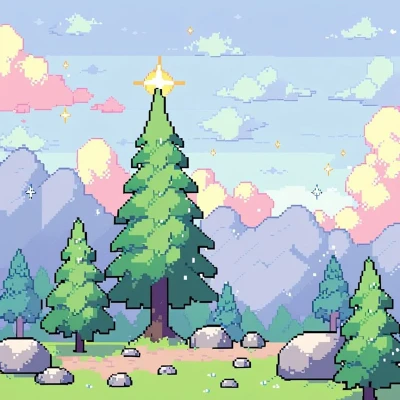
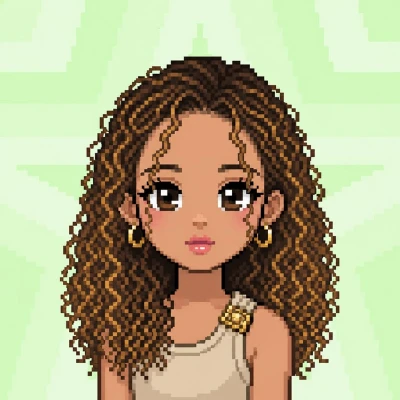
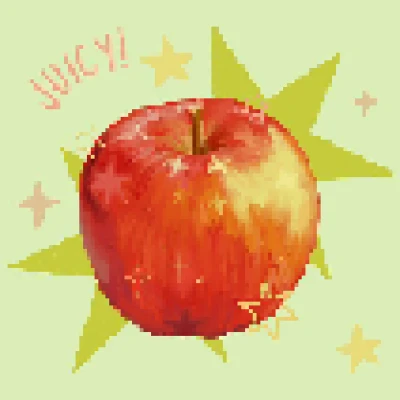
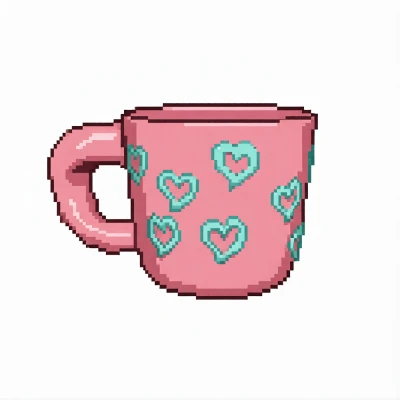
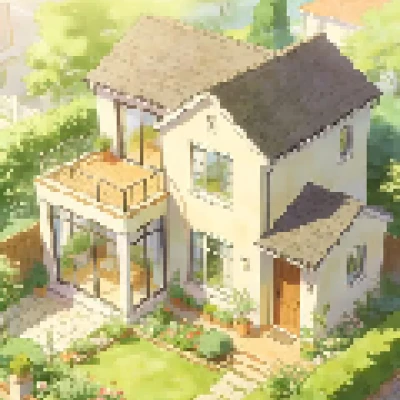
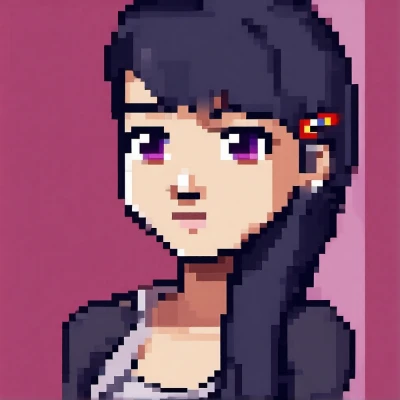
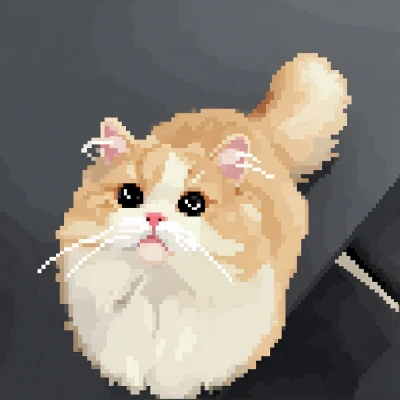
Pixel Art Inspiration Gallery


How to Make Image into Pixel Art in 3 Simple Steps
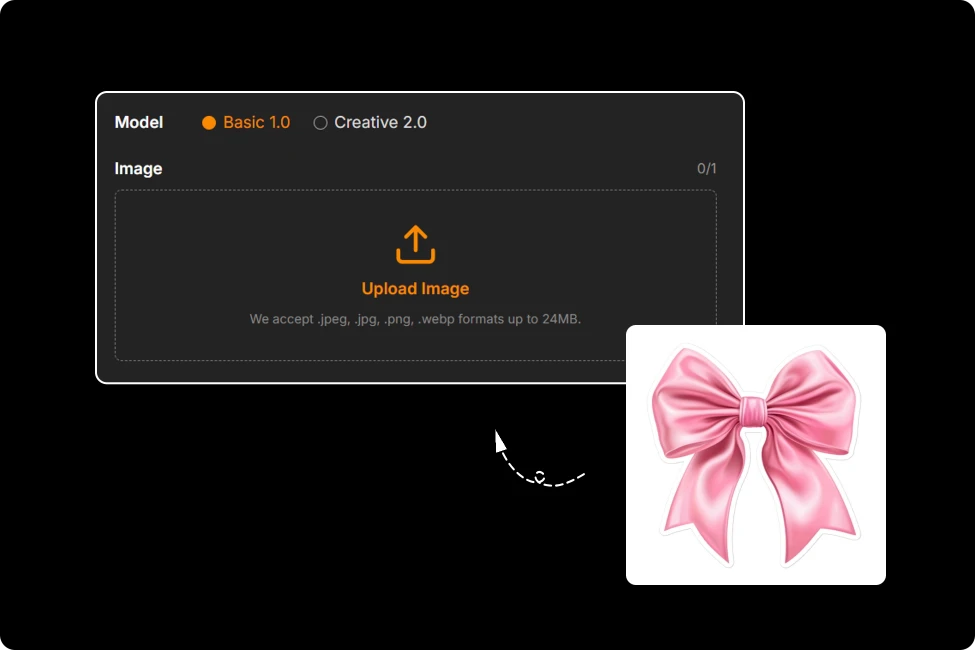
Step 1: Upload Your Image
Upload a JPG, JPEG, PNG, or WEBP image up to 24MB and start your pixel art transformation instantly.

Step 2: Customize or Let AI Create
Use our prompt suggestions, or write your own description. Adjust the output ratio before generating your pixel artwork.
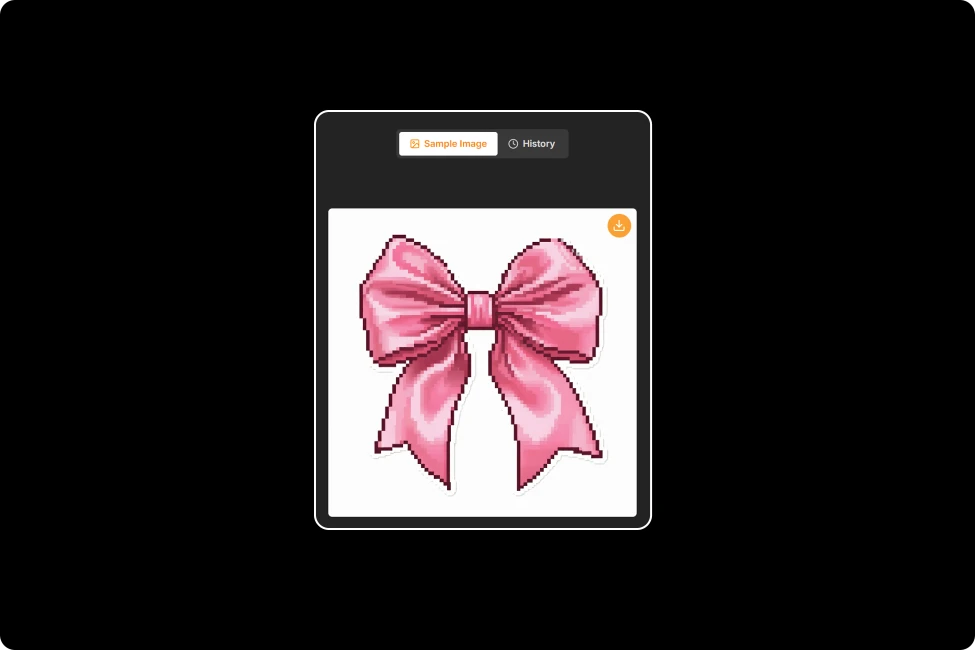
Step 3: Download Your Pixel Art
Preview your result instantly, regenerate if needed, then download your HD pixel artwork with no watermark.
Smarter Image to Pixel Art, Better Results
Flexible Aspect Ratios for Every Project
One size rarely fits every idea. Choose the aspect ratio that matches your project, from social posts to game assets, then convert image to pixel art without awkward cropping or losing your creative composition.
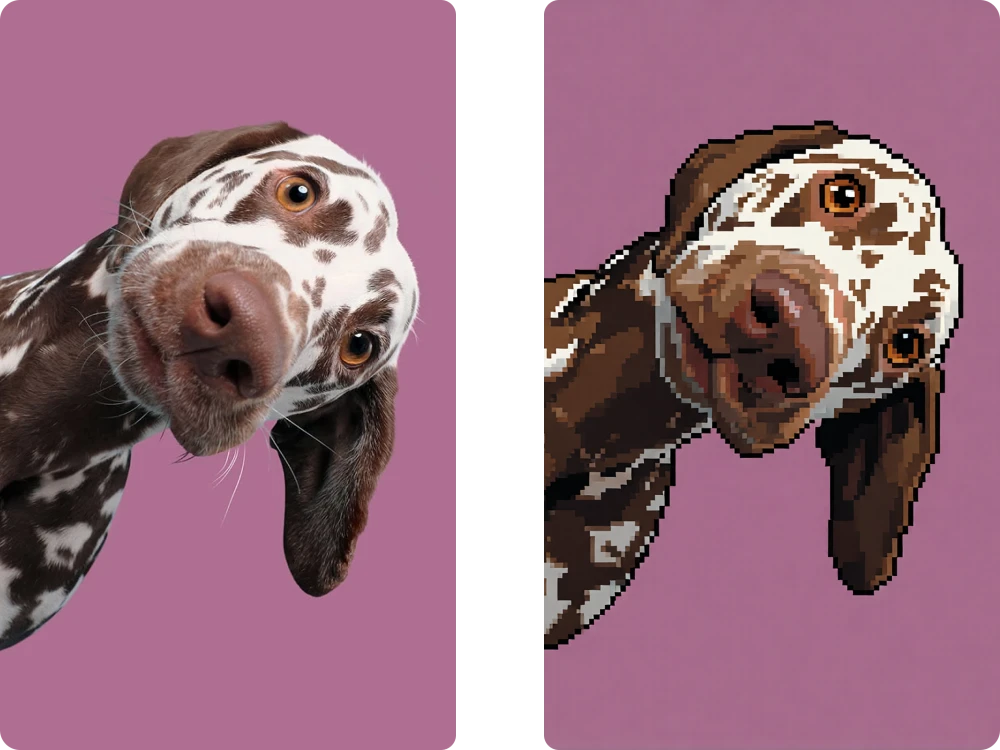
Customize Every Pixel with Editable AI Prompts
The best ideas deserve a personal touch. Start with AI-generated suggestions or rewrite every prompt to match your vision, making how to make image into pixel art easier, more creative, and completely your own.
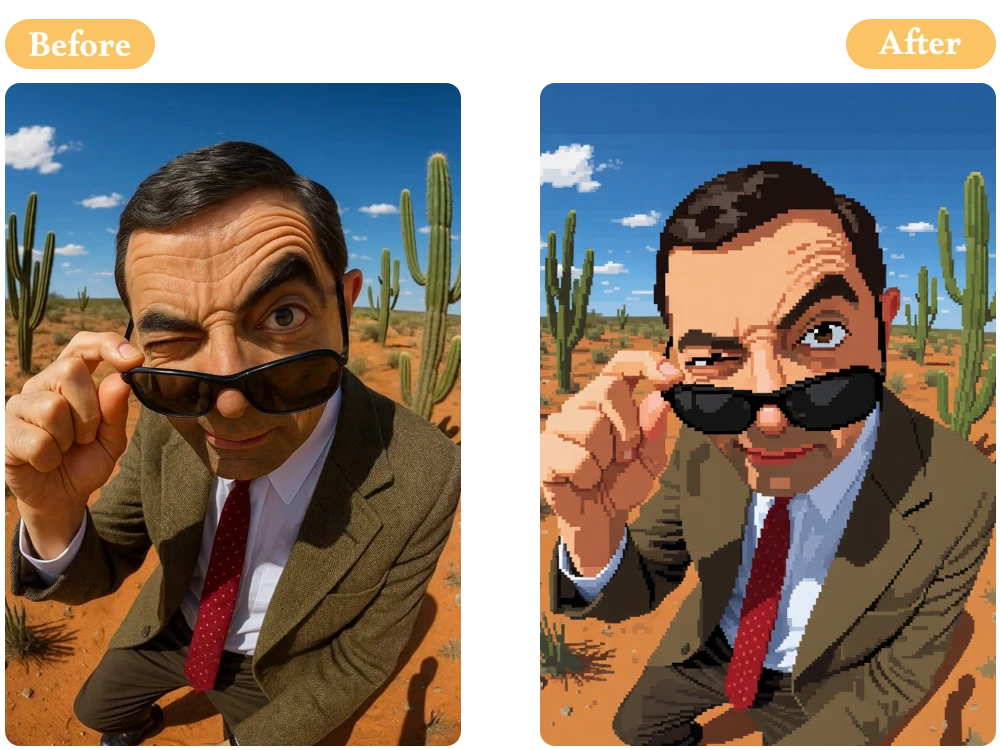
Image to Minecraft Pixel Art Made Easy
Block by block, imagination comes alive. Create clean, recognizable image to Minecraft pixel art for builds, maps, and fan projects with balanced colors that stay true to your original image while embracing classic pixel style.
High-Resolution Pixel Art with No Watermark
Tiny pixels shouldn't mean tiny quality. Every creation is generated in high resolution and exported without watermarks, so your Image to Pixel Art Converter results are ready for sharing, printing, or commercial projects immediately.
Loved by Pixel Art Creators Worldwide
I wanted retro stickers for my shop, so I used convert image to pixel art on my original illustrations. The nostalgic style doubled customer engagement during my latest product launch.
Emily Foster
Etsy Shop Owner
I wanted something different from ordinary profile pictures. After I convert your photo into pixelart, friends immediately asked which artist designed it for me.
Sophie Martinez
Content Creator
I create retro gaming videos, and the Free Pixel Art Generator helps me produce eye-catching thumbnails in minutes. No watermark means I can publish immediately.
Lucas Reed
YouTube Creator
FAQ about Image to Pixel Art Converter
1.Is this Image to Pixel Art tool free to use?
2.What image formats are supported?
3.Can I customize pixel art before generating?
4.Can I create image to Minecraft pixel art?
5.Are my uploaded images private?
6.Can I create more than basic pixel art?
7.How can I get better pixel art results?
Ready to Create Pixel Art You'll Love?
Try our Free Pixel Art Generator today and discover how quickly AI can turn ordinary photos into unforgettable retro artwork.