Free AI Batch Image Editor Online

Edit multiple images with AI for creators, designers, and businesses who need fast, consistent, and customized photo improvements.

Model

Batch Images

0/50

Upload Image

We accept .jpeg, .jpg, .png, .webp formats up to 24MB.

Prompt

Sample:

Ratio

Resolution

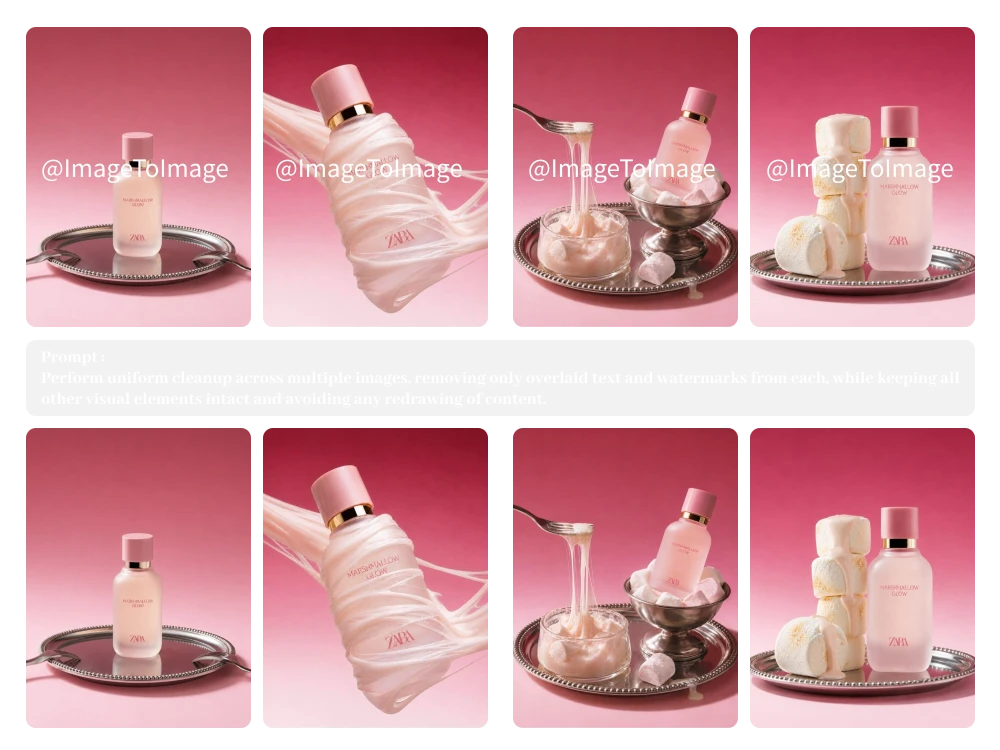
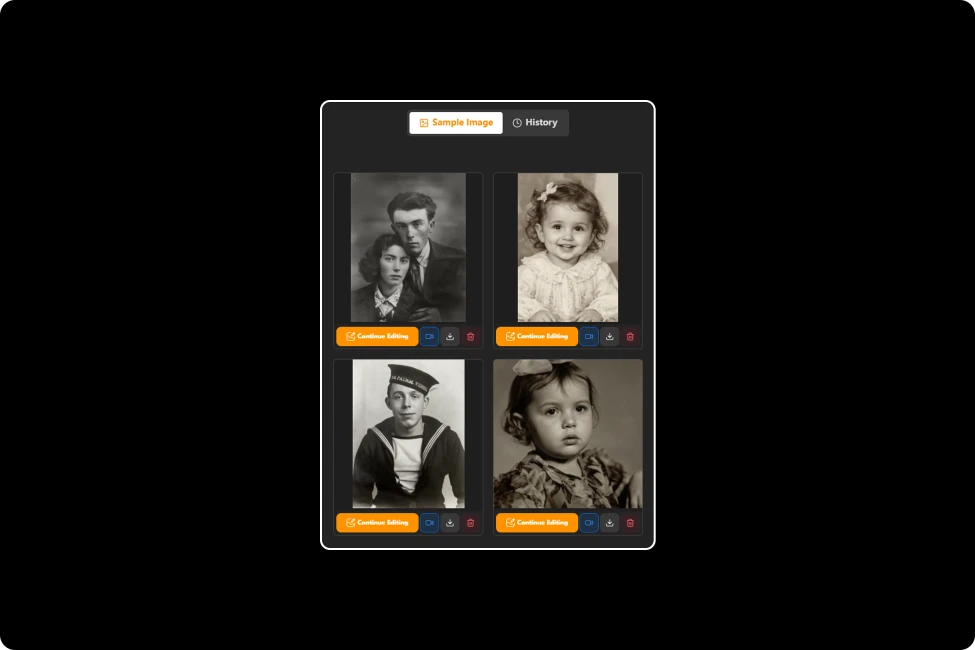
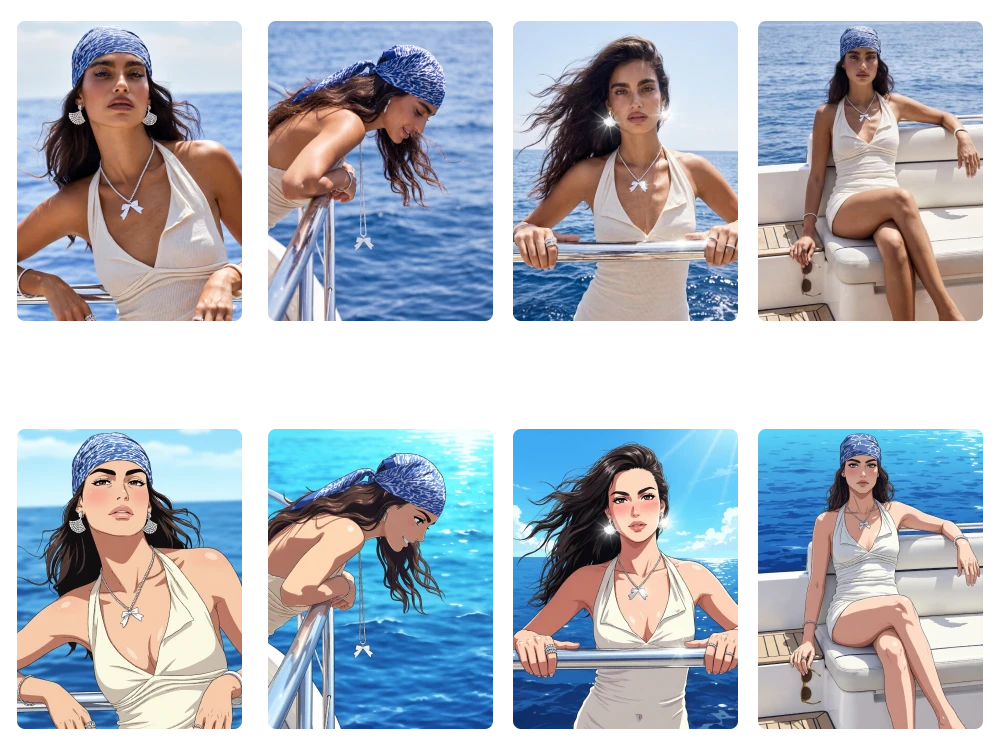
Batch Image Editor sample

Edit multiple images with AI for creators, designers, and businesses who need fast, consistent, and customized photo improvements.

How to Batch Edit Photos with AI in 3 Simple Steps

Upload Multiple Images

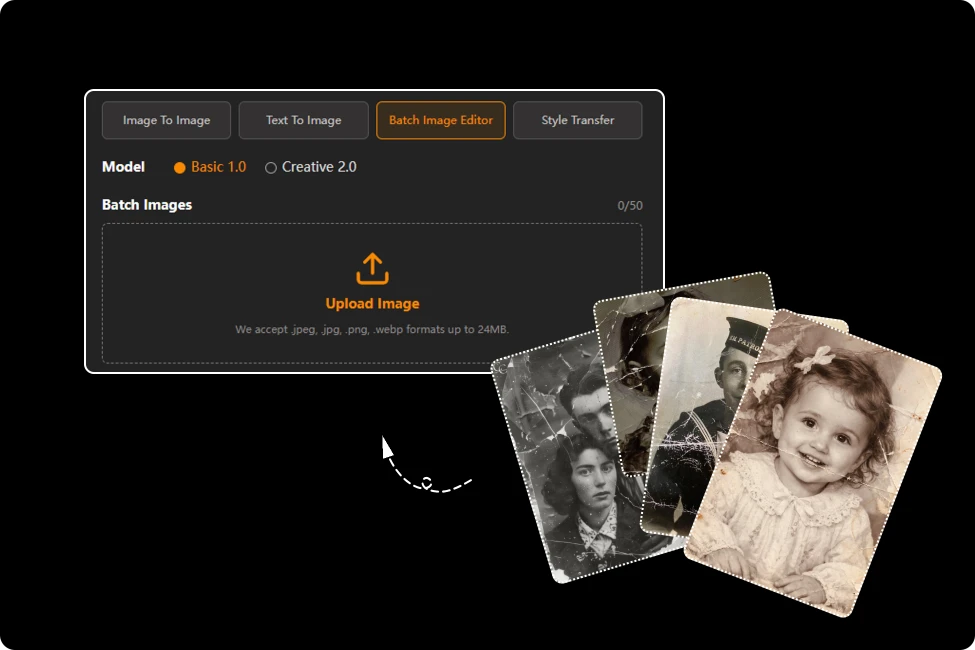
Step 1:Upload Multiple Images

Select and upload multiple images at once. You can choose up to 50 images per batch, with each file supported up to 24MB

Enter Your Editing Prompt

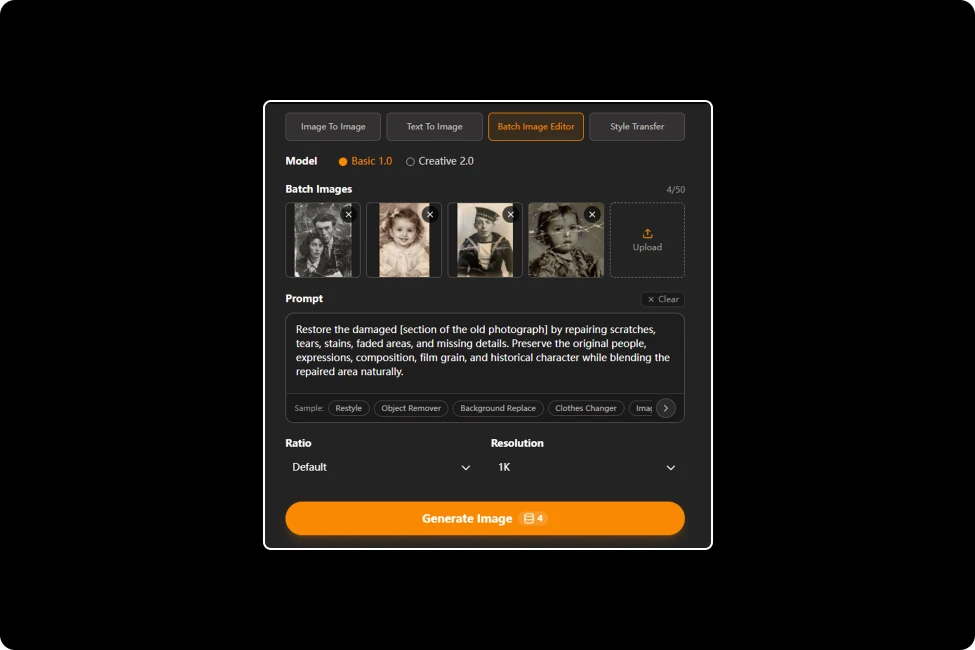
Step 2: Enter Your Editing Prompt

Describe your desired changes with custom AI prompts. The AI will analyze your instructions and apply consistent edits across all uploaded images.

Export Your Edited Images

Step 3: Export Your Edited Images

Click the “Export” button to download a ZIP file containing all your edited photos, ready to use, share, or publish.

Simplify Your Image Editing Workflow with Bulk Photo Editor

Automate Batch Image Editing with Custom AI Prompts

Skip repetitive manual edits by describing your ideas with custom prompts. Our AI batch editor understands your instructions and automatically applies changes across multiple images, helping creators and teams complete consistent edits faster.

Start Editing Instantly with Flexible Image Uploads

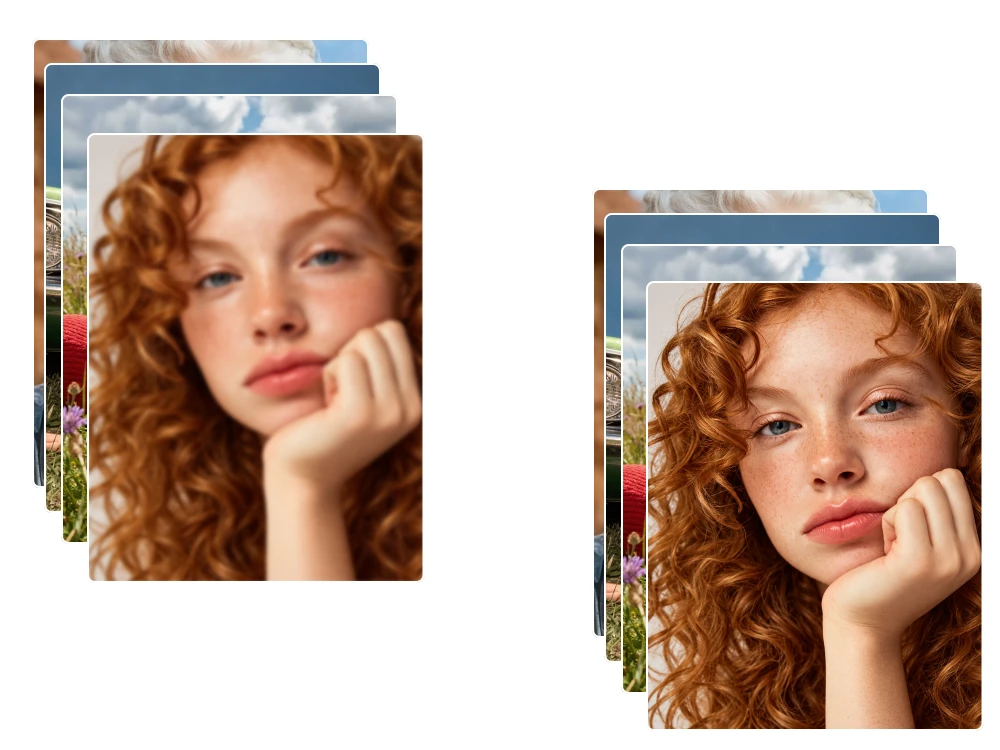
Preserve Key Details While Editing Images in Bulk

Keep faces, product shapes, textures, and important elements unchanged while applying AI edits. This batch photo editor analyzes each image individually, helping maintain original details when modifying colors, styles, backgrounds, or visual effects in bulk.

Shape Every Detail with Complete Creative Control

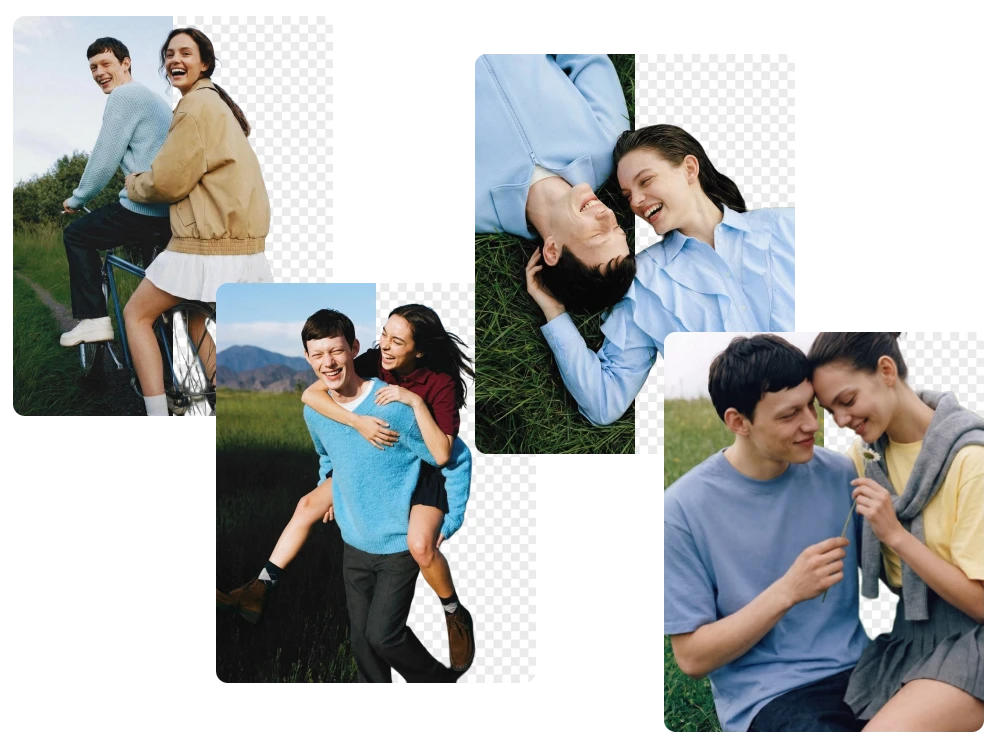
Change Backgrounds and Scenes Across Multiple Images

Replace image backgrounds or create new environments by describing the scene you need. Our Bulk Photo Editor generates suitable settings while preserving the main subject, perspective, and lighting, making it easier to create product and marketing visuals.

Create More Consistent Results with an AI Image Maker

Transform Multiple Images into a Unified Visual Style

Apply the same artistic direction to a collection of images using AI prompts or reference images. This batch image editor online helps creators transform different photos into a unified style while maintaining each image’s unique composition and details.

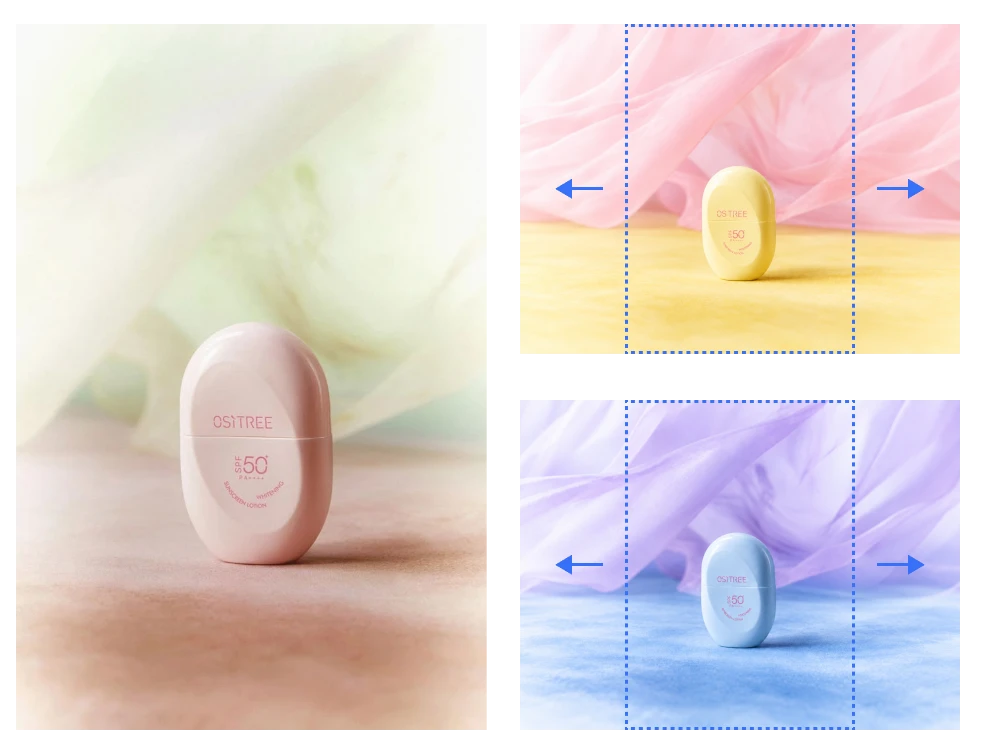
Design Images for Any Format, Screen, or Campaign

Batch Image Editor Reviews from Real Users

Our team needed dozens of branded visuals for a seasonal campaign. This batch photo editor helped us apply colors, styles, and creative changes across images while keeping every post visually consistent and ready on schedule.

Sophia Mitchell

Social Media Manager

Our team manages many visual assets every week. This batch image editor online reduced repetitive editing work by applying AI prompts to multiple files, allowing designers to focus more on creative decisions.

Ethan Collins

Creative Operations Manager

During a client rebranding project, I used the AI batch editor to update multiple images with a unified visual direction. The tool helped me test different styles quickly while preserving important details in each original photo.

Marcus Rivera

Graphic Designer

FAQ about Free Batch Image Editor

1.Can I Use the Batch Image Editor for Free Online?

Yes. You can use our batch image editor online for free with 5 daily credits provided by our website. Simply upload your images, enter your editing prompts, and try AI-powered batch editing without paying or signing up.

2.How Many Images Can I Edit at Once with a Batch Image Editor?

You can upload and edit up to 50 images in one batch. Each uploaded image is processed individually, allowing you to apply the same editing direction across multiple photos while maintaining the original purpose and composition of each image.

3.What Image Formats Does the AI Batch Editor Support?

The AI batch editor supports common image formats including .jpeg, .jpg, .png, and .webp. Each file can be uploaded up to 24MB, making it suitable for product images, portraits, and marketing materials.

4.Can I Choose the Output Size or Aspect Ratio for Edited Images?

Yes. You can select your preferred output ratio before generating images. This makes it easier to prepare visuals for different platforms, including social media posts, advertisements, websites, and product listings.

5.How Can I Download My Edited Images After Batch Processing?

After AI editing is complete, you can export all processed images together as a ZIP file. This makes it easier to organize and use multiple edited photos without downloading each image individually.

Create Better Images with Powerful AI Batch Editing

Simplify your creative workflow with AI-powered batch editing. Upload your images, describe your ideas, and let AI transform your photos with consistent, professional results.