Free Image to Ghibli AI Online

Turn ordinary photos into charming Ghibli-style images with AI, made for creators, designers, and fans seeking a unique illustrated look.
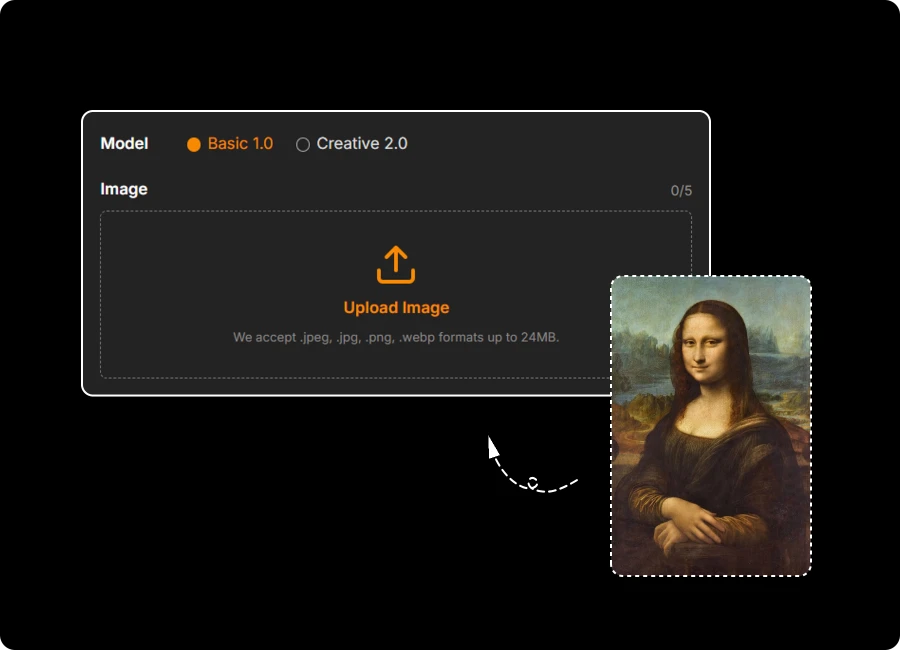
Model

Image

0/5

Upload Image

We accept .jpeg, .jpg, .png, .webp formats up to 24MB.

Prompt

Ratio

Loading preview...

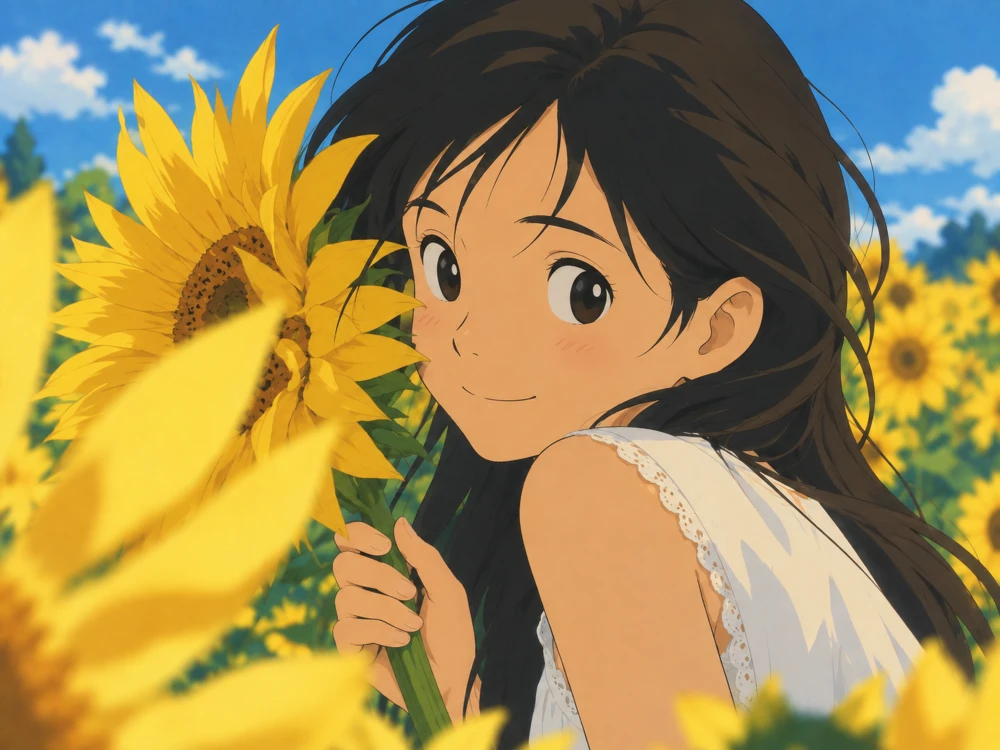
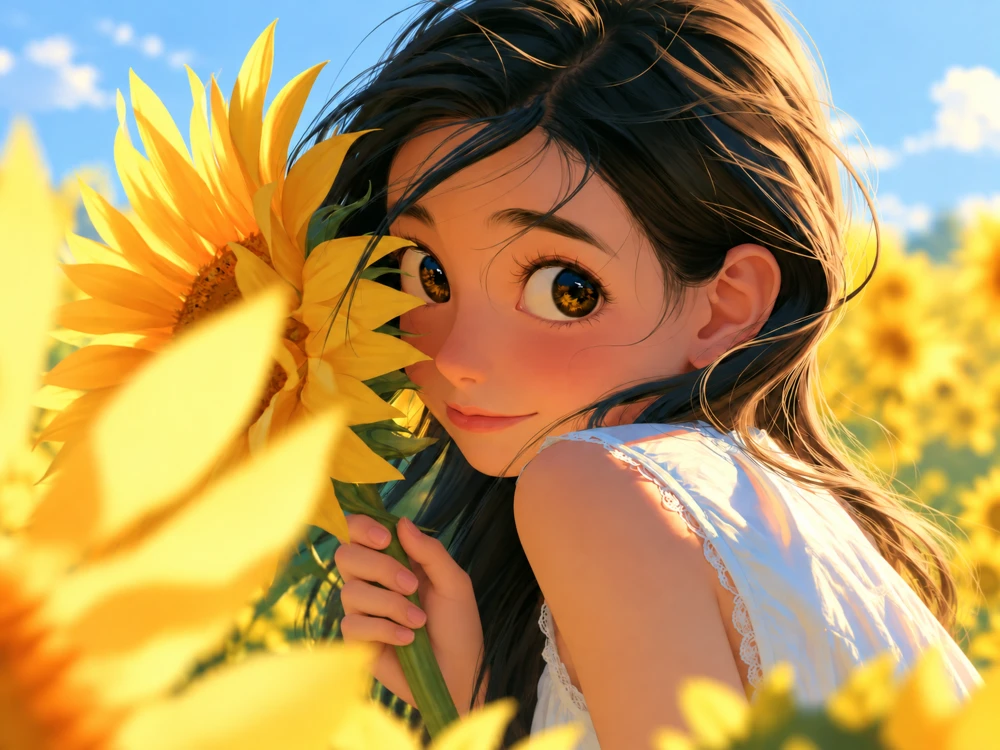
Ghibli-style portrait in a sunflower field
Original portrait in a sunflower field

Loading preview...

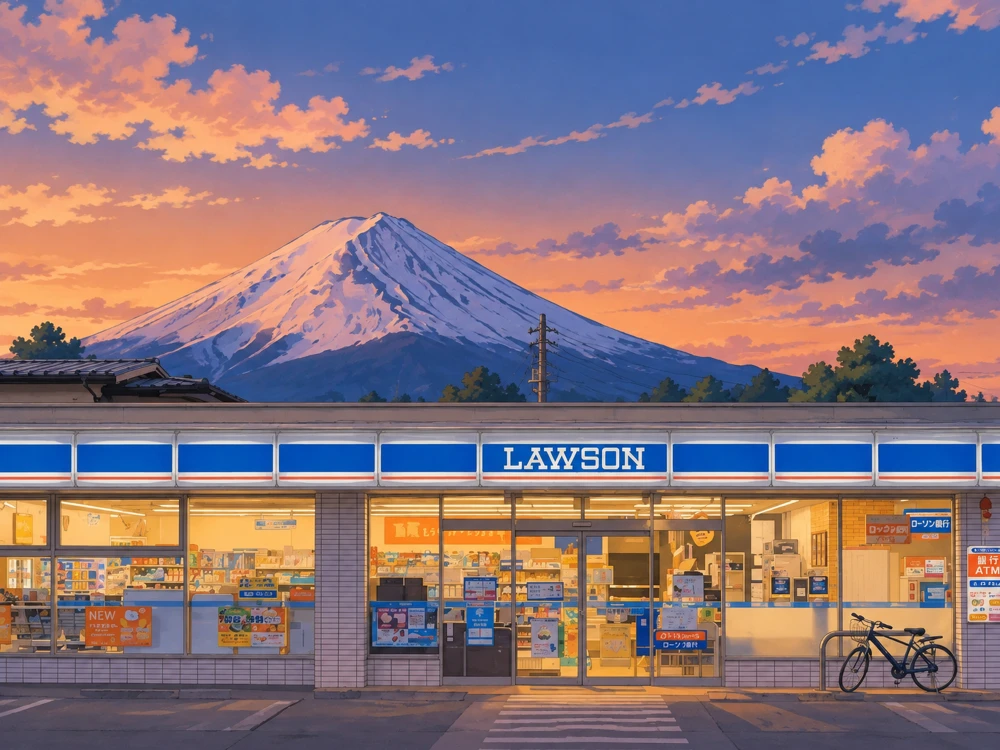
Ghibli-style convenience store and mountain artwork
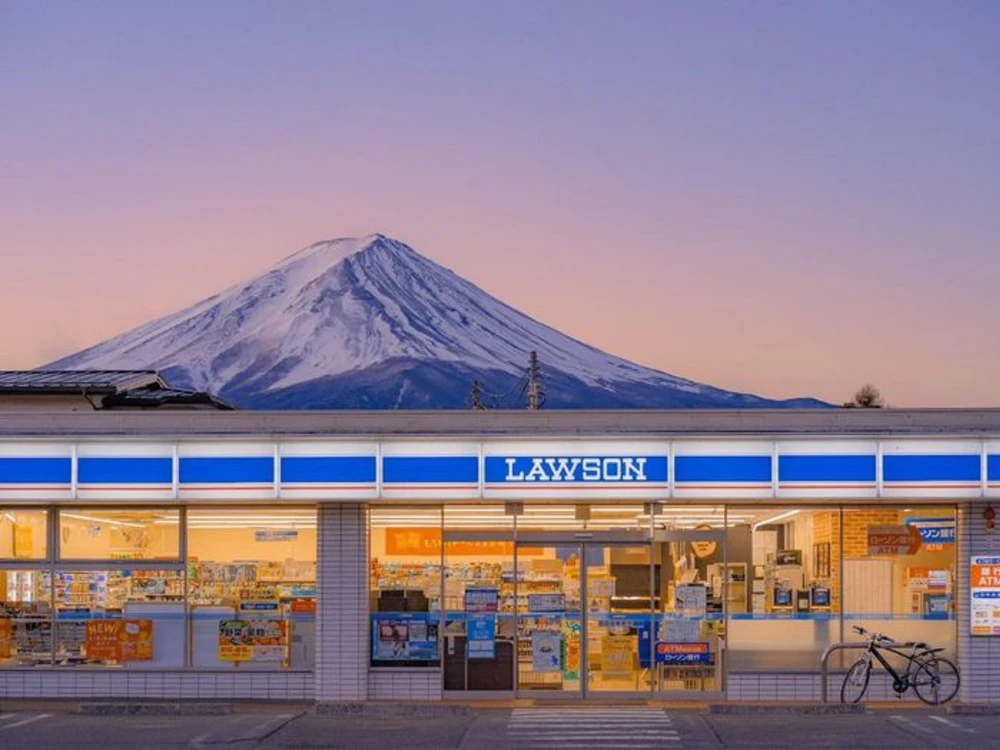
Original convenience store and mountain photo

Loading preview...

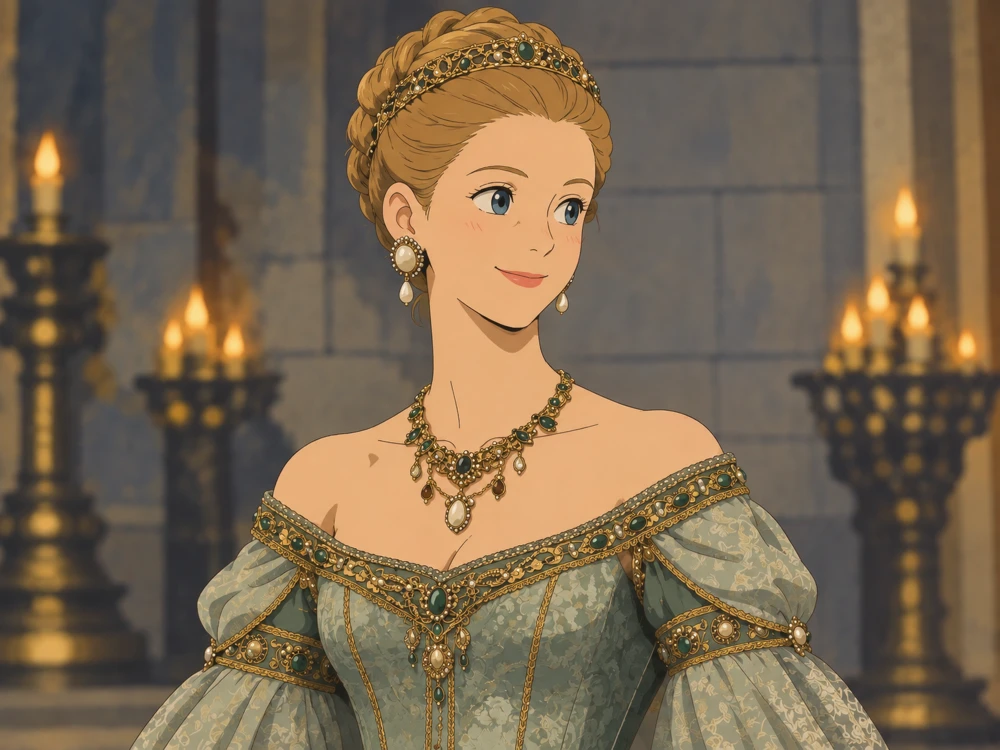
Ghibli-style formal portrait
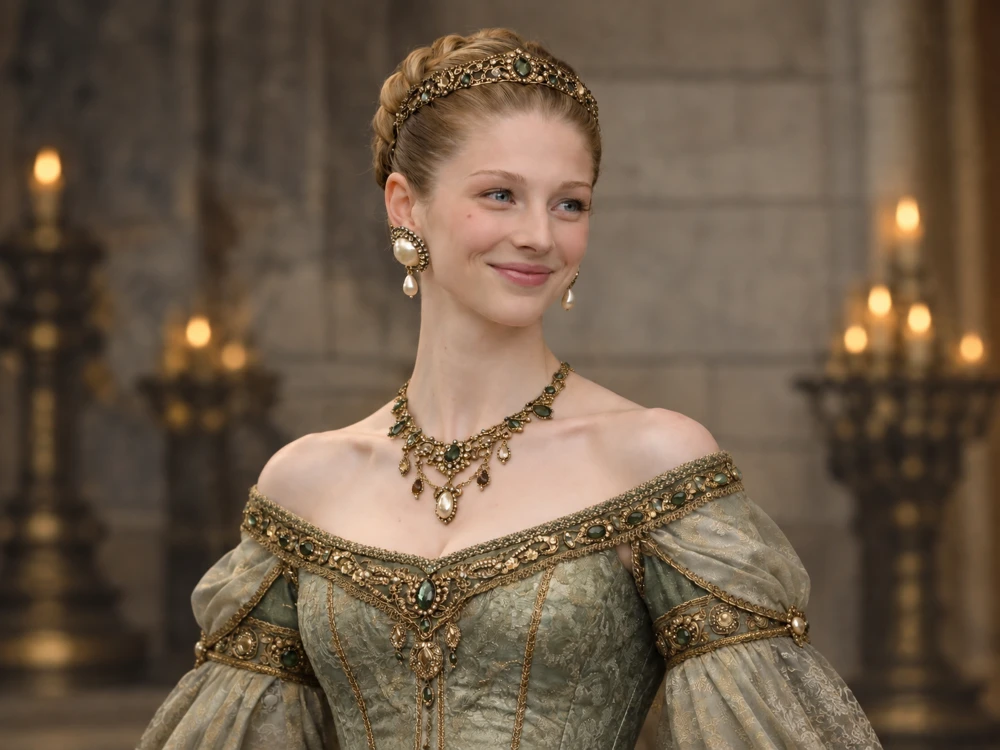
Original formal portrait

Turn ordinary photos into charming Ghibli-style images with AI, made for creators, designers, and fans seeking a unique illustrated look.

How to Create Ghibli Image Free?

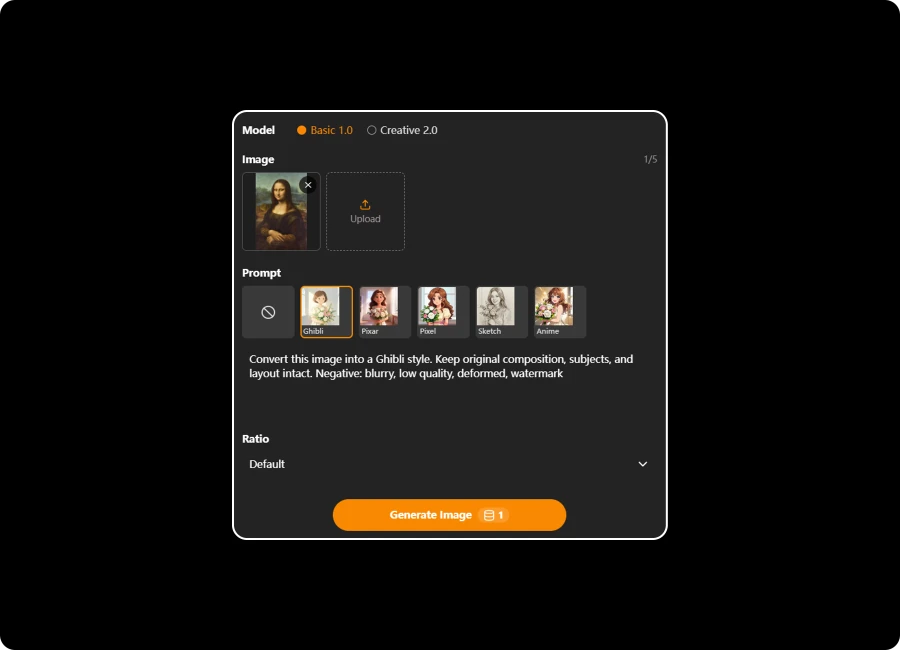
Upload Your Image

Step 1: Upload a Photo

Upload your photo in JPG, JPEG, PNG, or WEBP format and prepare it for AI-powered Ghibli transformation.
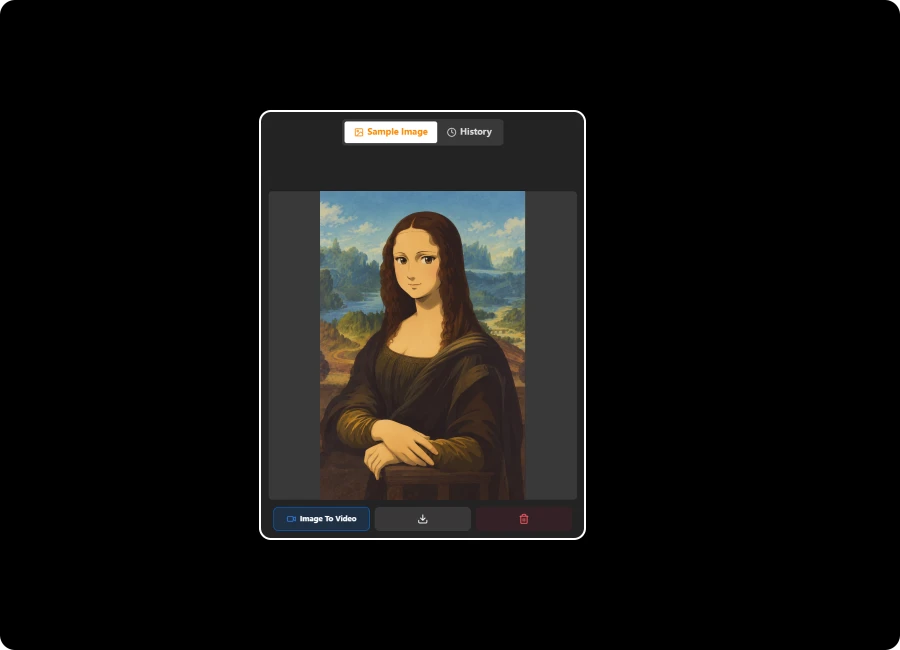
Generate Ghibli Artwork

Step 2: Generate Ghibli Artwork

AI converts your photo into a Ghibli-inspired illustration while preserving key details and visual elements.
Save Your Creation

Step 3: Save Your Creation

Download your finished Ghibli-style image in high quality and share your creative artwork anywhere.

Explore Creative Possibilities with Studio Ghibli AI Generator

Customize Your Ghibli Images with Flexible AI Prompts

Start with our built-in prompt templates or create your own custom instructions for more creative control. Our Ghibli AI Generator allows you to adjust colors, backgrounds, lighting, moods, and artistic details while preserving the original image composition and bringing your unique Ghibli vision to life.
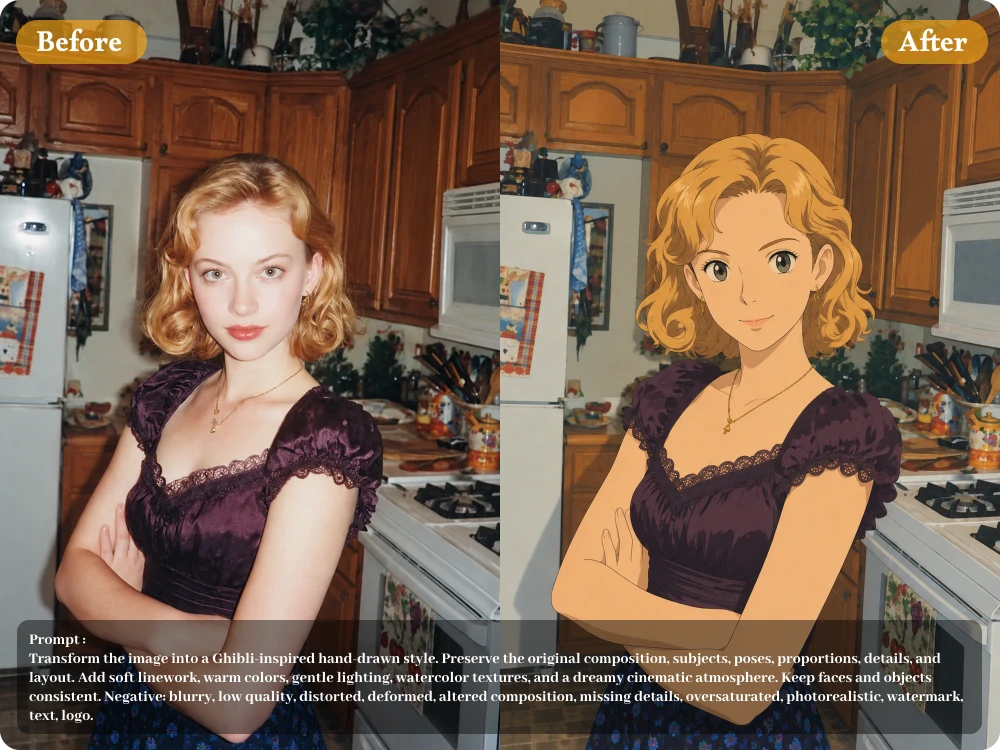
Start Editing Instantly with Flexible Image Uploads

Generate Ghibli Images in Your Preferred Aspect Ratio

Whether you need social posts, wallpapers, or profile images, choose the output size that fits your purpose. The Ghibli style image generator supports flexible aspect ratios, helping you create balanced compositions for different platforms.
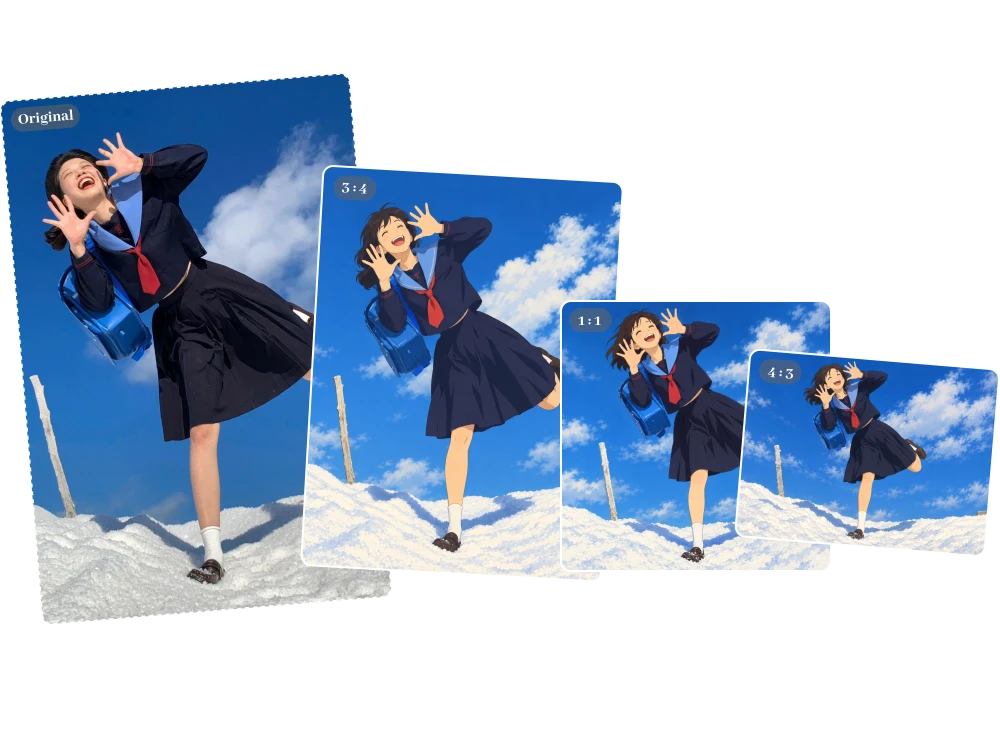
Shape Every Detail with Complete Creative Control

Turn Any Image into Ghibli Art with Studio Ghibli AI Generator

Whether you upload a portrait, pet photo, landscape, or product image, our Ghibli style image generator analyzes the original content before transforming it, helping preserve important subjects, colors, composition, and visual details instead of applying a generic filter.
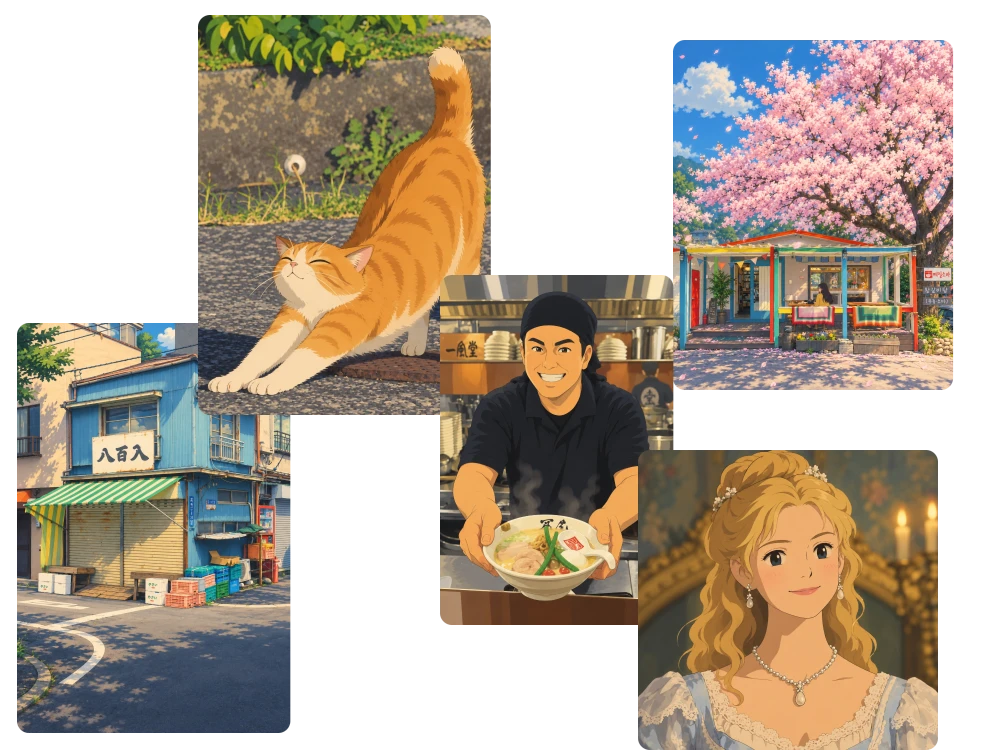
Create More Consistent Results with an AI Image Maker

Refine Your Ghibli Artwork with Follow-Up Prompts

Keep improving your generated images without starting over. With image to Ghibli art editing, you can adjust backgrounds, moods, colors, or character details through follow-up prompts until the final result matches your vision.
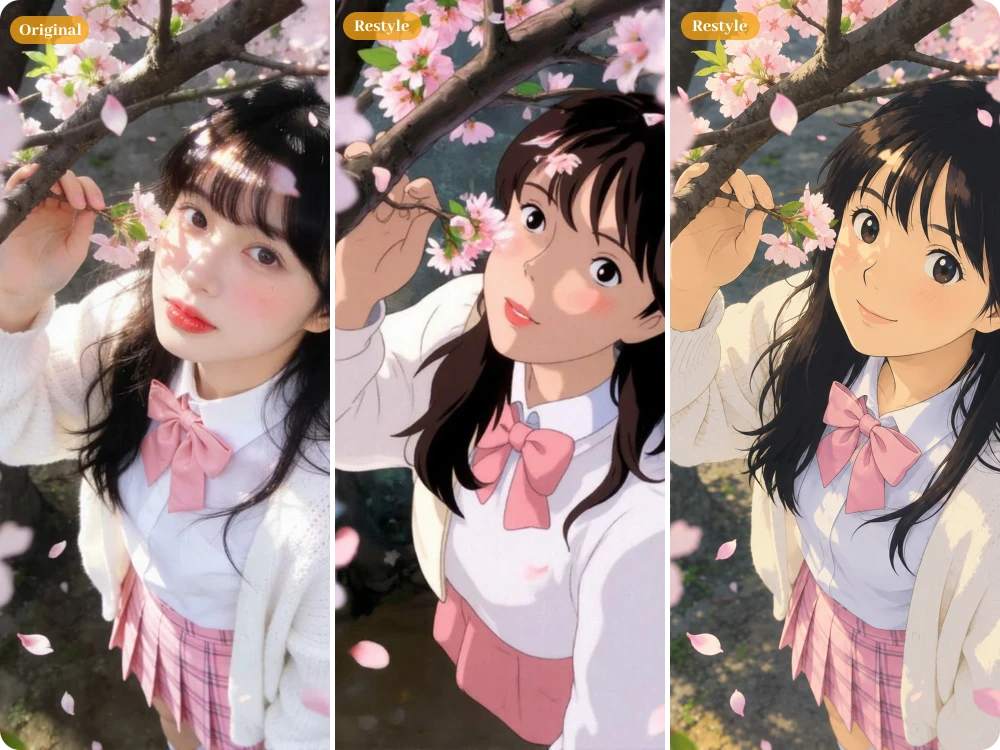
Design Images for Any Format, Screen, or Campaign

See What Users Create with Image to Ghibli AI

After visiting Japan, I converted my favorite mountain and village photos into dreamy artwork using the image to Ghibli art feature. The results helped me create more engaging travel posts with a beautiful animated storytelling style.

Daniel Carter

Travel Blogger

I uploaded several dog and cat photos and used the Ghibli Image Converter to create charming character-style portraits. The AI kept their unique features, making the images perfect for my pet photography portfolio.

Michael Reed

Pet Photographer

I transformed a family reunion photo into a warm illustration for my mother's birthday card. The Ghibli AI Generator preserved everyone's expressions and created a memorable gift that felt personal, artistic, and completely unique.

Emma Wilson

Graphic Designer

FAQ about Ghibli Image Generator

1. What Image Formats Does the Ghibli Image Converter Support?

You can upload .jpeg, .jpg, .png, or .webp images up to 24MB. Clear photos with recognizable subjects generally give AI more visual information to work with when converting your image into Ghibli-style artwork.

2. Can I Convert Any Photo into Ghibli-Style Art?

Yes. The Ghibli Image Converter can transform portraits, pets, landscapes, group photos, objects, and other everyday images. The AI analyzes the original content and applies the Ghibli-inspired visual treatment while retaining important elements of the source image.

3. Can I Customize My Ghibli Image with My Own Prompt?

Yes. Besides built-in prompt templates, you can write or modify your own instructions. The Ghibli AI Generator lets you describe changes to backgrounds, lighting, colors, mood, and other visual details instead of relying only on a fixed style filter.

4. Can I Choose the Aspect Ratio for My Ghibli Image?

Yes. You can select your preferred output aspect ratio based on how you plan to use the image, whether you are creating a social media post, phone wallpaper, profile image, or another visual format.

5. Can I Create HD Ghibli Images Without a Watermark?

Yes. Generated images are available in HD quality without watermarks, making them suitable for personal projects, social posts, wallpapers, creative experiments, and other uses where a clean final image is important.

6. Can I Create Multiple AI Images in One Workflow?

If your project requires several visuals, you can use the available generation workflow to explore different prompt directions and image variations. This is useful for comparing concepts, developing content ideas, or finding the strongest visual for a project.

7. Is Image to Ghibli AI Free to Use?

Yes. You can use Image to Ghibli AI online without signing up or creating an account. Get 5 free credits every day, which refresh automatically the next day. If you want to explore advanced features, you can purchase additional credits to unlock them.

Turn Everyday Moments into Ghibli-Style Art

A familiar photo can become something completely new with the right artistic touch. With Image to Ghibli AI, you can transform people, pets, places, and objects into dreamy Ghibli-inspired artwork.